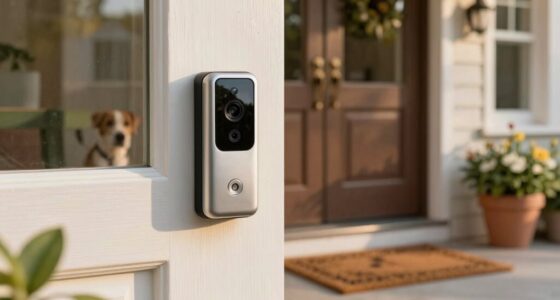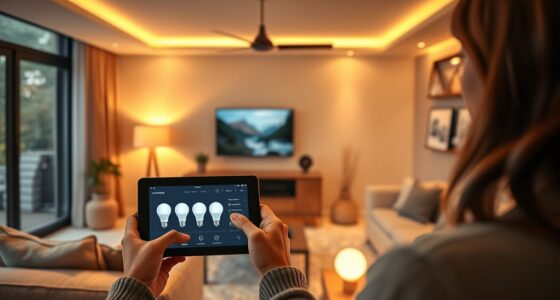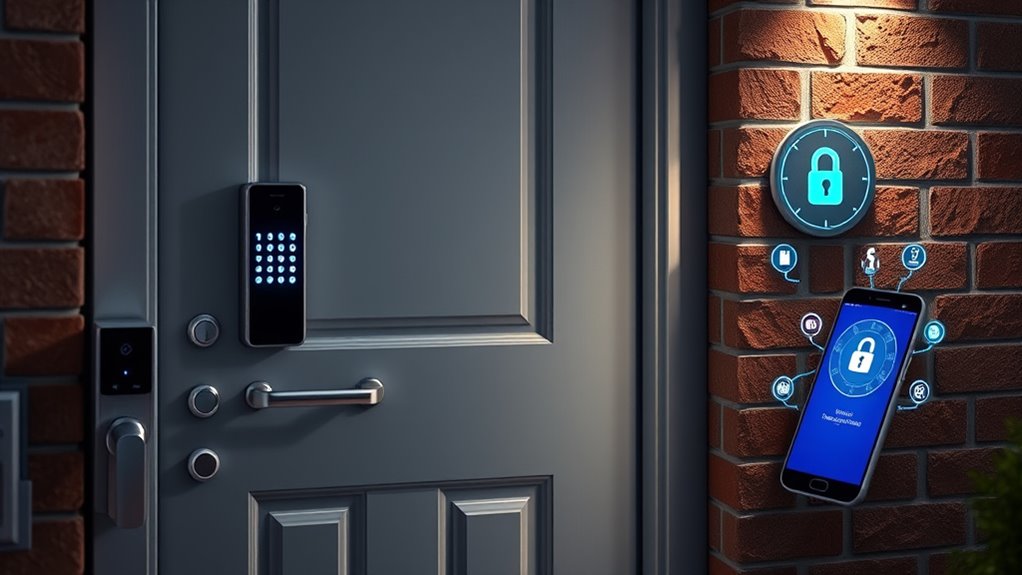

Smart security systems like locks and doorbells offer convenient biometric access and remote control, improving your safety. They allow you to monitor your property from anywhere, with live footage and instant alerts. However, cybersecurity is crucial; use strong passwords, enable two-factor authentication, and keep firmware updated to prevent hacking. Securing your Wi-Fi and safeguarding personal data help protect your devices and privacy. To guarantee your home stays safe and secure, explore these essential cybersecurity considerations further.

Get furniture and decor delivered free with Prime
- Fast, free delivery on millions of items
- Prime Video, Amazon Music and more included
- Member-only deals all year
Key Takeaways
- Use biometric access and remote control features for enhanced security and convenience with smart locks and doorbells.
- Regularly update firmware and enable strong, unique passwords to protect against hacking risks.
- Implement two-factor authentication and secure Wi-Fi networks to safeguard connected devices and personal data.
- Monitor real-time footage and receive alerts to quickly respond to suspicious activity.
- Balance convenience with cybersecurity best practices to prevent vulnerabilities and protect user privacy.

Have you ever wondered how technology is transforming the way we protect our homes and businesses? These days, smart security systems are more advanced than ever, offering features that keep you connected and give you peace of mind. One of the key innovations is biometric access, which uses your fingerprint or facial recognition to access doors. Unlike traditional keys or codes, biometric access provides a quick, secure way to control who enters your property. It’s nearly impossible for someone else to replicate your biometric data, making it a reliable security measure. Plus, biometric access systems can be integrated with your smartphone or security app, so you can grant or revoke access remotely. This means you don’t need to be physically present to let in a trusted guest or service provider.
Another game-changer is remote monitoring, which allows you to oversee your property from anywhere. Whether you’re at work, on vacation, or simply away for the day, you can check live footage from security cameras via your phone or computer. This constant connection helps you stay alert to any suspicious activity, giving you the ability to respond immediately. Many smart security systems also send instant alerts if they detect movement or unusual activity, so you’re always in the loop. Remote monitoring reduces the need for physical patrols or onsite security personnel, saving you money and effort while maintaining high levels of security. Additionally, the high refresh rates used in some security camera systems help provide clearer footage, especially in fast-moving or low-light situations.
However, with these technological advancements come cybersecurity considerations. Since smart security systems rely on internet connectivity, they’re vulnerable to hacking if not properly secured. It’s essential to use strong, unique passwords for your security devices and enable two-factor authentication whenever possible. Regular updates to your system’s firmware are vital to patch security flaws and keep intruders out. You should also be cautious about the data you share and make certain your Wi-Fi network is secure, avoiding easily guessable passwords. Proper cybersecurity practices protect your biometric data, camera feeds, and remote access points from malicious attacks.
In short, smart security systems with biometric access and remote monitoring offer unparalleled convenience and control, but they require diligent cybersecurity measures. By understanding and implementing these technologies thoughtfully, you can create a secure environment that keeps your home or business safe and accessible. Staying informed about potential vulnerabilities and maintaining good digital hygiene will help you maximize the benefits of your smart security setup.
As an affiliate, we earn on qualifying purchases.
Frequently Asked Questions
How Do Smart Locks Handle Power Outages?
Smart locks handle power outages by using built-in power backup systems like batteries, ensuring you maintain emergency access even when the main power is out. Most models automatically switch to backup power, so you won’t be locked out or lose control. It’s a good idea to regularly check and replace batteries to keep the backup reliable. This way, you stay secure and can access your home anytime, regardless of power issues.
Are Smart Doorbells Vulnerable to Hacking?
Yes, smart doorbells can be vulnerable to hacking, especially if you don’t secure their camera security features properly. Hackers might access live feeds or recorded footage, raising privacy concerns. To protect yourself, use strong, unique passwords, enable two-factor authentication, and keep firmware updated. Regularly review your device’s security settings to minimize risks and guarantee your privacy remains intact.
What Is the Best Cybersecurity Practice for Smart Security Devices?
You should prioritize regular firmware updates and strong encryption protocols for your smart security devices. Keeping firmware current patches vulnerabilities and enhances security, while encryption protocols safeguard your data during transmission. Also, use unique, strong passwords and enable two-factor authentication whenever possible. These practices help prevent hacking and ensure your smart security system remains protected against cyber threats.
Can Smart Locks Be Integrated With Existing Home Security Systems?
Yes, you can integrate smart locks with your existing home security system. This integration enhances access control and simplifies key management, allowing you to monitor and control who enters your home remotely. Make sure your smart lock is compatible with your security system’s hub or app. Proper integration guarantees seamless operation, improves security, and gives you centralized control over access points, making your home safer and more convenient.
How Is User Access Managed in Shared Smart Lock Systems?
User access in shared smart lock systems is managed through user permissions and access control settings, giving you the power to control who enters your home. You can assign temporary or permanent access, revoke permissions instantly, or set schedules for specific users. This system is as flexible as a gymnast, ensuring only trusted individuals can open your door, making your home safer and more secure.
Conclusion
So there you have it—your shiny new smart security system might keep intruders out, but don’t forget, it’s also handing them the keys to your digital kingdom. With hackers lurking like digital ninjas, maybe it’s time to contemplate if all those fancy locks and doorbells are just a high-tech way to invite trouble. After all, who needs burglars when your Wi-Fi can do the job for them? Stay smart, stay secure—and maybe skip that “easy to guess” password.
Halloween Picks
halloween
As an affiliate, we earn on qualifying purchases.