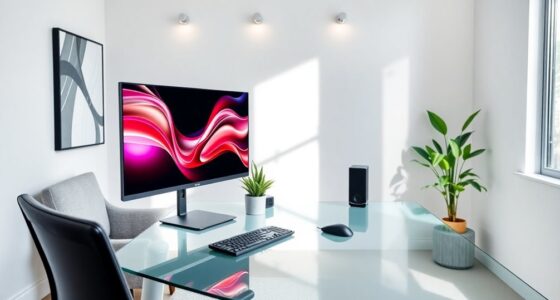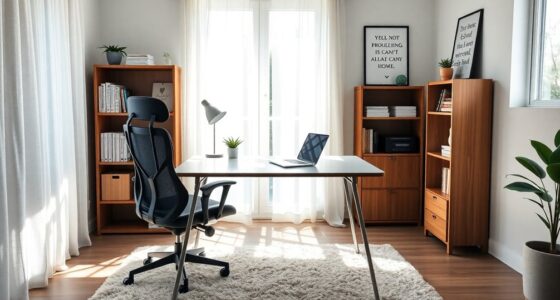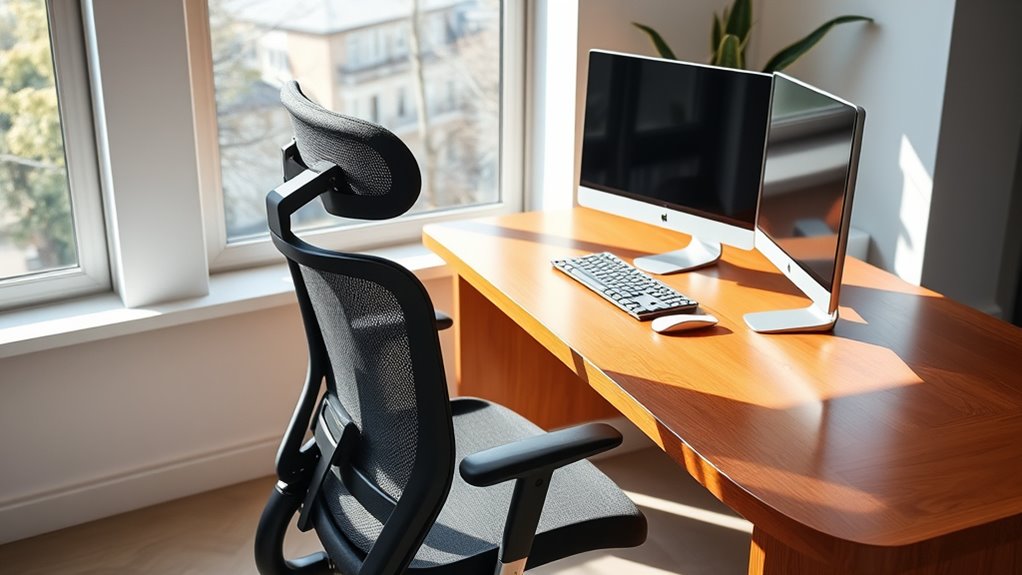

To select ergonomic chairs and desks for healthy posture, focus on adjustable features like height, lumbar support, and seat comfort. Your chair should keep your feet flat, hips aligned, and shoulders relaxed, while your desk should allow your monitor to be eye level and your keyboard close enough to prevent reaching. Proper positioning and customizable options help reduce strain during long hours. Keep exploring to discover the key choices that will make your workspace healthier and more comfortable.
Key Takeaways
- Choose adjustable chairs with lumbar support to maintain natural spine curvature and promote proper back alignment.
- Select desks with height adjustment features to ensure feet are flat on the floor and thighs are parallel to ground.
- Opt for ergonomic keyboards with split or curved layouts to keep wrists in a relaxed, neutral position during typing.
- Ensure monitors are positioned at eye level to reduce neck strain and encourage proper head and neck alignment.
- Incorporate adjustable armrests and breathable seat cushions to enhance comfort and support healthy posture throughout the day.
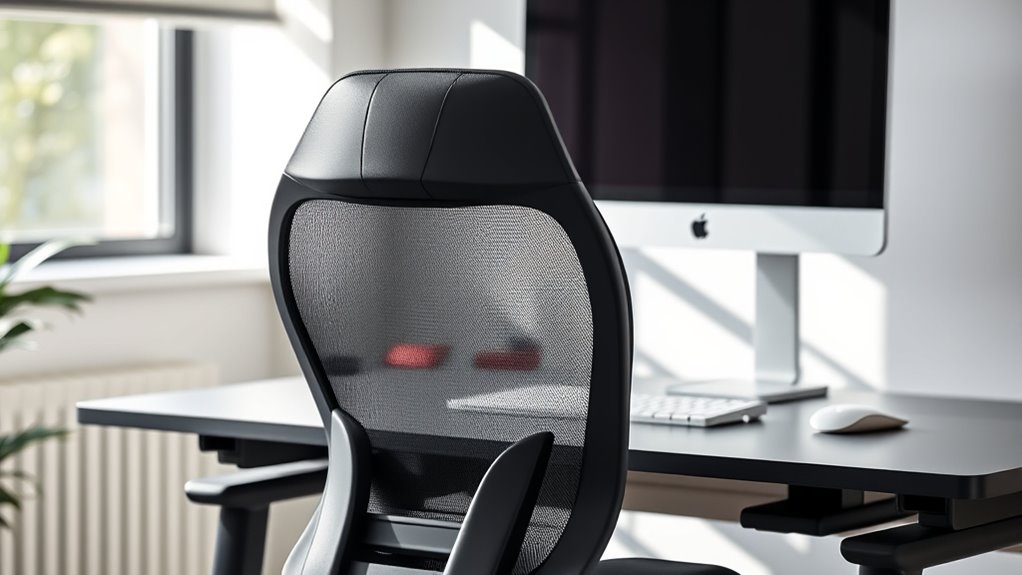
Ergonomic furniture is designed to support your body comfortably and promote better posture, especially during long hours at a desk. When choosing a desk or chair, it’s essential to prioritize features that allow you to customize your setup for ideal comfort. One key aspect is the keyboard layout. A well-designed keyboard layout ensures your wrists remain in a natural position, reducing strain and preventing repetitive stress injuries. Look for a keyboard that can be positioned close to your body, avoiding the need to reach forward or stretch your arms. An ergonomic keyboard with a split or curved layout can help keep your wrists straight and relaxed, making typing more comfortable during extended work sessions.
A well-designed keyboard layout promotes natural wrist position and reduces strain during long work sessions.
Along with the keyboard layout, an adjustable height feature is crucial for maintaining healthy posture. Your desk and chair should allow you to set the height so that your feet rest flat on the floor, your thighs are parallel to the ground, and your elbows are at a 90-degree angle. Adjustability ensures you can fine-tune your workspace according to your body size and sitting habits. When your desk height is customizable, you can switch effortlessly between sitting and standing positions if you use a sit-stand desk, reducing fatigue and promoting circulation. A desk with adjustable height also helps prevent slouching or leaning forward, which can cause neck and back pain over time.
Choosing a chair with adjustable height is equally important. Your chair should support your lower back’s natural curve and allow your feet to stay firmly on the ground. Proper chair height ensures your shoulders remain relaxed while typing or using the mouse, minimizing tension in your neck and shoulders. When your chair height is adjustable, it’s easier to align your hips, back, and neck in a neutral position, fostering good posture throughout the day. Additionally, ergonomic furniture can help reduce discomfort and improve overall well-being by encouraging proper body alignment.
In addition to height adjustments, look for ergonomic features like lumbar support, adjustable armrests, and a breathable seat cushion. These elements complement the adjustable height capability, creating a tailored workspace that adapts to your needs. Remember, an ergonomic setup isn’t just about choosing the right furniture but also about positioning your equipment correctly. Keep your monitor at eye level, and ensure your keyboard and mouse are within easy reach to avoid unnecessary stretching. By paying attention to these details and selecting furniture with adjustable height and a proper keyboard layout, you set yourself up for a healthier, more comfortable work environment, reducing the risk of discomfort and injury in the long run.
Frequently Asked Questions
How Often Should I Replace My Ergonomic Chair for Optimal Health?
You should replace your ergonomic chair every 7 to 10 years to maintain ideal health. Regular chair maintenance, like tightening screws and checking for wear, extends its ergonomic lifespan. Over time, cushions and support features degrade, reducing comfort and posture benefits. Pay attention to signs like persistent discomfort or decreased support, and consider replacing your chair sooner if it no longer promotes healthy posture or if repairs become frequent.
Can Ergonomic Furniture Improve Existing Back Pain or Only Prevent It?
Ergonomic furniture can definitely help improve existing back pain through posture correction and pain relief. When you use supportive chairs and adjustable desks, you promote proper alignment, reducing strain on your back muscles. Consistent use of ergonomic furniture encourages better habits, which can alleviate discomfort over time. While it might not be a cure-all, it considerably contributes to managing and preventing worsening pain, making your workspace healthier and more comfortable.
Are There Specific Ergonomic Features Suitable for Different Body Types?
Think of your body as a unique puzzle—there’s no one-size-fits-all! For your ergonomic setup, look for features like adjustable lumbar support and seat depth, which tailor the chair to your body’s shape. These features guarantee proper support and comfort, regardless of your size or posture needs. By customizing your chair, you’re not just sitting—you’re investing in your health and comfort, puzzle-piece perfect.
How Do I Adjust My Chair and Desk for Maximum Comfort?
You should adjust your chair’s lumbar support to fit the natural curve of your lower back, ensuring proper spinal alignment. Set the seat height so your feet are flat on the floor and your knees are at a 90-degree angle. Make sure your hips are level with or slightly higher than your knees. These adjustments promote comfort and help you maintain healthy posture throughout your workday.
What Are Cost-Effective Ergonomic Options for a Home Office?
Imagine transforming your home office into a comfort zone without breaking the bank. You can find budget-friendly solutions like adjustable cushions, DIY monitor stands, or repurposing household items as ergonomic supports. These DIY ergonomic setups are easy to implement and effective, helping you maintain good posture without costly furniture. With a little creativity, you’ll create a healthier workspace that boosts productivity and feels great to work in everyday.
Conclusion
By choosing the right ergonomic chair and desk, you’re not just investing in furniture—you’re transforming your entire well-being. Prioritize comfort and support to prevent discomfort, boost productivity, and maintain a healthy posture that lasts a lifetime. Remember, the right setup can make sitting feel like a breeze instead of a burden. Don’t settle for less—your body deserves nothing short of perfection. Make smart choices today, and enjoy a future where pain is a distant memory.