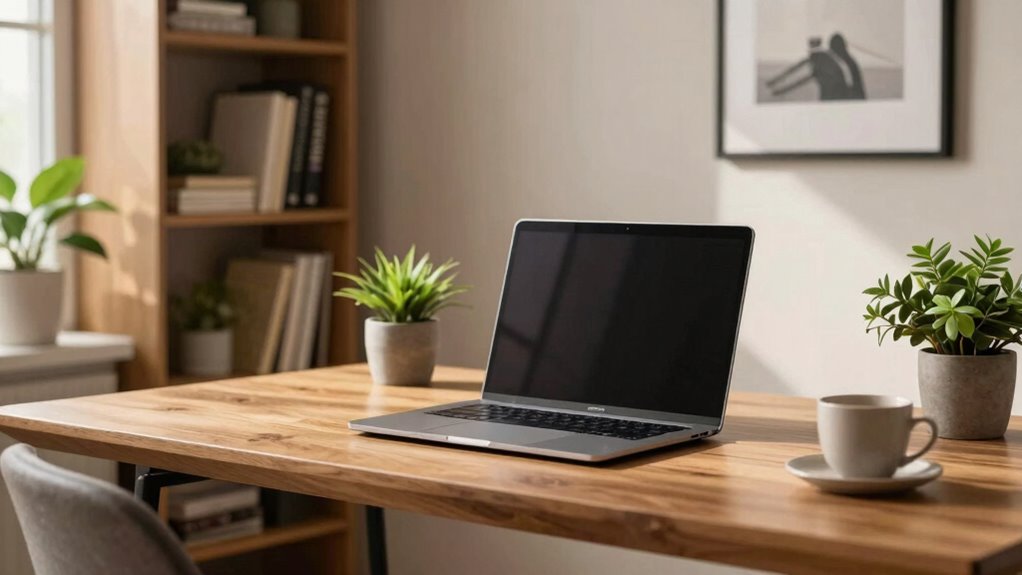

To improve your home office background for video calls, focus on good lighting—natural light or soft, adjustable lamps work best—and position yourself at eye level. Keep your background clean and organized, with minimal clutter and neutral colors. Add a few well-chosen items like a plant or framed picture for visual interest. Regularly check your setup, adjusting lighting and decor as needed. Want to discover more tips? Keep exploring for detailed guidance.

Get furniture and decor delivered free — and shop member deals
- Fast, free delivery on millions of items
- Access to Prime Big Deal Days deals on October 6–7
- Prime Video, Amazon Music and more included
Key Takeaways
- Use soft, even lighting from natural sources or diffused lamps to reduce shadows and glare.
- Declutter and decorate with minimal, professional items like plants or framed pictures.
- Position the camera at eye level and frame the shot to include your upper body and background.
- Keep the background neutral, tidy, and free of distracting clutter or busy patterns.
- Regularly review and adjust lighting and decor for a polished, consistent professional appearance.
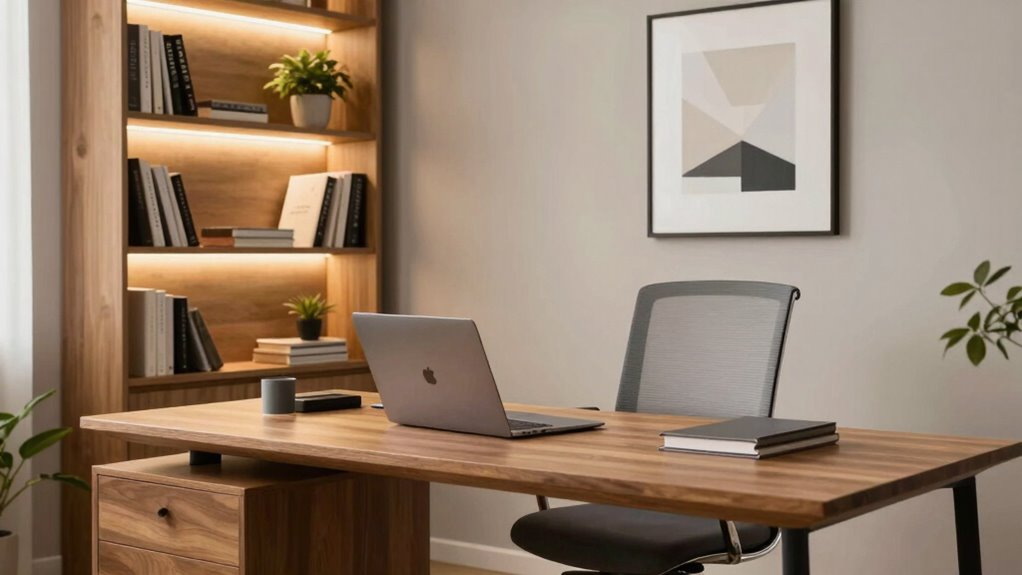
With more people working remotely, your home office background plays a vital role in how you come across on video calls. A professional, tidy background can boost your credibility and help you make a good impression. To achieve this, start with your lighting setup. Proper lighting is essential because it illuminates your face clearly and reduces shadows that can be distracting. Natural light is ideal, so position your desk near a window if possible. If natural light isn’t available, invest in a good ring light or adjustable LED lamps. Make sure the light is soft and evenly distributed, avoiding harsh glare or uneven shadows. Avoid placing bright lights directly behind you, as this can cause you to appear silhouetted.
A well-lit, clutter-free background enhances professionalism and makes a positive impression on video calls.
Next, consider your decor enhancements. Your background should reflect professionalism but also feel inviting. Declutter the space to eliminate distractions, and keep only a few well-chosen items visible. Incorporate some personal touches, like a framed picture or a small plant, to add warmth and personality without overwhelming the scene. Use neutral or muted colors for your backdrop to maintain a calm, focused environment. If you have shelves, neatly arrange books or decorative items to create visual interest. Remember, the goal is to look polished and approachable, so avoid cluttered or overly busy backgrounds. Understanding video call lighting can help you optimize your setup for the best visual appearance. Additionally, paying attention to home workspace organization can further improve the overall look and feel of your background.
Pay attention to the overall composition of your space. Position your camera at eye level to establish good eye contact and create a more natural connection. Ensure your background is centered and fills the frame without cutting off important details. If your space is small, consider using a backdrop or a curtain to hide any messy areas behind you. This simple decor enhancement can make your setup look more intentional and professional. Additionally, understanding home office setup can assist in creating a more cohesive and effective background for your calls.
Finally, keep lighting and decor consistent across your calls. Regularly check how your background appears on camera, and make adjustments as needed. When your lighting setup is balanced and your decor is thoughtfully arranged, you project confidence and competence. Your home office background becomes a subtle yet powerful tool that enhances your presence on video calls, making every interaction more effective and engaging.
As an affiliate, we earn on qualifying purchases.
Frequently Asked Questions
What Lighting Setup Works Best for a Professional Look?
You should use soft, diffused lighting placed at a 45-degree angle to your face to create a professional look. Opt for bulbs with a neutral color temperature for good color coordination. Avoid harsh overhead lights, as they create unflattering shadows. Instead, use a combination of desk lamps and ring lights to evenly illuminate your face, ensuring your background remains clear and professional on camera.
How Can I Reduce Background Noise During Calls?
To tame troubling sounds, try soundproofing tips like sealing gaps around doors and windows, adding soft furnishings, or hanging heavy curtains. Use noise-canceling devices like headphones or microphones with built-in noise suppression. These tactics tackle background noise head-on, helping you stay focused and professional during calls. Consistently applying soundproofing tips and leveraging noise-canceling devices creates a calm, clutter-free environment, ensuring your conversations come through clear and confident.
What Are Affordable Options for Decorating My Background?
You can easily upgrade your background with affordable options like decorative plants and wall art. Place small plants on your desk or shelves to add a touch of greenery and freshness. Hang colorful or inspiring wall art to create visual interest and reflect your personality. These inexpensive touches make your space inviting, professional, and lively, ensuring you look confident and approachable during your video calls.
How Do I Prevent My Background From Distracting Viewers?
Think of your background as a stage—less is more. To prevent distractions, use background blur to keep viewers focused on you, not clutter. Create clear focal points, like a neat bookshelf or a simple plant, directing attention where it belongs. Avoid busy patterns or excessive decor that pulls eyes away. Keeping your background tidy and subtly emphasized helps viewers concentrate on your message without unnecessary distractions.
Can Virtual Backgrounds Replace Real Ones Effectively?
Virtual backgrounds can effectively replace real ones if you choose high-quality images and guarantee good lighting. The benefits include customizing your space and reducing distractions. To enhance realism, use a solid, well-lit background and wear clothing that matches the virtual setting. While virtual backgrounds are convenient, they may not always look completely natural, so experiment with settings to improve realism and make your video calls more professional.
Conclusion
By transforming your home office background, you’re not just improving your video call aesthetics—you’re creating an environment so striking, it could outshine the Eiffel Tower at sunset. With a few simple tweaks, your background will exude professionalism and style, leaving colleagues awestruck. Remember, your workspace is your digital stage—make it so mesmerizing that even the most discerning eye can’t look away. Elevate your video presence and turn every call into a visual masterpiece!
Fall Picks
fall essentials
As an affiliate, we earn on qualifying purchases.