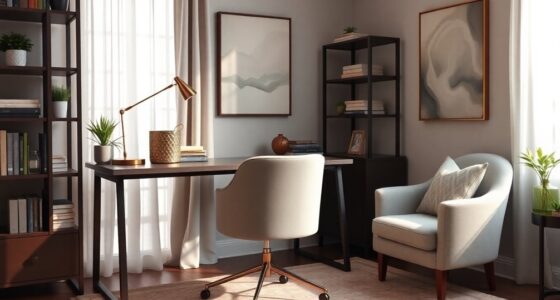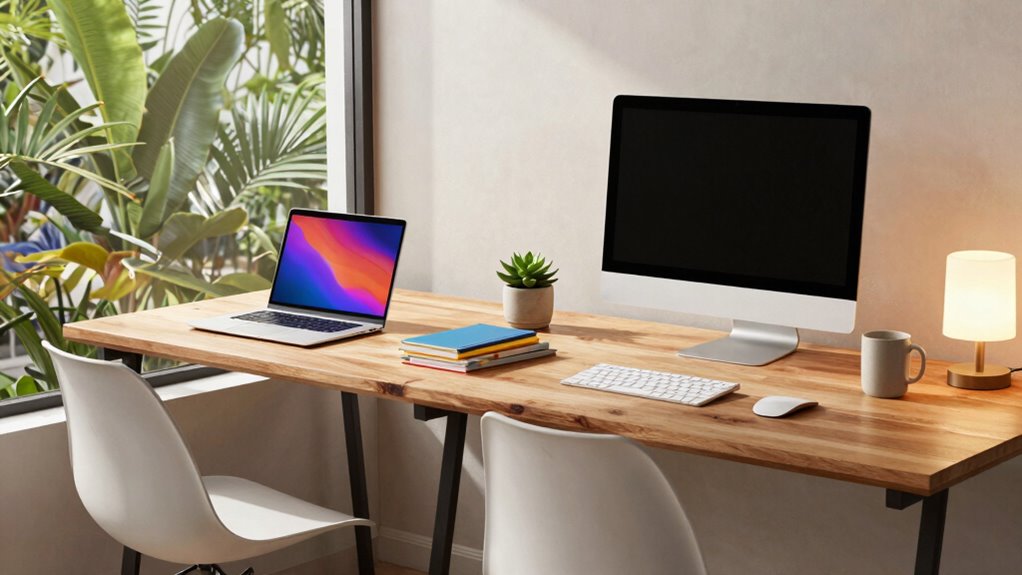

Designing the best work-from-home layout for shared spaces involves balancing privacy, organization, and comfort. Position your desk in a quiet corner or against a wall to minimize distractions and guarantee good posture with ergonomic furniture. Use room dividers or curtains to create personal zones, and add noise-canceling tools to block out noise. Clear boundaries and communication help everyone stay respectful and focused. For more tips on creating a seamless, productive shared workspace, keep exploring this guide.
Key Takeaways
- Position desks in corners or against walls to minimize visual distractions and create a sense of enclosure.
- Use room dividers, curtains, or bookshelves to carve out individual workspaces and block noise.
- Incorporate ergonomic furniture and proper lighting to boost comfort, focus, and reduce strain.
- Place work areas away from high-traffic zones to reduce noise and interruptions.
- Establish clear boundaries and communicate schedules to promote mutual respect and shared space harmony.
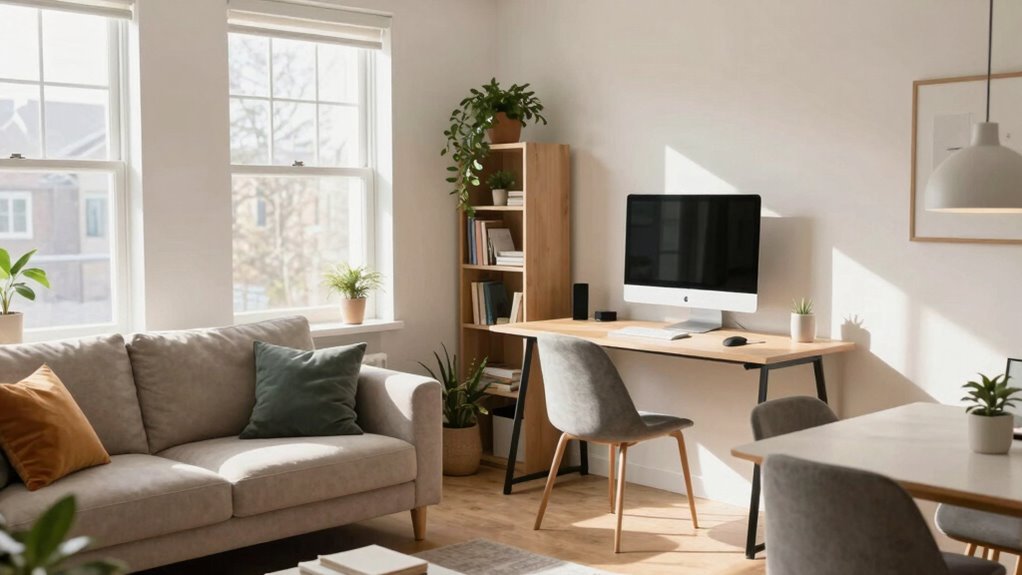
Creating an effective work-from-home layout is essential for maintaining productivity and comfort in your daily routine. When sharing a space with others, it’s vital to design an environment that promotes focus while respecting everyone’s needs. One of the most effective ways to do this is by integrating ergonomic furniture. Investing in an ergonomic chair and desk ensures you maintain good posture, reduce strain, and stay comfortable throughout long work hours. Properly positioned lighting and a supportive setup can substantially boost your efficiency and prevent discomfort. Remember, your workspace should feel like a dedicated zone, even if it’s part of a shared room.
In shared spaces, privacy solutions become indispensable for minimizing distractions and creating a sense of separation. Use room dividers, bookshelves, or even curtains to carve out your individual workspace. These solutions help block out noise and visual interruptions, allowing you to concentrate better. If you share a room with a partner or family members, establishing boundaries with physical barriers can make a big difference. It signals to others that your workspace is off-limits during work hours, reducing interruptions and fostering a professional mindset. Incorporating privacy solutions into your setup can further enhance your focus and comfort.
Positioning your workspace thoughtfully also enhances privacy and productivity. Place your desk in a corner or against a wall to limit visual distractions and to create a sense of enclosure. If possible, choose a spot away from high-traffic areas to minimize noise. You can further enhance your privacy by using noise-canceling headphones or white noise machines, especially if your shared environment is lively. Incorporating ergonomic furniture into your setup not only improves comfort but also supports overall health during long working periods. Additionally, selecting appropriate lighting can help reduce eye strain and create a more inviting environment.
Organization plays a key role in maximizing your space. Use storage solutions like drawers or desktop organizers to keep clutter out of sight. A tidy workspace not only looks professional but also helps you stay focused. When sharing a space, clear boundaries around your work area, including designated storage for work-related items, reinforce your need for privacy and help prevent accidental disturbances. Additionally, maintaining an organized environment can reduce stress and make transitions between work and personal time smoother. Implementing small organizational tools can make a significant difference in keeping your space neat and efficient.
Finally, communicating with others in your shared space is indispensable. Let your housemates or family members know your work schedule and boundaries. Respecting these boundaries encourages a cooperative environment. When combined with ergonomic furniture and well-implemented privacy solutions, your shared workspace can become a productive haven. It’s all about creating a balance between comfort, focus, and mutual respect—so you can stay efficient while sharing your home comfortably.

Marsail Ergonomic Office Chair: Office Desk Chair with High Back Mesh and Adjustable Lumbar Support Rolling Work Swivel Task Chairs with Wheel 3D Armrests and Headrest
- Fully Adjustable Headrest: 2D adjustable for personalized comfort
- Reclining Backrest: Adjusts from 90° to 120°
- 3D Adjustable Armrests: Customizable for various postures
As an affiliate, we earn on qualifying purchases.
As an affiliate, we earn on qualifying purchases.
Frequently Asked Questions
How Can Soundproofing Be Effectively Incorporated Into Shared Workspaces?
You can effectively incorporate soundproofing into shared workspaces by installing sound barriers, like acoustic panels, to absorb noise and reduce echoes. Position these panels strategically around your workspace, especially near noise sources. Additionally, add thick rugs or curtains to further dampen sound. These simple steps create a quieter environment, helping you stay focused and productive amidst shared spaces.
What Are Budget-Friendly Ways to Create Distinct Zones?
You can create distinct zones on a budget by using color schemes to visually separate areas, like calming tones for work zones and vibrant hues for relaxation. Change furniture placement to define spaces—place desks away from lounging areas and use bookshelves or curtains as barriers. Rearranging existing furniture and adding inexpensive accessories helps carve out functional zones without overspending, making your shared space more organized and efficient.
How to Ensure Privacy in a Shared Home Office?
Did you know 70% of remote workers struggle with privacy? To guarantee privacy, incorporate personalization tips like noise-canceling headphones and privacy screens. Use technology integration, such as sound machines or white noise apps, to block distractions. Set clear boundaries with your housemates, and designate specific zones for work and breaks. These strategies help create a focused environment, giving you the privacy needed to stay productive while sharing a home office.
What Ergonomic Furniture Options Suit Shared Spaces?
You should choose ergonomic chairs that support good posture and reduce discomfort, especially when sharing space. Adjustable desks are also ideal, as they allow you to customize your workspace height and position, promoting comfort and productivity. Opt for furniture with multiple settings to accommodate different users easily. These options help everyone maintain proper ergonomics, even in shared environments, ensuring a healthier, more comfortable work-from-home experience.
How Can Lighting Be Optimized for Multiple Users?
To optimize lighting for multiple users, you should maximize natural lighting by placing desks near windows and using sheer curtains to diffuse sunlight. Incorporate adjustable task lighting at each workstation, allowing everyone to customize their illumination. Combining natural light with focused task lights guarantees comfort and productivity for all users, reducing eye strain and creating a well-lit, inviting shared workspace.
Conclusion
Now, as you carve out your shared space, think of your layout as a garden—each element a carefully chosen plant. With the right arrangement, your workspace becomes a blooming sanctuary where productivity and harmony thrive side by side. Remember, the layout isn’t just furniture; it’s the foundation for your daily growth. Cultivate it wisely, and watch your work-from-home life flourish, turning a simple room into a vibrant landscape of success.