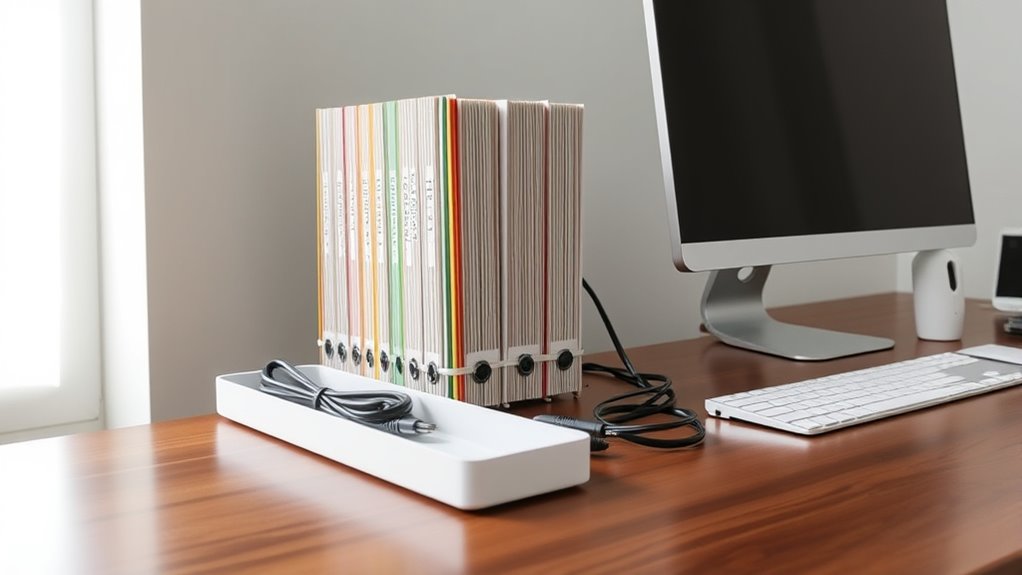

To organize your home office effectively, use labeled folders and color coding for your physical files, making them easy to find and update. For digital files, create a logical folder structure and regularly clean out unnecessary documents, storing important ones on cloud platforms for quick access. Manage cables with clips, ties, and labels, keeping cords neat and out of the way. Keep your workspace streamlined—learn more tips to boost your productivity and comfort.
Key Takeaways
- Implement labeled, color-coded physical folders to simplify document sorting and retrieval.
- Regularly review and delete unnecessary digital files, organizing folders logically and using cloud storage for accessibility.
- Use cable clips, sleeves, or ties to bundle cords neatly, and label cables for quick identification.
- Mount power strips out of sight to reduce clutter and make cables easier to manage.
- Position your monitor at eye level and adjust your chair and peripherals to promote an ergonomic, comfortable workspace.

Creating an organized home office can boost your productivity and make working from home more enjoyable. One of the best ways to achieve this is by focusing on effective filing systems and cable management. When your documents and digital files are well-organized, you spend less time searching and more time focusing on your tasks. Similarly, managing cables neatly keeps your workspace clean and reduces distractions. To start, consider implementing a filing system that suits your workflow—whether it’s labeled folders, color-coded files, or digital folders that mirror your physical setup. Consistency is key; make it a habit to file away papers and digital documents immediately after use, preventing clutter from piling up.
Digital decluttering is essential in maintaining an efficient workspace. Regularly review your files and delete what’s unnecessary, keeping only what you truly need. Organize digital folders in a logical structure that mirrors your physical filing system, which simplifies finding documents later. Cloud storage services can also streamline access to essential files, reducing the need for physical copies and freeing up space. As you declutter digitally, consider enhancing your ergonomic setup by positioning your monitor at eye level, adjusting your chair for proper lumbar support, and ensuring your keyboard and mouse are at comfortable heights. An ergonomic setup minimizes physical strain and keeps you focused on your work.
Cable management plays a significant role in creating a tidy workspace. Use cable clips, sleeves, or ties to bundle cords together and prevent them from tangling or sprawling across your desk. Labeling cables makes it easier to identify and disconnect or reconnect devices quickly. Keep power strips accessible but out of sight by mounting them underneath your desk or behind furniture. This not only improves aesthetics but also reduces the risk of tripping hazards. When cables are well-managed, you’ll find it easier to clean and maintain your workspace, creating a more efficient and professional environment. Additionally, understanding affiliate marketing disclosures can help you stay informed about how online content is funded, ensuring transparency while seeking organizational tips.
Frequently Asked Questions
How Often Should I Update My Filing System?
You should update your filing system at least once every three to six months to keep it organized and efficient. Regular digital decluttering helps you identify outdated or unnecessary files, making your filing frequency more effective. By staying consistent with these updates, you prevent clutter buildup and guarantee easy access to important documents. Set reminders to review and reorganize your files regularly, maintaining a streamlined and productive home office.
What Are the Best Tools for Cable Management?
For cable organizing, use cable clips, sleeves, and zip ties to keep cords tidy and prevent tangles. You should also invest in cable labels to easily identify each cable, making troubleshooting easier. Velcro straps are great for flexible cable management, while adhesive cable organizers can be attached to desks or walls. These tools help maintain a clean, efficient workspace and simplify your home office setup.
How Can I Prevent Cables From Tangling?
Prevent pesky tangles by using a cord organizer and labeling cables with clear cable labels. Keep cords neat by wrapping them properly and securing them with velcro straps or twist ties. Designate designated spots for each cable, avoiding chaotic clutter. When you clearly label your cables, you’ll easily identify and detach them without disturbing the rest. These simple steps keep your cables clean, consistent, and clutter-free, preventing tangles before they start.
Are There Eco-Friendly Filing Options Available?
Yes, eco-friendly filing options are available. You can choose biodegradable folders made from sustainable materials that break down naturally, reducing environmental impact. Recycling paper for your filing labels or folders is another great option, helping to minimize waste. These choices not only keep your home office organized but also support sustainability efforts, making your workspace greener and more environmentally conscious.
What Is the Ideal Number of Filing Categories?
You should aim for 8 to 12 filing categories to keep your system manageable. Use digital archives for less frequently accessed files, reducing clutter and paper use. Color coding helps you quickly identify categories, making retrieval easier. Keep categories broad but specific enough to avoid overlap. Regularly review and adjust your categories as your needs evolve, ensuring your filing system stays efficient and eco-friendly.
Conclusion
Now that your home office is a symphony of neatly filed papers and perfectly managed cables, you’re basically a productivity wizard. No more chaos, just a sleek workspace where files dance into their folders and cords hide like ninja assassins. Soon, you’ll be able to find that one elusive document faster than you can say “organized chaos”—which, of course, now truly exists in your beautifully tidy domain. Cheers to your new, clutter-free kingdom!