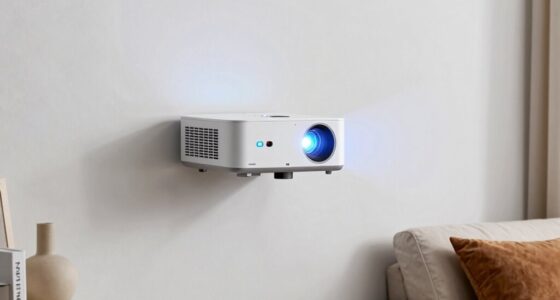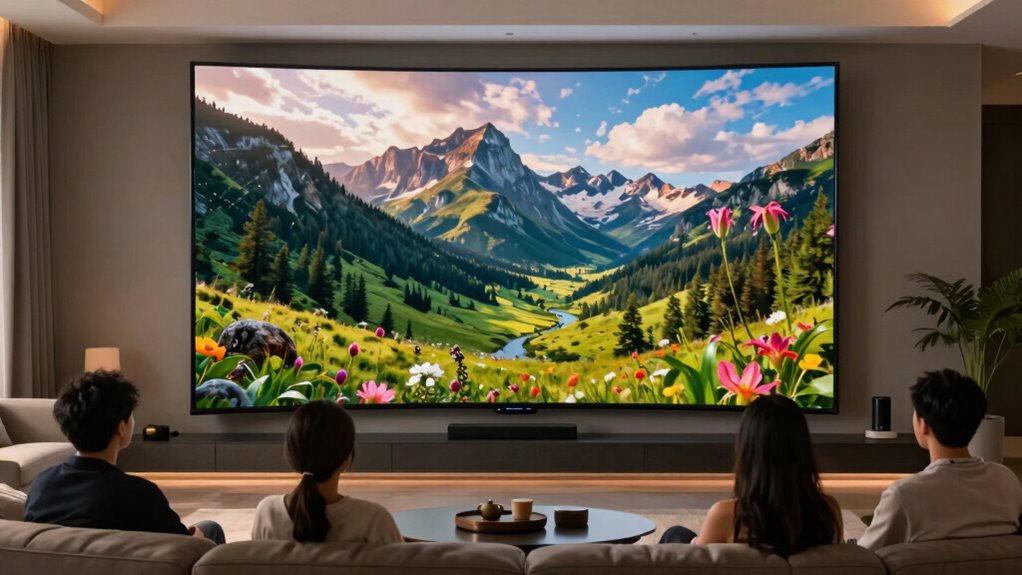

A 150-inch screen is impressive, but don’t overlook the viewing distance! You’ll want to sit between 12 to 18 feet away for the best experience. Sitting too close can strain your eyes and overwhelm your senses, while being too far can lessen immersion. Knowing the right distance helps you fully engage with what you’re watching. Adjust your setup accordingly, and you’ll enjoy a cinematic adventure like no other. Discover more tips for optimizing your home theater experience!

Get furniture and decor delivered free — and shop member deals
- Fast, free delivery on millions of items
- Access to Prime Big Deal Days deals on October 6–7
- Prime Video, Amazon Music and more included
Key Takeaways
- Optimal viewing distance for a 150-inch screen is between 12 to 18 feet for the best immersive experience.
- Sitting too close can lead to eye strain and overwhelm the viewer.
- 4K resolution allows for closer seating without losing image clarity, unlike standard HD content.
- Proper lighting, such as blackout curtains, significantly enhances image vibrancy and viewing pleasure.
- Ergonomic seating arrangements prevent discomfort during long viewing sessions, improving overall enjoyment.
When you’re watching a movie on a 150-inch screen, finding the right viewing distance is vital for an immersive experience. You might think that bigger is always better, but if you sit too close or too far, you could miss out on the full impact of the film. The ideal distance for a screen of this size typically falls between 12 to 18 feet. This range helps guarantee that you can take in the entire picture without straining your eyes or losing detail.
Finding the right viewing distance for a 150-inch screen is essential for an immersive movie experience—aim for 12 to 18 feet.
Imagine sinking into your couch, popcorn in hand, ready to be transported into another world. If you’re closer than 12 feet, the sheer size of the screen can overwhelm you, forcing your eyes to dart around instead of letting you enjoy the story. On the flip side, sitting too far back can dilute the experience, making the action feel distant and less engaging. You want to be right in that sweet spot where the visuals envelop you, pulling you deeper into the narrative.
To find your ideal viewing distance, consider the resolution of the content you’re watching. With 4K resolution becoming more common, you can afford to sit closer without noticing pixelation. However, if you’re watching standard HD content, keeping that distance toward the longer end of the range will help maintain the quality of your viewing experience. So, before you hit play, take a moment to assess your setup.
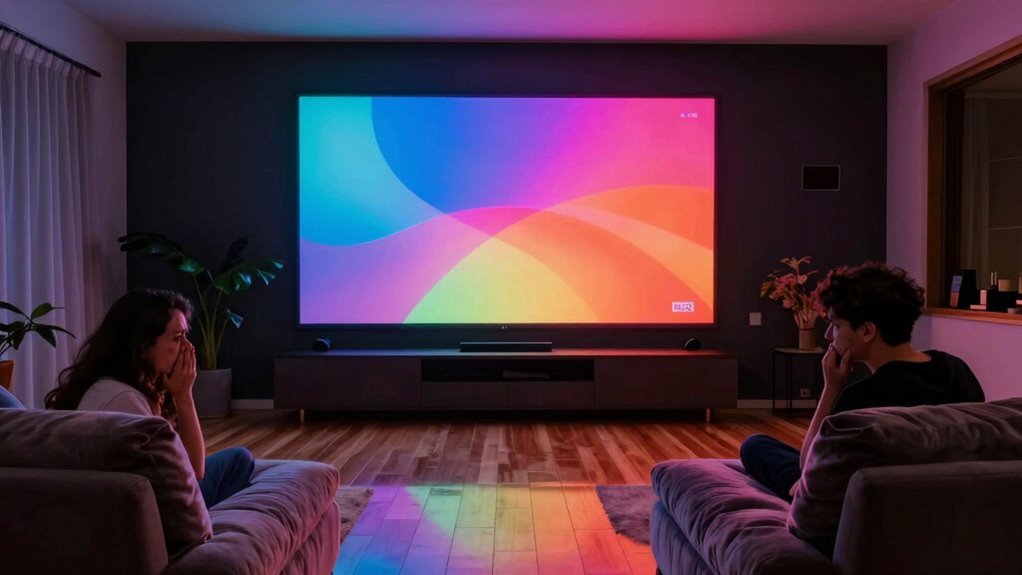
Lighting also plays a significant role in your viewing pleasure. If you have bright lights or windows nearby, they can wash out the image, making it hard to appreciate the full vibrancy of the film. Consider using blackout curtains or dimming the lights to enhance your immersive experience. Additionally, ensuring proper seating arrangement**** helps prevent neck strain and enhances comfort during long viewing sessions.
Furthermore, the size of the screen can influence how comfortable you feel during extended viewing periods. You don’t want to strain your eyes or neck, so adjusting your seating position accordingly can greatly improve your overall experience. Paying attention to home theater lighting can also make a noticeable difference in image clarity and comfort. For optimal comfort, it’s also beneficial to consider seating ergonomics to support your posture during lengthy movie nights.
Lastly, don’t forget about your seating arrangement. Confirm that your seats are positioned at the right height. If you’re too low or too high, you might have to crane your neck, which can quickly detract from the enjoyment of your movie night.
In the end, getting that ideal distance right not only enhances your viewing experience but also makes your home theater feel more inviting. So, take the time to set up correctly, and you’ll be rewarded with a cinematic adventure that feels larger than life.
As an affiliate, we earn on qualifying purchases.
Frequently Asked Questions
What Is the Best Resolution for a 150-Inch Screen?
For a 150-inch screen, the best resolution is 4K (3840 x 2160 pixels). This ideal pixel density guarantees you get sharp, detailed images without noticeable pixelation, especially at a proper viewing distance. If you’re sitting too close, you might not fully appreciate the clarity, but with 4K, you’ll enjoy a cinematic experience. So, invest in a good 4K projector or TV to enhance your viewing pleasure on such a large screen.
How Does Ambient Light Affect Viewing Quality?
Ambient light can turn your cinematic experience into a washed-out nightmare! When there’s high ambient brightness, your screen’s colors and details fade, making it tough to enjoy the show. Light reflections off walls or furniture can further distort what’s on screen, distracting you from the action. To optimize viewing quality, try to control the lighting in your space—think blackout curtains or strategic placement of lamps. You’ll notice a world of difference!
What Type of Content Is Ideal for Large Screens?
Large screens are perfect for immersive content like action-packed movie genres, where you can feel every explosion. Sports events come alive, making you feel like you’re in the stadium. Gaming experiences become more thrilling, as the expansive visuals draw you in. Even presentation slides stand out, engaging your audience effectively. So, whether you’re watching a blockbuster or giving a pitch, a large screen enhances every moment and keeps you captivated.
Can I Mount a 150-Inch Screen on Any Wall?
You can’t just slap a 150-inch screen on any wall and call it a day; it’s like trying to hang a masterpiece on a flimsy canvas. First, consider the wall strength—can it support that massive weight? You’ll need to guarantee it’s made of sturdy materials, like concrete or reinforced studs. Also, think about mounting considerations, like height and viewing angles, to create a cinematic experience that’ll leave you breathless.
What Sound System Complements a 150-Inch Screen Best?
To complement a 150-inch screen, you’ll want a high-quality surround sound system. Look for options that include multiple speakers placed around the room to create an immersive experience. Make sure to invest in audio calibration tools to optimize sound based on your space. Brands like Sonos or Bose offer great systems that can fill the room with rich audio. With the right setup, you’ll truly enhance your viewing experience!
Conclusion
In the end, choosing a 150-inch screen can feel like stepping into a cinematic wonderland, but don’t let excitement cloud your judgment. Just like Goldilocks found her perfect porridge, you need the right viewing distance to truly enjoy the experience. Too close, and it’s a dizzying blur; too far, and you miss the magic. So, measure wisely—find that sweet spot where every detail shines, and your home theater transforms into an enchanting escape.
Fall Picks
fall essentials
As an affiliate, we earn on qualifying purchases.