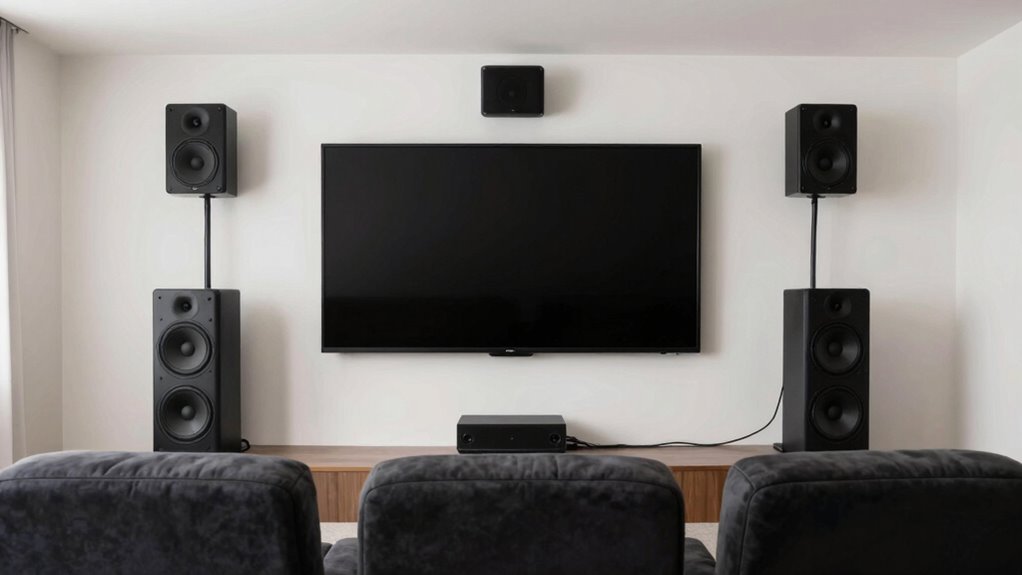
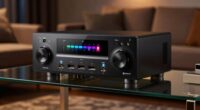
To improve your surround sound, start by understanding your speaker layout diagram, which shows how to position your front, center, and surround speakers correctly around your seating area. Place your front speakers at ear level and form a comfortable triangle for the best stereo imaging. Surround and rear speakers should be above ear level and angled toward the listening position. Fine-tuning your setup and avoiding common mistakes will guarantee immersive sound—if you explore further, you’ll find even more tips to perfect your system.
Key Takeaways
- Proper speaker placement, such as front, center, surround, and subwoofer, enhances sound clarity and immersive experience.
- Use simple diagrams to visualize optimal speaker positions relative to the listening area.
- Position speakers at ear level and form an equilateral triangle for balanced stereo imaging.
- Fine-tune and calibrate speakers with measurement tools for accurate sound levels and surround effects.
- Avoid common mistakes like obstructed speakers and poor cable management to maximize surround sound quality.

3.5mm Calibration Microphone For Audio Video Receiver Home Theater Systems, Desktop Measurement Mic For Speaker Output Levels, Compatible With 150 Receiver Models
[DESIGNED FOR VIDEO RECEIVER SYSTEMS] This calibration microphone is tailored for use with video receiver home theater systems,…
As an affiliate, we earn on qualifying purchases.
As an affiliate, we earn on qualifying purchases.
Why Proper Home Theater Speaker Placement Is Key to Immersive Sound
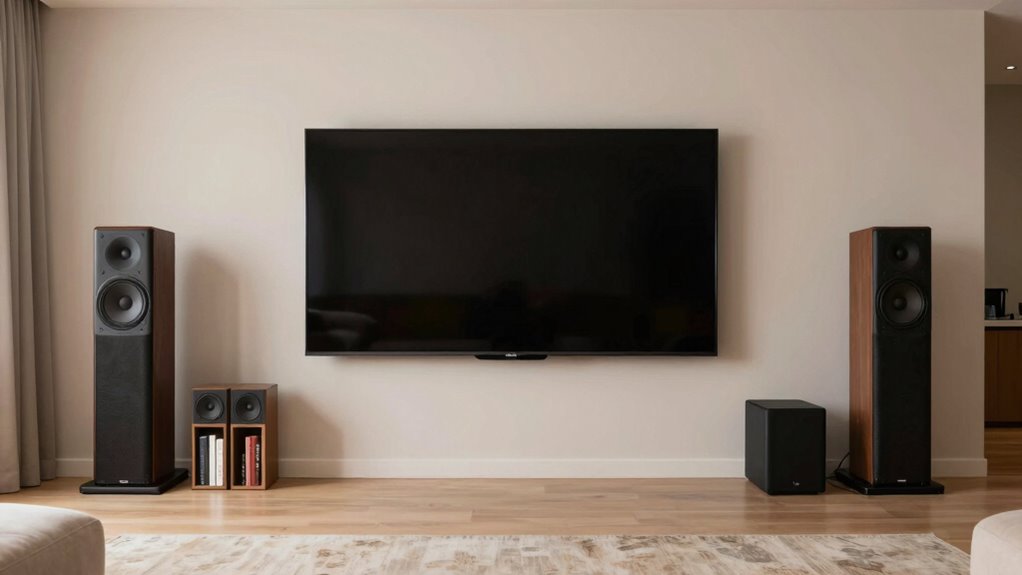
Proper placement of your home theater speakers is essential because it directly affects the quality of sound you experience. When you position your speakers correctly, you ensure ideal speaker calibration, which balances levels and tones for clear, immersive audio. Room acoustics also play a crucial role; reflective surfaces and furniture can distort sound if speakers aren’t properly placed. By experimenting with placement, you can minimize echoes and dead zones, creating a balanced soundstage. Accurate positioning enhances dialogue clarity, bass response, and surround effects, making your movie nights more engaging. Remember, even small adjustments can considerably improve sound quality. Taking the time to understand and optimize speaker placement ensures you get the most out of your home theater system and truly enjoy immersive sound. Additionally, understanding how room acoustics influence sound quality can help you make more informed placement decisions for optimal audio performance. Properly evaluating room acoustics can further refine your speaker setup for superior sound, especially when considering how sound reflections impact overall audio clarity. Being aware of sound absorption techniques can also assist in controlling unwanted echoes and improving sound clarity throughout the room.

Bobtot Home Theater Systems Surround Sound Speakers – 1200 Watts 10 inch Subwoofer 5.1/2.1 Channel Audio Stereo System with ARC Optical Bluetooth Input for 4K TV Ultra HD AV DVD FM Radio USB
1200 Watts Peak Power: Bobtot Home theater system speakers can reach up to 1200 watts of power, 10-inch…
As an affiliate, we earn on qualifying purchases.
As an affiliate, we earn on qualifying purchases.
How to Read and Use Your Home Theater Speaker Layout Diagram
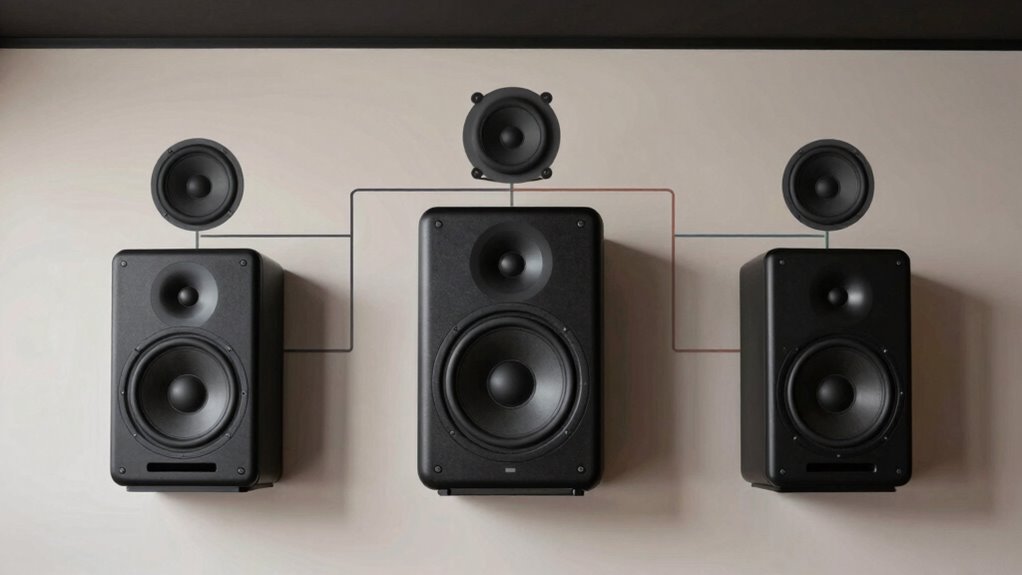
To make the most of your speaker layout diagram, you need to understand what each symbol represents and how it shows speaker positions. Recognizing these details helps you set up your system for peak surround sound. By applying surround sound principles, you’ll guarantee an immersive experience that matches your diagram’s guidance. Additionally, understanding speaker placement best practices ensures optimal sound distribution throughout your space.
Understanding Diagram Symbols
Understanding diagram symbols is essential for correctly interpreting your home theater speaker layout. These symbols, often represented by speaker icons, show the type and position of each speaker. Connection lines indicate wiring routes and help you visualize how speakers connect to your receiver. For example:
| Symbol Type | Description | Example |
|---|---|---|
| 🎵 (Speaker icon) | Represents a speaker in the setup | Front left speaker |
| ———— | Connection line indicating wiring | Wiring path between receiver and speaker |
| 🔘 (Circle) | Denotes a connection point or junction | Speaker wire connection |
Identifying Speaker Positions
Have you ever wondered how to quickly identify where each speaker should be placed in your home theater layout? The key is understanding the diagram’s symbols and labels, which indicate speaker orientation and position. Look for icons that show whether a speaker is meant for the front, center, surround, or subwoofer, and note their directional arrows. Room acoustics also influence placement; for example, speakers should be positioned to optimize sound reflection and minimize echo. Use the diagram to match each symbol with its corresponding area in your room, ensuring proper alignment and angle. This process helps you visualize the ideal setup, making it easier to achieve balanced sound and immersive surround sound experience. Proper identification is essential for effective speaker placement.
Applying Surround Sound Principles
When you examine your home theater speaker layout diagram, applying surround sound principles becomes much easier. Use it to guarantee speakers are positioned correctly for peak audio experience. Focus on proper speaker calibration to balance sound levels and refine dialogue, effects, and music. Consider acoustic treatments like bass traps and diffusers to reduce reflections and enhance clarity. Visualize the setup with this simple table:
| Front Left | Center | Front Right |
|---|---|---|
| Surround Left | Subwoofer | Surround Right |
| Rear Left | Rear Center | Rear Right |
This layout guides placement and calibration, creating an immersive soundstage. Adjust your speakers based on the diagram, and incorporate acoustic treatments to maximize clarity and surround sound accuracy. Proper speaker placement is essential for sound quality and overall home theater performance.

Micca M-6S 2-Way in-Wall Speaker, 7.3"(W) by 10.7"(H) Cutout, Home Theater, Whole House Audio, Indoor or Covered Outdoor, 6.5" Woofer, 1" Tweeter, White, Paintable, Each
UNCOMPROMISING AUDIO QUALITY – Micca Media Series in-wall speakers are designed for optimal performance in a wide variety…
As an affiliate, we earn on qualifying purchases.
As an affiliate, we earn on qualifying purchases.
Positioning Your Front Left, Center, and Right Speakers Correctly
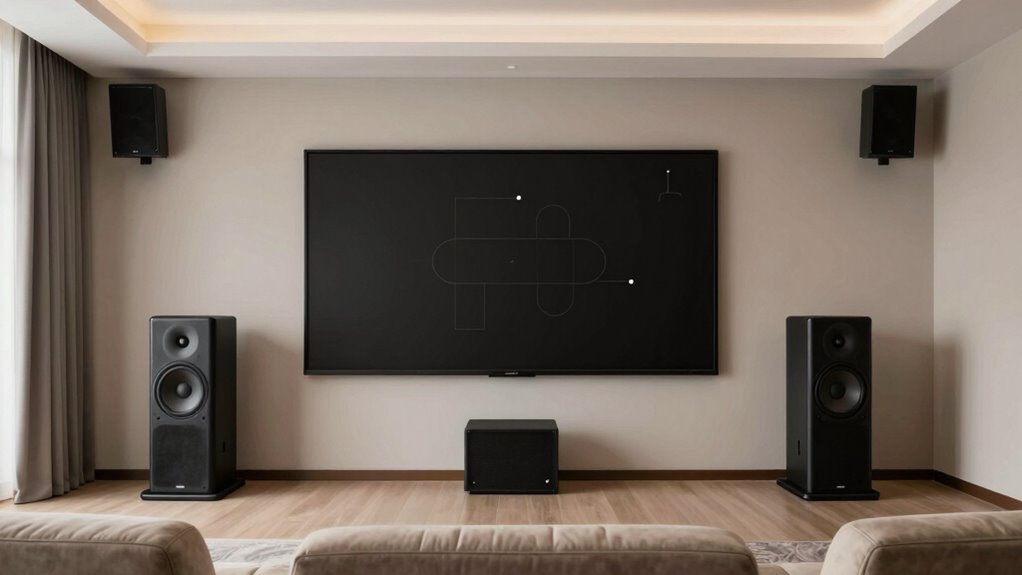
To get the best sound, you need to place your front left, center, and right speakers carefully. Focus on ideal placement and alignment to guarantee clear dialogue and balanced audio. Make sure nothing obstructs the speakers to maintain sound quality. Proper speaker positioning also helps prevent sound distortion and ensures a more immersive listening experience by optimizing the speaker arrangement within your home theater space. Additionally, understanding essential DIY tools and safety tips can assist you in safely setting up and adjusting your equipment effectively. Being aware of home theater best practices can further enhance your overall sound setup and enjoyment.
Optimal Speaker Placement
Proper placement of your front left, center, and right speakers is essential for creating a balanced and immersive home theater experience. Start by setting the speakers at ear level, which means considering speaker height relative to your seating position. This guarantees clear sound imaging and proper dialogue delivery. Pay attention to room acoustics; avoid placing speakers too close to walls or corners, as this can cause unwanted reflections and bass booms. Instead, position them slightly away from surfaces to minimize echo and muddiness. Aim for the front left and right speakers to form an equilateral triangle with your listening spot, enhancing stereo imaging. Proper placement based on speaker height and room acoustics helps achieve consistent, high-quality sound across your entire viewing area.
Aligning for Clarity
Aligning your front left, center, and right speakers correctly is crucial for achieving clear, balanced sound in your home theater. Proper speaker calibration ensures each speaker outputs at the right level and timing, preventing muddiness or echo. Use a calibration microphone and receiver settings to fine-tune your sound system. Acoustic treatment also plays a key role; adding absorptive panels or diffusers can reduce reflections and improve clarity. Position your speakers so that they form an equilateral triangle with your seating area, and angle them toward your listening position. This setup minimizes phase issues and enhances stereo imaging. Regularly calibrate and adjust your speakers as needed, considering the room’s acoustics, to maintain ideal clarity and a seamless surround sound experience.
Avoiding Obstructions
Have you considered how obstructions can hinder your home theater sound? Furniture placement can block your front left, center, and right speakers, muffling audio and reducing clarity. Keep these speakers unobstructed by arranging furniture away from their ideal positions. Also, be mindful of ceiling obstructions like ceiling fans, beams, or high-mounted fixtures that can reflect or absorb sound waves, disrupting the audio experience. To improve sound quality, place your speakers at ear level and ensure nothing interferes directly in front or around them. Removing or repositioning furniture and fixtures can notably enhance clarity. Also, understanding how acoustic reflection and absorption can impact sound quality helps in optimizing your setup further, as these are key acoustic principles that influence sound clarity and depth. Being aware of room acoustics can further help you tailor your setup for optimal sound performance. Adjusting speaker placement to account for room features can significantly improve the immersive experience.
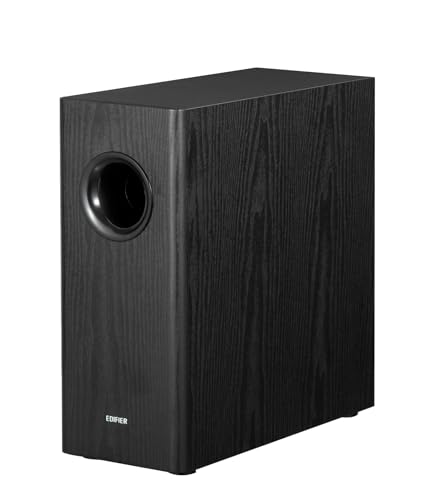
Edifier T5s Powered Active Subwoofer with 70W RMS, 8" Long-Throw Woofer, Deep Bass (35Hz) Speaker, Built-in Amp, Low Distortion, Phase Selector & Energy-Efficient for Home & Studio Audio, Black
[ Deep & Powerful 8-Inch Bass ]: Experience 35Hz deep bass with the T5s powered subwoofer, which features…
As an affiliate, we earn on qualifying purchases.
As an affiliate, we earn on qualifying purchases.
Placing Surround and Rear Speakers for the Best Experience
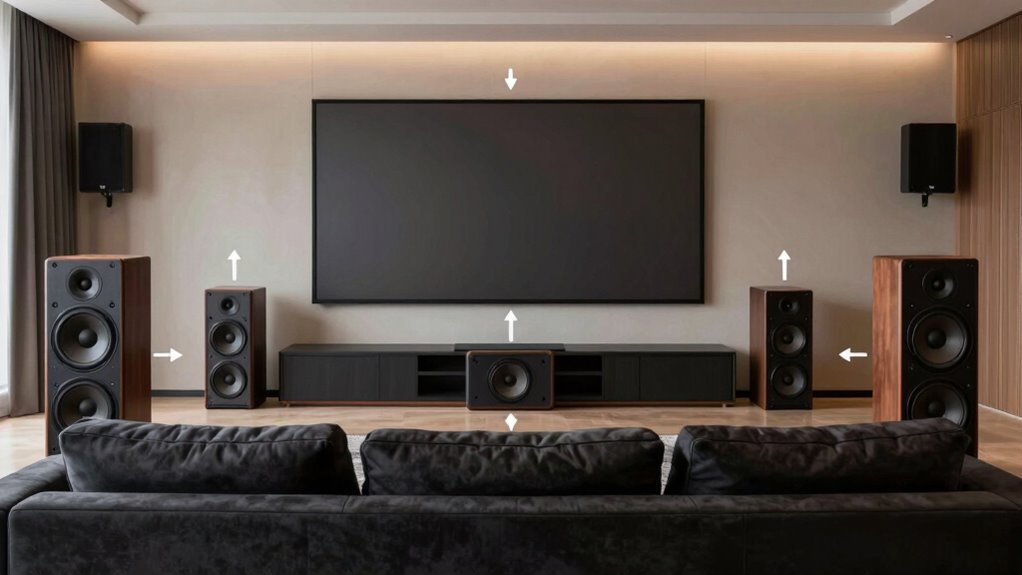
To achieve the best surround sound experience, careful placement of your surround and rear speakers is essential. Position these speakers slightly above ear level, considering ideal speaker height for immersive sound. Use acoustical treatments like diffusers or absorbers to minimize reflections and improve clarity. When placing your speakers, keep them behind or to the sides of your listening area, angled toward your seating. This setup creates a seamless sound field. Remember these key points:
Position surround speakers slightly above ear level, angled toward your seating for optimal immersive sound.
- Higher speaker placement enhances surround effects.
- Proper acoustical treatments reduce unwanted echoes.
- Angling speakers toward your listening position ensures accurate sound localization.
- Paying attention to the measurement tools used during setup can help optimize your speaker placement for the best sound quality. Additionally, understanding acoustic principles can further improve your overall listening environment, especially by applying room acoustics concepts to fine-tune sound distribution. Incorporating speaker angling techniques can further refine the soundstage and immersion. Being aware of speaker height considerations can make a significant difference in achieving optimal surround effects.
Fine-Tuning Your Speaker Setup for Optimal Sound Quality
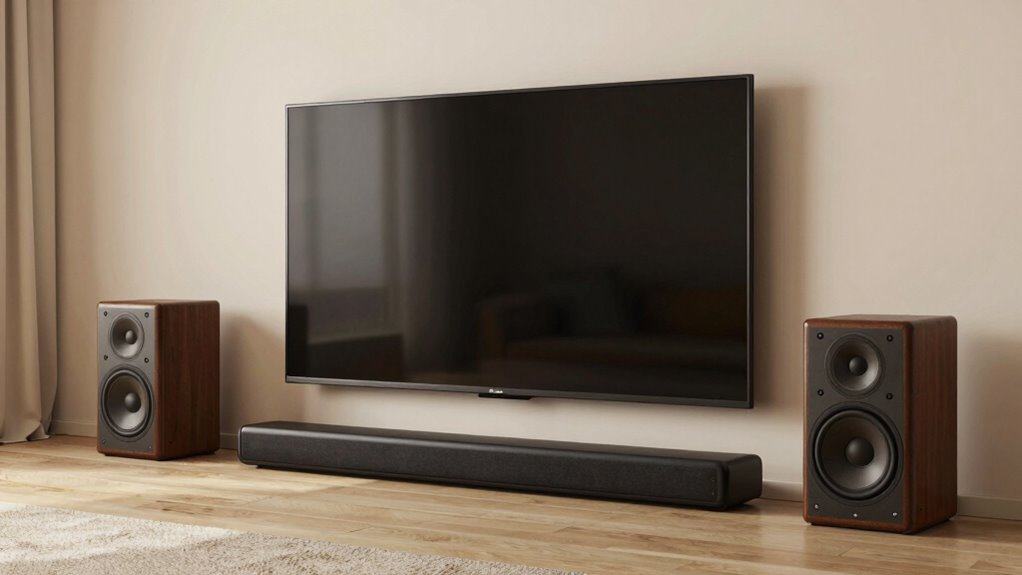
Fine-tuning your speaker setup is essential for maximizing sound quality and creating an immersive home theater experience. Start with speaker calibration by using a calibration microphone and receiver settings to balance levels, delay, and EQ. Proper calibration guarantees each speaker delivers accurate sound and correct timing. Additionally, consider acoustic treatments, such as bass traps, diffusers, and absorbers, to improve audio clarity and reduce undesirable reflections or echo. These treatments help create a controlled listening environment, allowing your speakers to perform at their best. Regularly reevaluate and adjust your setup as needed, listening for any imbalances or dead spots. Fine-tuning through calibration and acoustic treatments transforms your home theater into a space where sound is rich, precise, and truly immersive.
Common Mistakes to Avoid When Setting Up Home Theater Speakers
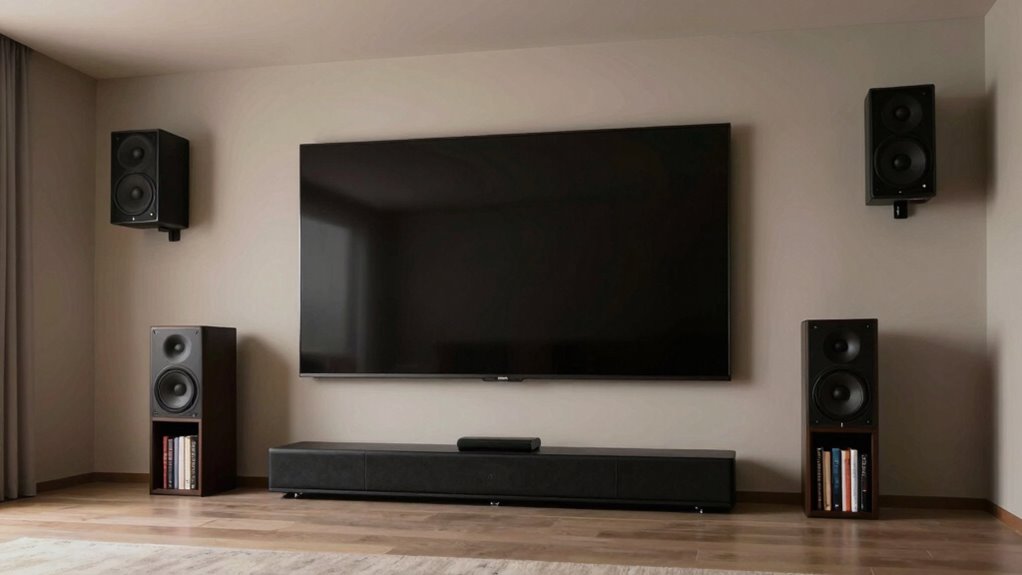
Setting up home theater speakers can seem straightforward, but many enthusiasts make common mistakes that undermine sound quality. Poor cable management can lead to tangled wires and accidental disconnections, affecting both safety and performance. Failing to calibrate your speakers properly results in uneven sound levels and distorted audio. Additionally, ignoring speaker placement can create dead spots or muffled sound. To avoid these issues:
- Keep cables organized to prevent interference and ensure easy adjustments
- Perform thorough speaker calibration for balanced sound across the room
- Pay attention to placement, avoiding walls or obstructions that disrupt sound dispersion
- Remember that speaker system design plays a crucial role in achieving optimal surround sound experience.
- Properly cable routing ensures longevity and reduces the risk of damage or signal loss.
Frequently Asked Questions
What Is the Ideal Distance Between Speakers in a Home Theater Setup?
You should position your speakers about 1 to 2 meters apart, aiming for a 30-degree angle relative to your listening position. This creates ideal speaker angles, ensuring balanced sound and immersive surround effects. Keep the speakers at ear level when seated, and maintain a consistent distance from your listening position to prevent sound delay or disconnect. Proper spacing enhances clarity and makes your home theater experience more engaging.
How Can Room Acoustics Affect Speaker Placement and Sound Quality?
Room acoustics can considerably influence your sound quality by affecting sound absorption and echo reduction. When you optimize placement, you minimize reflective surfaces and reduce echo, creating clearer audio. You should position your speakers away from walls, add sound-absorbing materials, and avoid hard surfaces that bounce sound. By controlling room acoustics, you enhance sound clarity, achieve better surround sound, and create an immersive home theater experience.
Should Speakers Be Mounted or Placed on Stands for Optimal Sound?
You should consider speaker mounting for a cleaner, more stable setup, especially for wall speakers, to optimize sound clarity. Stand placement works well for flexibility, allowing you to position speakers at ear level and fine-tune your surround sound experience. Both options have benefits; choose speaker mounting if you want a sleek look and reduced vibrations, or go with stands if you prefer easy adjustments and versatile positioning.
How Do I Balance Volume Levels Between Different Speakers?
Did you know that improper volume calibration can cause sound imbalances, with some speakers overwhelming others? To balance volume levels, start with your receiver’s calibration tool, adjusting each speaker’s volume for even sound. Use speaker equalization to fine-tune frequency response, ensuring clarity and consistency. Regularly test and tweak these settings, so every scene feels immersive and balanced, making your home theater experience truly exceptional.
Can Furniture Placement Impact Speaker Performance and Surround Sound?
Furniture placement can definitely impact speaker performance and surround sound. If you have furniture interference or a cluttered room layout, sound waves may be absorbed or reflected unevenly, reducing clarity and immersion. To optimize your sound experience, arrange furniture to avoid blocking speakers and create a clear path for sound to travel. This helps make certain your home theater system delivers full, balanced surround sound for the best viewing experience.
Conclusion
By carefully positioning your speakers, you craft a sonic landscape where sound envelops you like an immersive embrace. Think of your setup as painting a vivid picture with every note and whisper, transforming your room into a personal theater. When you fine-tune your speakers and avoid common mistakes, you discover a world of richer, more authentic audio. Remember, your perfect soundscape is within reach—just follow the diagram and let your home theater come alive.