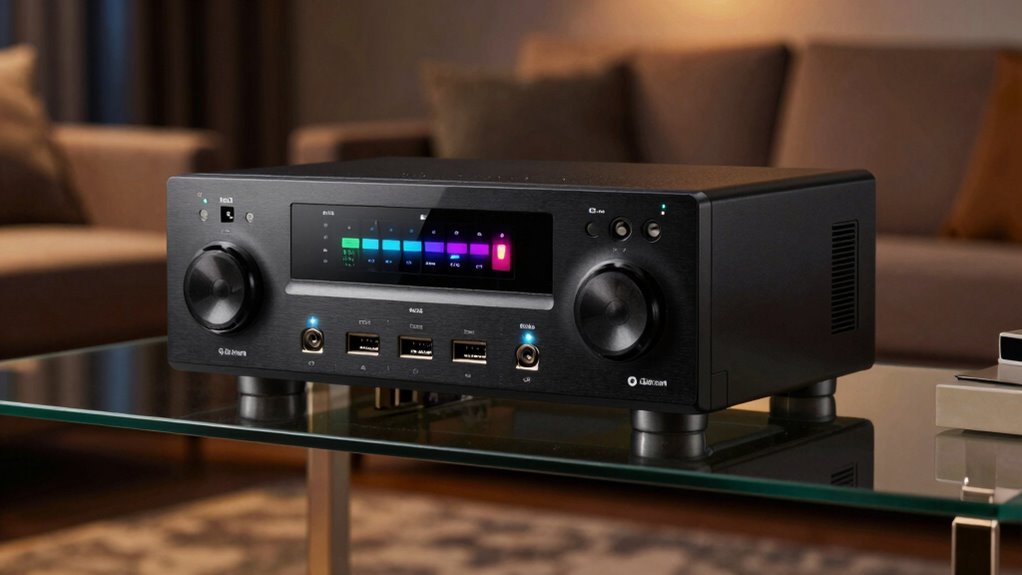

Understanding AV receiver basics is simpler than you think. Channels create immersive soundscapes, with more channels offering richer surround effects, but proper speaker placement matters most. Watts indicate power; look for RMS ratings to gauge real-world volume—higher isn’t always better. Inputs like HDMI, optical, and coaxial connect your devices; matching these ensures clear audio and video. To master your home theater, you’ll want to get familiar with how channels, watts, and inputs work together, and this guide will walk you through each step.
Key Takeaways
- Understand that more audio channels create richer surround sound but don’t automatically mean better quality.
- Match receiver watt ratings (RMS, peak) with speaker power handling for clear, undistorted audio at desired volumes.
- Use digital inputs like HDMI, optical, or coaxial for better sound quality and compatibility with modern devices.
- Properly calibrate your system to balance speaker levels and delays, ensuring an immersive audio experience.
- Choose a receiver with the right features and inputs for your devices, rather than relying solely on wattage or channel count.

Denon AVR-S570BT AV Receiver 5.2 Channel 8K Ultra HD Audio & Video, Stereo Receivers, Denon AVR Wireless Streaming Bluetooth, (4) 8K HDMI Inputs, eARC, HD Setup Assistant
WATCH YOUR MOVIES IN 8K – At 70W x 5, Denon AVR-S570BT home theater receiver features (4) HDMI…
As an affiliate, we earn on qualifying purchases.
As an affiliate, we earn on qualifying purchases.
What Are the Main Components of an AV Receiver and How Do They Work?
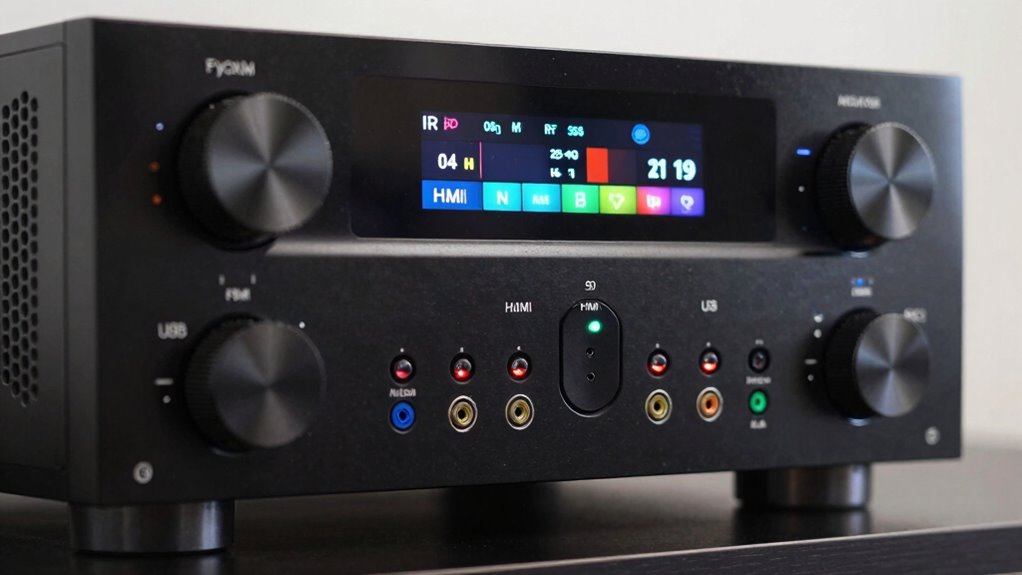
An AV receiver serves as the central hub for your home theater system, integrating multiple components to deliver seamless audio and video performance. Its main components include the tuner, preamp, power amp, and HDMI inputs. These work together to process signals and produce immersive surround sound. This calibration ensures each speaker delivers balanced audio, enhancing your listening experience. The digital signal processor (DSP) fine-tunes audio effects, while the amplifier provides the necessary power. Additionally, understanding audio channels is key to grasping how surround sound is created and experienced. The power output of the amplifier determines how loud and clear your system can play, directly impacting your overall sound quality. Knowing the signal processing capabilities of your AV receiver can also help you optimize your setup for the best audio experience. For example, the compatibility with various audio formats ensures your system can handle the latest surround sound technologies. Moreover, advanced room calibration features can significantly improve sound quality by adjusting for your specific listening environment. Overall, these components work in harmony to provide clear, immersive sound, making your home theater setup more engaging and enjoyable.
Denon AVR-S570BT AV Receiver 5.2 Channel 8K Ultra HD Audio & Video, Stereo Receivers, Denon AVR Wireless Streaming Bluetooth, (4) 8K HDMI Inputs, eARC, HD Setup Assistant
WATCH YOUR MOVIES IN 8K – At 70W x 5, Denon AVR-S570BT home theater receiver features (4) HDMI…
As an affiliate, we earn on qualifying purchases.
As an affiliate, we earn on qualifying purchases.
How Do Audio Channels Affect Your Home Theater Sound?
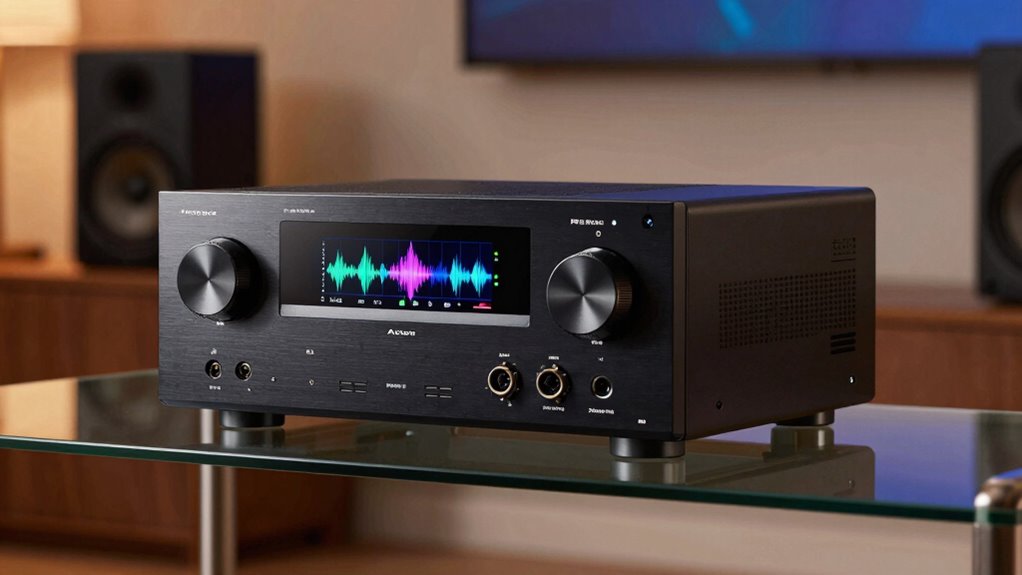
Audio channels determine how sound is distributed throughout your home theater, shaping the overall listening experience. The right audio configuration creates immersive surround sound, making you feel part of the action. More channels mean a richer, more detailed soundscape, enhancing dialogue, music, and effects. With a proper setup, you can enjoy multi-dimensional audio that surrounds you from all directions. Understanding navigating ethical choices in consumer tech can help you make informed decisions about audio systems that best suit your needs. Additionally, higher channel counts can support advanced features like multi-room audio, expanding your listening options beyond a single space. Consider these key points:
Audio channels shape immersive, multi-dimensional sound that surrounds you from all directions.
- Increasing channels improves the sense of immersion in surround sound systems
- Different configurations support various speaker setups, from 5.1 to 7.1.4
- Your choice of audio channels impacts how effectively your system reproduces spatial effects
Ultimately, your audio configuration directly influences how realistic and engaging your home theater sound feels.

Deskbloom 3.5mm Audio Calibration Measurement Microphone for AV Receiver Home Theater Systems, Precise Speaker Level Adjustment
PROFESSIONAL AUDIO CALIBRATION: Precision 3.5mm measurement microphone engineered for home theater AV receiver calibration, delivering accurate sound level…
As an affiliate, we earn on qualifying purchases.
As an affiliate, we earn on qualifying purchases.
What Do Watt Ratings in AV Receivers Actually Mean?
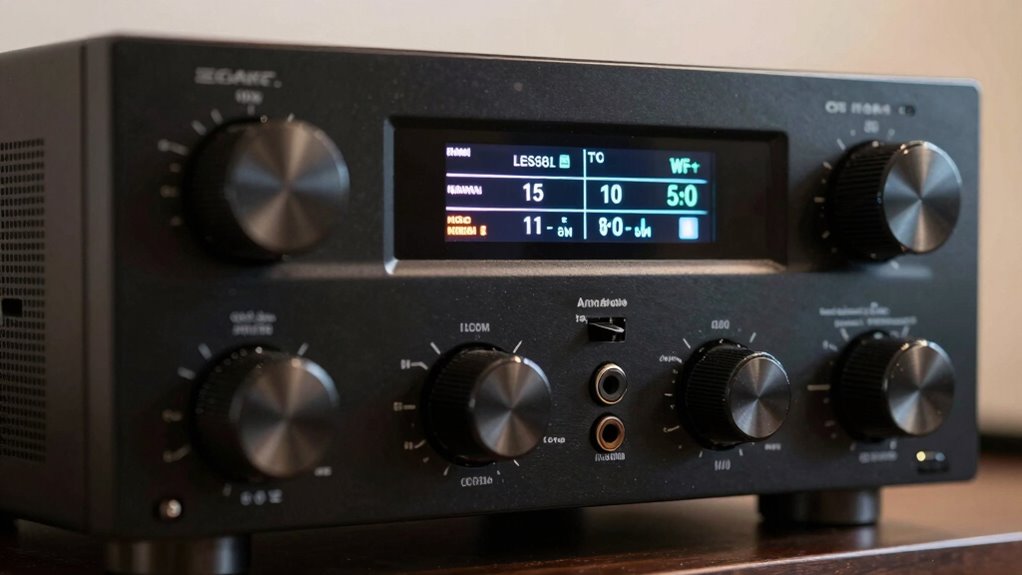
Watt ratings in AV receivers indicate how much power the device can deliver to your speakers, directly affecting volume and overall sound quality. This measurement reflects the power output, which is essential for understanding how loud your system can get and how well it drives your speakers. This is especially important when considering free floating speakers, as their performance can be sensitive to power levels. Keep in mind that watts aren’t the only factor in sound quality, but they help with watt comparison between models. Power measurement can vary depending on testing conditions, so a receiver might show higher watt ratings than it consistently delivers in real-world use. Generally, a higher watt rating suggests more headroom for loud listening, but it’s not the only indicator of performance. Focus on matching watt ratings to your speakers’ needs for a balanced audio experience. Additionally, comparing ratings across different models can be helpful, but always consider other features and specifications for best results. Understanding power ratings and their measurement methods helps you choose an AV receiver that suits your listening environment and speaker setup. Being aware of measurement variability can also help manage expectations when evaluating different models.

Pyle Bluetooth Hybrid Home Amplifier – 6-Channel 2000W Rack Mount Power Amplifier Receiver w/ Radio – Dual 10 Band EQ, Karaoke Microphone x2, USB, RCA, COAX, OPT, DVD Inputs, HiDef Input and Output
2000-WATT POWER: The Pyle 6-Channel Hybrid Home Theater Amplifier is perfect for your karaoke & home entertainment system….
As an affiliate, we earn on qualifying purchases.
As an affiliate, we earn on qualifying purchases.
Different Types of Inputs on AV Receivers and Why They Matter

Understanding the different types of inputs on your AV receiver is essential because they determine how easily you can connect various devices and achieve ideal sound and video quality. The input types and connection options directly impact your setup flexibility and overall experience. For example, HDMI ports support high-definition video and audio with a single cable, simplifying connections. Analog inputs are useful for older devices, while digital optical and coaxial inputs deliver high-quality audio for compatible gear. Knowing your input options helps you choose the right receiver to match your devices. Additionally, some AV receivers are compatible with electric bikes and power generation devices, which can expand your entertainment system to include mobile charging solutions. Recognizing the diverse herbal traditions behind herbalism can also inspire creative ways to enhance your wellness routines through natural remedies. A thorough understanding of audio/video input types ensures you maximize your system’s capabilities and future-proof your setup.
How to Read and Compare AV Receiver Channel Counts
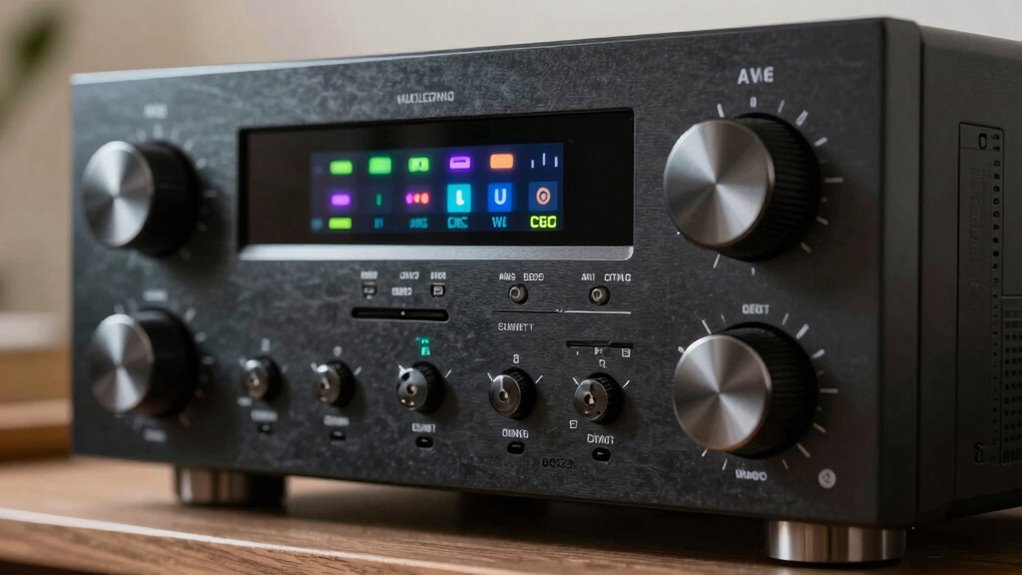
When comparing AV receiver channel counts, it’s important to focus on what that number really means for your home theater setup. The audio channel configuration indicates how many speakers the receiver can support simultaneously, such as 5.1 or 7.2. This helps determine if the receiver matches your desired surround sound experience. Additionally, consider channel expansion options—some receivers allow you to add more speakers or upgrade your system later. A higher channel count doesn’t always mean better sound but offers more flexibility for multi-room or immersive audio setups. Always check how the channels are assigned and whether they support your speaker layout. Channel assignment and compatibility are crucial factors to ensure your setup performs as expected. Understanding speaker configuration options helps you plan for future upgrades and system integration. It’s also beneficial to review the power output per channel to ensure your speakers receive adequate amplification for optimal sound quality. To make an informed decision, consider how the audio processing capabilities can enhance your listening experience. By understanding these details, you can select an AV receiver that fits both your current needs and future expansion plans.
What Are RMS and Peak Watt Ratings, and Why Do They Matter?
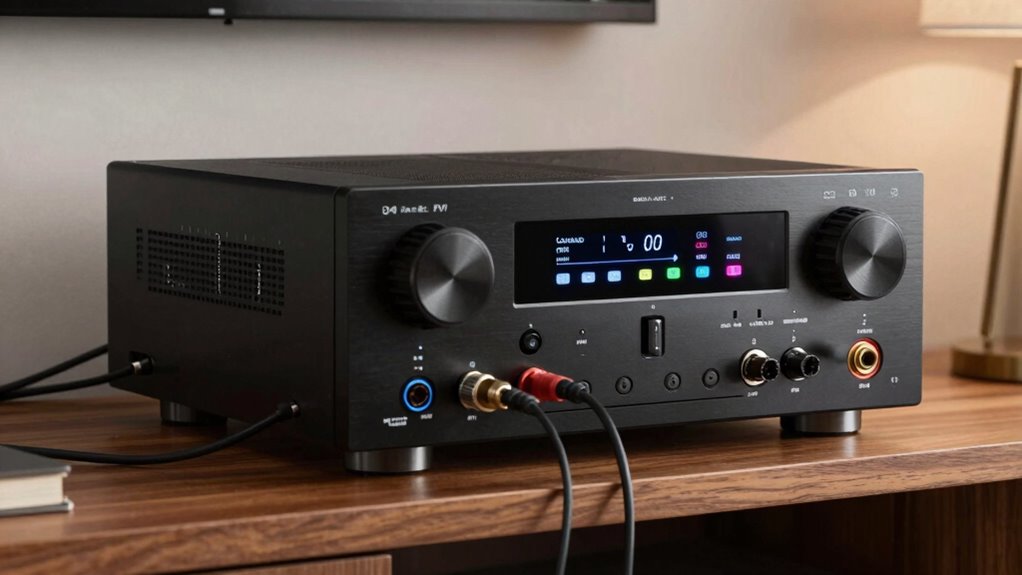
Understanding RMS and peak watt ratings helps you choose the right AV receiver for your setup. RMS shows the continuous power the receiver can handle, while peak indicates the maximum power during bursts. Knowing the difference guarantees you select a receiver that delivers clear sound without distortion or damage. Accurate power ratings are essential for matching your equipment’s capabilities and ensuring optimal performance.
Differentiating RMS and Peak
RMS (Root Mean Square) and peak watt ratings are essential for evaluating an AV receiver’s power output, but they serve different purposes. RMS indicates the continuous power your receiver can deliver without distortion, giving you a realistic idea of performance. Peak watt ratings show the maximum power output during short bursts, which can be misleading if taken at face value. Understanding rms vs. peak helps you choose a receiver that matches your listening habits and speaker needs.
- RMS provides a steady measure of power, ideal for consistent listening.
- Peak wattage shows the maximum potential, but isn’t sustainable long-term.
- Power measurement differences matter when comparing models and ensuring compatibility.
Knowing these distinctions helps you avoid overestimating a receiver’s capabilities and ensures your setup sounds great without risking damage.
Impact on Sound Quality
Have you ever wondered how your AV receiver’s power ratings influence sound quality? RMS and peak watt ratings directly impact your listening experience, affecting sound clarity and overall performance. Higher RMS wattage provides more consistent power, guaranteeing your speakers can handle loud passages without distortion, especially with proper speaker placement. Peak ratings indicate the maximum power the receiver can deliver briefly, but they don’t reflect real-world performance. If your receiver’s watt ratings are too low for your speakers, you might notice muddled sound or distortion at higher volumes. Conversely, adequate wattage ensures clean, detailed audio even at louder levels. Remember, the true impact on sound quality depends on matching your receiver’s power ratings with your speaker setup and placement, allowing for perfect sound clarity across your system.
Choosing Appropriate Ratings
Are you selecting the right power ratings for your AV receiver? Understanding RMS and peak watt ratings helps you match your receiver to your speakers and room acoustics. RMS wattage indicates continuous power, giving you a realistic idea of performance during long listening sessions. Peak wattage shows the maximum power the receiver can deliver briefly, which isn’t sustainable but can prevent distortion. When choosing, consider your speaker placement and room size—larger rooms or distant speakers need more power.
- Match RMS ratings to your speaker’s recommended power.
- Recognize peak wattage as a safety margin, not continuous power.
- Consider room acoustics to avoid underpowering or overpowering your setup.
How to Connect Your Devices to an AV Receiver and Ensure Compatibility
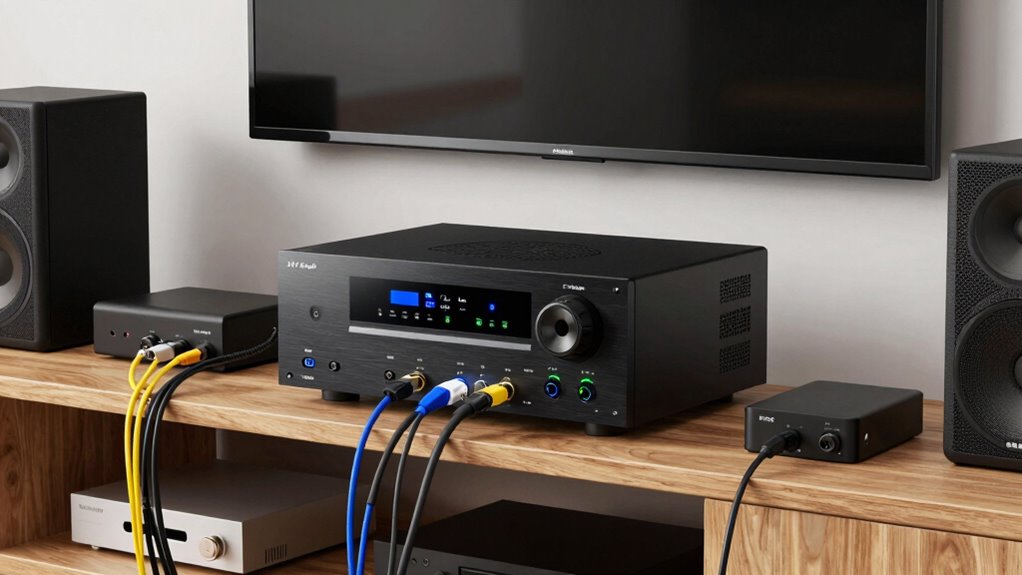
Before connecting your devices to an AV receiver, make certain they’re compatible with your model. You’ll also want to match input types, like HDMI or optical, to avoid connection issues. Finally, verify that your device’s power ratings align with your receiver’s capabilities to guarantee safe and ideal performance. Additionally, understanding top creative and gaming gear can help you select equipment that complements your setup and enhances overall performance. Being aware of audio output specifications can further ensure your setup delivers high-quality sound without distortion. Moreover, considering connectivity options can be crucial for future upgrades and expanding your entertainment system. Keeping in mind future-proofing features can help you choose a receiver that accommodates upcoming technology upgrades.
Check Device Compatibility
Wondering how to guarantee your devices will work seamlessly with your AV receiver? The key is checking device compatibility before connecting. First, verify your device’s output matches the input types on your receiver to avoid issues with input matching. Second, confirm that your device supports the necessary audio or video formats your receiver can decode. Third, validate the connection ports—HDMI, optical, or RCA—are available and compatible.
- Confirm device output formats align with your receiver’s supported formats
- Match connection ports to avoid needing adapters or converters
- Check that your device’s specifications meet your home entertainment setup needs
Match Input Types
Connecting your devices to an AV receiver begins with matching the input types on the receiver to the output options on your devices. Check whether your devices have analog audio outputs or digital options like optical, coaxial, or HDMI. Digital compatibility guarantees better sound quality and easier setup, so prioritize HDMI or digital audio inputs when possible. For older devices, you might need RCA or other analog inputs, but be aware these can limit audio quality. Confirm that the receiver’s input types align with your device’s outputs to avoid connection issues. Matching input types helps optimize audio clarity and simplifies the setup process. Always verify compatibility before plugging in to ensure your devices work seamlessly with your AV receiver.
Confirm Power Ratings
Ensuring your devices are compatible with your AV receiver involves more than just matching input types; you also need to verify their power ratings. Proper confirmation methods prevent overloads and guarantee the best sound quality. To do this effectively, consider these points:
- Compare the device’s power ratings (watts per channel) with your receiver’s outputs.
- Check manufacturer specifications for both your speakers and receiver for compatibility.
- Use a multimeter or manufacturer’s documentation as confirmation methods to verify power ratings match or are within safe limits.
How Many Channels Do You Need for Your Room Size?
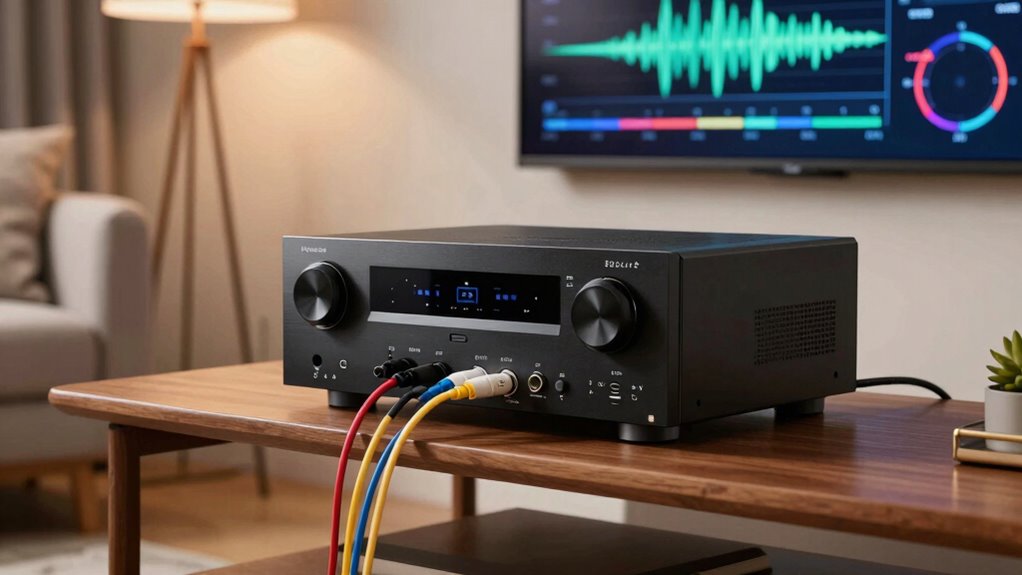
Choosing the right number of channels depends largely on your room size and your desired audio experience. Larger rooms benefit from more channels to fill the space evenly, while smaller rooms might only need 5.1 or 7.1 setups. Good room acoustics and proper speaker placement are essential for ideal sound. To help decide, consider this table:
| Room Size | Recommended Channels | Speaker Placement Tips |
|---|---|---|
| Small (up to 200 sq ft) | 5.1 | Close to walls, minimal distance |
| Medium (200-400 sq ft) | 7.1 | Spread evenly, avoid corners |
| Large (400+ sq ft) | 9.1 or more | Surround, height speakers |
| Open layouts | 7.1 or more | Multiple zones, strategic placement |
| Home Theater Focus | 7.1, 9.1, or more | Ceiling, back surround speakers |
Tips for Setting Up and Calibrating Your AV Receiver for Best Sound
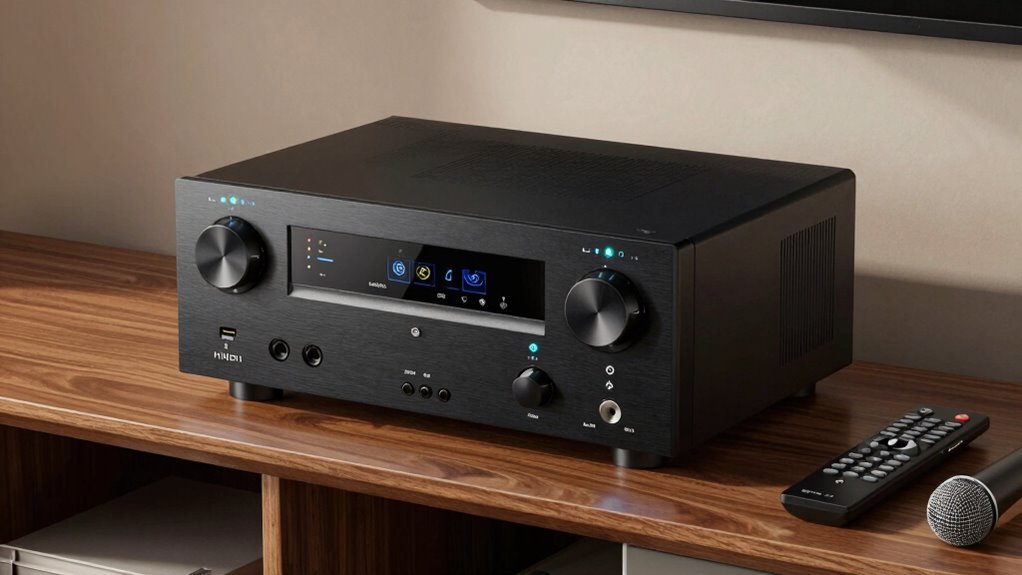
To achieve the best sound from your AV receiver, proper setup and calibration are essential. Start by carefully arranging your speakers with ideal speaker placement to ensure balanced sound. Use the receiver’s calibration tool or a sound level meter to fine-tune speaker levels. Consider acoustic treatment, like adding rugs or curtains, to reduce unwanted reflections and improve clarity.
Proper setup and calibration ensure balanced, immersive audio from your AV receiver.
Key tips include:
- Adjust speaker distances to match your room layout
- Experiment with speaker angles for better directionality
- Incorporate acoustic treatments to minimize echo and improve sound quality
Taking these steps helps your receiver deliver immersive, clear audio. Proper calibration creates a balanced soundstage, making your home theater experience more enjoyable and true to the source.
Common Mistakes to Avoid When Choosing and Using an AV Receiver
Many people make mistakes when selecting or using their AV receiver that can compromise sound quality or performance. One common error is neglecting calibration mistakes, which can lead to uneven or muddy audio. Always run a proper calibration process to guarantee your receiver adjusts speaker levels and delays correctly. Another frequent mistake is incorrect speaker placement, which can diminish sound clarity and surround effects. Take the time to position your speakers properly, ideally at ear level and spaced evenly around your listening area. Avoid choosing an AV receiver solely based on wattage; compatibility and features matter more. Finally, don’t overlook the importance of understanding input options and connectivity. Making these simple but vital adjustments helps you maximize your AV receiver’s performance and enjoy a superior home theater experience.
Frequently Asked Questions
How Does Dolby Atmos Impact AV Receiver Channel Requirements?
Dolby Atmos impacts your AV receiver’s channel requirements by enabling object-based audio, which creates a more immersive experience. To fully support Atmos, your receiver needs at least 5.1.2 channels, adding height speakers for vertical sound. This setup allows you to enjoy a richer, more dynamic soundscape, making your home theater feel more realistic and engaging, especially with the advanced spatial capabilities Atmos offers.
Can I Upgrade My AV Receiver Without Replacing My Speakers?
Yes, you can upgrade your AV receiver without replacing your speakers, as long as you consider speaker compatibility and amplifier power. Check if your new receiver supports your existing speaker impedance and wattage ratings. Make certain it has the necessary inputs and features you need. Upgrading to a receiver with more amplifier power can improve sound quality without needing to replace your speakers, provided they’re compatible.
What Is the Difference Between HDMI and Other Input Types?
HDMI stands out because it transmits both digital audio and video signals in one cable, unlike other inputs that often carry only analog signals. This makes HDMI more compatible with modern devices and reduces compatibility issues. While analog inputs are good for older equipment, HDMI offers higher quality and simpler setup, making it the better choice for most users who want seamless digital connections.
How Do Room Acoustics Influence AV Receiver Performance?
Room acoustics greatly influence your AV receiver’s performance by affecting sound reflection and absorption. Poor room treatment causes sound waves to bounce, creating echo and muddiness, which dulls clarity. To improve, add rugs, curtains, or acoustic panels to absorb excess reflections. These adjustments help your receiver deliver clearer, more accurate sound, enhancing your overall listening experience and making your home theater sound as good as possible.
Are Higher Watt Ratings Always Better for Home Theater Use?
Is more power wattage always better? Not necessarily. Higher watt ratings can deliver louder sound, but if your speakers aren’t compatible or your room isn’t suited for intense volume, you won’t see much benefit. Focus on matching your AV receiver’s power wattage with your speakers’ needs and room size. Proper speaker compatibility and appropriate power levels create a balanced, immersive home theater experience without risking distortion or damage.
Conclusion
Now that you know the basics, there’s nothing stopping you from transforming your home theater into an epic cinematic universe. With the right AV receiver, you’ll experience sound so immersive, it’ll feel like you’re right in the middle of the action. Don’t settle for mediocre audio—arm yourself with knowledge and unleash the full power of your setup. Prepare for jaw-dropping clarity and mind-blowing volume that will leave everyone in awe. Your ultimate home theater adventure starts now—are you ready?