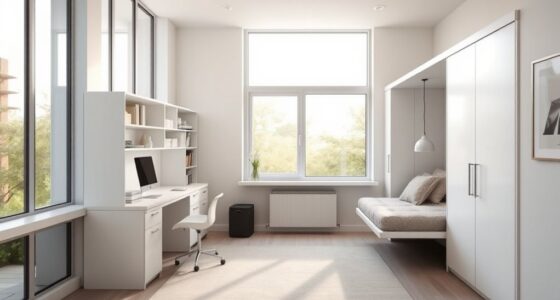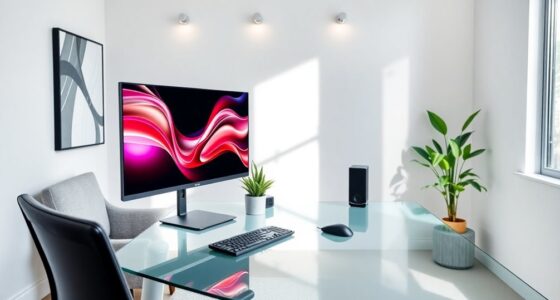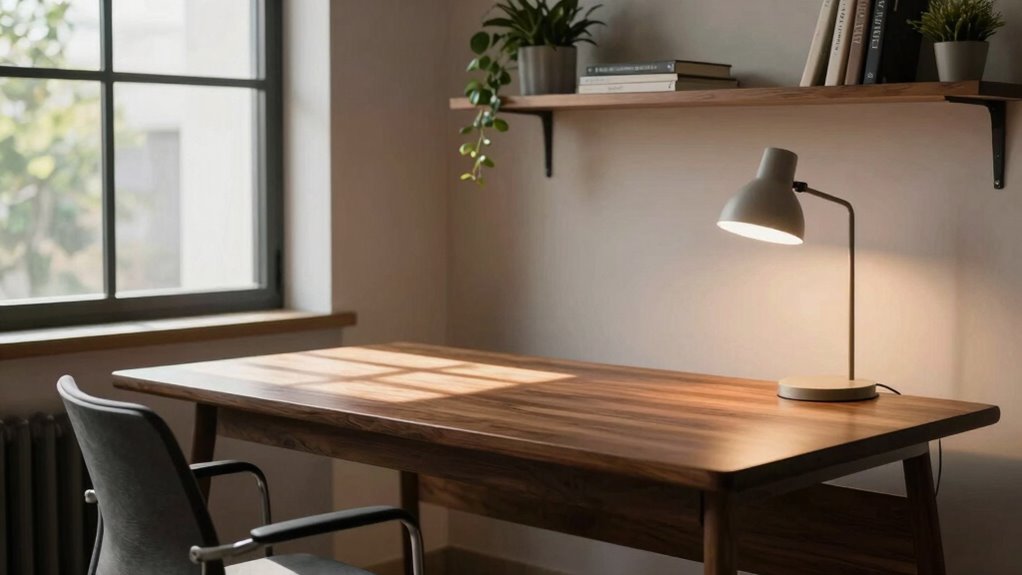

To improve your desk position for better focus and light, guarantee your desk height allows your feet to rest flat and your knees form a 90-degree angle. Position your monitor directly in front of you at eye level, about an arm’s length away, to prevent neck strain and eye fatigue. Use soft, natural, or indirect lighting to reduce glare and eye strain. If you’d like to discover more ways to create a perfect workspace, keep exploring these tips.

Get furniture and decor delivered free with Prime
- Fast, free delivery on millions of items
- Prime Video, Amazon Music and more included
- Member-only deals all year
Key Takeaways
- Position your desk near natural light sources, avoiding glare on the monitor for better focus.
- Ensure the monitor is directly in front at eye level to reduce neck strain.
- Adjust desk height so feet are flat, knees at 90°, and elbows close to 90° for ergonomic comfort.
- Use soft, diffused lighting to minimize eye strain and create a balanced workspace environment.
- Keep frequently used items within arm’s reach to maintain focus and reduce unnecessary movement.
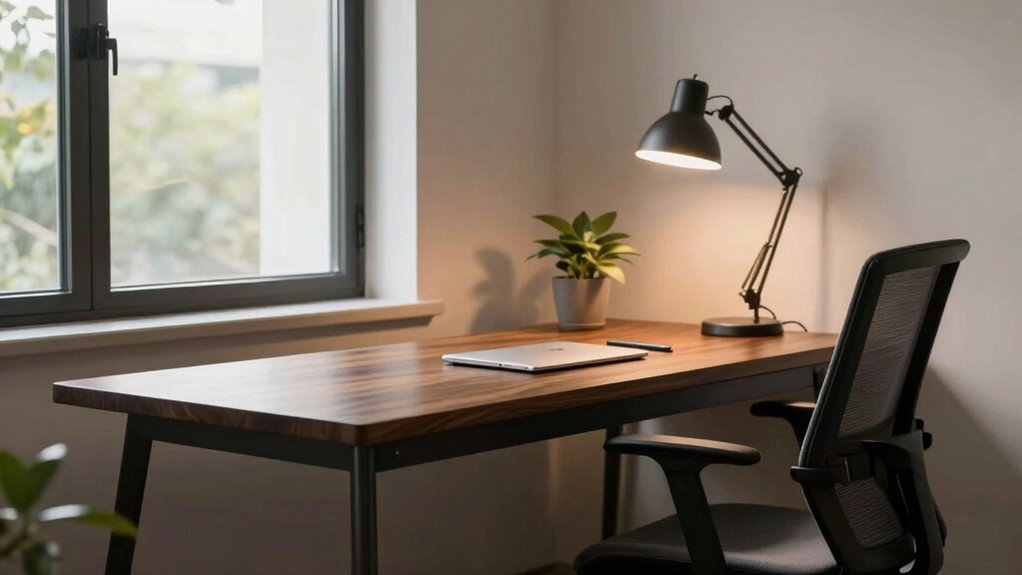
Have you ever wondered if your desk setup might be hurting your posture or causing discomfort? The way you position your desk can profoundly impact your focus, comfort, and even your health. Making simple ergonomic adjustments guarantees that your workspace supports your body, reduces strain, and boosts productivity. One of the first things to consider is the height of your desk and chair. Your feet should rest flat on the floor, with your knees at a 90-degree angle. Your elbows should be close to your sides and form roughly a 90-degree angle when your hands are on the keyboard. This setup minimizes shoulder and neck tension. Additionally, your monitor should be positioned directly in front of you, about an arm’s length away, with the top of the screen at eye level. This prevents you from tilting your head up or down, which can cause neck pain over time. Proper monitor placement is essential for ergonomic safety and reducing eye strain. Ensuring your workspace has adequate ambient lighting can also significantly improve focus and reduce fatigue. Ambient lighting plays an essential role in creating a workspace that promotes focus and reduces eye strain. Ideally, your lighting should be soft, diffused, and evenly distributed across your workspace. Natural light is best, so position your desk near a window if possible, but avoid glare on your screen. If natural light isn’t an option, use adjustable, indirect lighting such as a desk lamp with a shade or dimmable fixture. Keep the light source behind you or to the side to prevent reflections on your monitor. Proper ambient lighting reduces the need to squint or strain your eyes, allowing you to work comfortably for longer periods. It also helps balance the contrast between your screen and the surrounding environment, which is vital for maintaining your focus and reducing fatigue. Incorporating ergonomic principles into your workspace setup ensures that your environment supports your physical health and productivity. Beyond adjusting your desk height and lighting, think about the overall layout. Keep frequently used items within arm’s reach to avoid unnecessary stretching or twisting. Use ergonomic accessories like a supportive keyboard and mouse, and consider a wrist rest if needed. Regularly evaluate your posture throughout the day, making small adjustments as you notice discomfort creeping in. Sitting in the same position for too long can lead to stiffness, so take short breaks to stretch or walk around. Additionally, maintaining an organized workspace can prevent unnecessary strain and make your workflow more efficient. Incorporating laboratory equipment and chemical safety principles into your workspace setup can further enhance your ergonomic practices and safety awareness. Being mindful of workspace organization also helps prevent unnecessary strain and improves efficiency. Combining ergonomic adjustments with well-thought-out ambient lighting creates a workspace that supports your body and mind, helping you stay focused, comfortable, and healthy during your workday.
As an affiliate, we earn on qualifying purchases.
Frequently Asked Questions
How Does Desk Position Affect Posture and Back Health?
Your desk position directly impacts your posture and back health. Sitting too low or too high can cause strain, so an ergonomic chair helps maintain proper spinal alignment. Keep your keyboard placement at elbow height to reduce shoulder tension. Position your monitor at eye level to prevent neck strain. Proper desk setup encourages good posture, minimizes back pain, and boosts comfort during work, promoting long-term back health.
What Are the Best Desk Heights for Different Body Types?
Think of your desk as the foundation of your workspace kingdom. For different body types, the ideal desk height aligns with your ergonomic chair and keyboard placement. If you’re taller, raise your desk slightly to avoid slouching; if shorter, lower it for comfort. Your elbows should form a 90-degree angle, and your keyboard should be at elbow height, ensuring your wrist remains straight. This harmony boosts comfort and focus.
How Can I Reduce Glare on My Screen From Window Light?
To reduce glare from window light on your screen, first adjust your screen brightness to match your environment, preventing reflections from being too stark. Position your desk so that your monitor isn’t directly facing the window, ideally at a right angle, to minimize glare caused by window placement. Using an anti-glare screen filter can also help, and consider closing blinds or curtains during bright times for additional comfort.
Should My Desk Face the Window or Away From It?
Think of your desk as a ship steering through natural light; facing the window can cause glare, like waves crashing over your ship. To avoid this, position your desk perpendicular to the window, so natural light illuminates your workspace without causing glare or reflections. Proper desk orientation enhances focus, reduces eye strain, and makes your environment more comfortable. This way, you harness the benefits of natural light without sacrificing clarity and comfort.
How Often Should I Adjust My Desk Position During Work?
You should adjust your desk position as needed throughout the day to maintain ergonomic adjustments and promote good posture awareness. Regularly changing your setup helps prevent strain and fatigue, especially if you notice discomfort. Aim for small, frequent adjustments—every 30 to 60 minutes—to optimize comfort and focus. Listen to your body, and don’t hesitate to reposition your desk or monitor to stay aligned and comfortable during your work session.
Conclusion
Remember, your desk is like a boat on a calm sea—finding the right position keeps you steady and focused. I once adjusted my workspace, and suddenly, my concentration soared, like a lighthouse guiding a ship through fog. Small tweaks can make a big difference, illuminating your path to productivity. So, experiment with your setup until you find that perfect spot where light and focus come together, turning your workspace into a haven of efficiency.
Halloween Picks
halloween
As an affiliate, we earn on qualifying purchases.