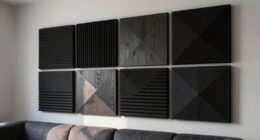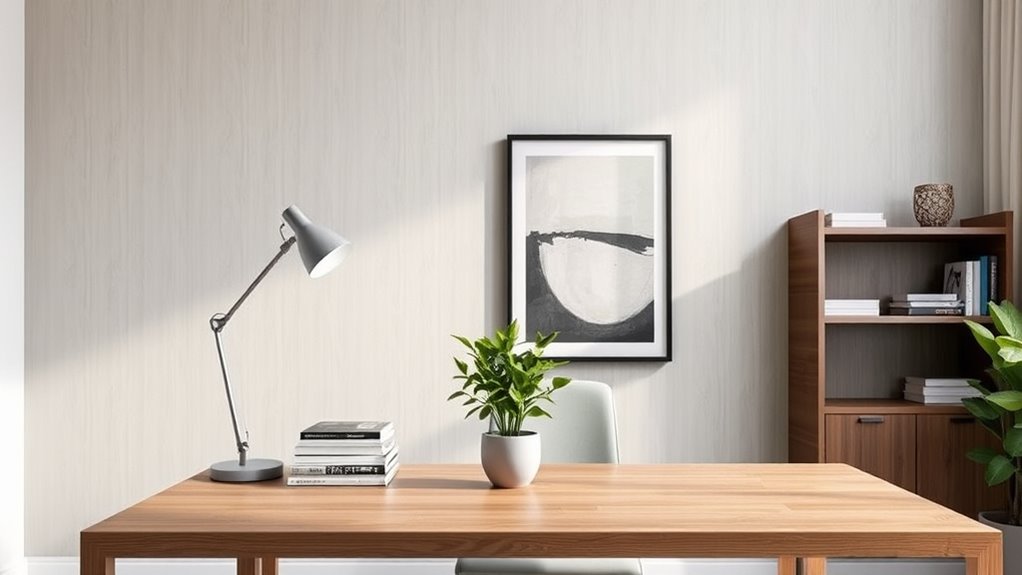

To create a Zoom-friendly background that looks professional, choose a clean, organized space with neutral or harmonious colors. Incorporate simple decor like framed pictures or plants to add personality without clutter. Use soft, even lighting to illuminate your face and avoid glare or harsh shadows. Keep distractions minimal by having a tidy background and positioning yourself centrally. A well-balanced setup will enhance your appearance and make a strong impression—keep going to discover more tips for perfecting your virtual space.
Key Takeaways
- Choose a tidy, uncluttered space with neutral or harmonious colors to maintain a professional appearance.
- Incorporate subtle decor like plants or framed pictures to add personality without distraction.
- Use soft, even lighting to enhance clarity and reduce shadows or glare on reflective surfaces.
- Position the camera to center your face with a clean background that supports your message.
- Avoid bright or neon colors; opt for simple, coordinated decor to ensure a polished, professional look.
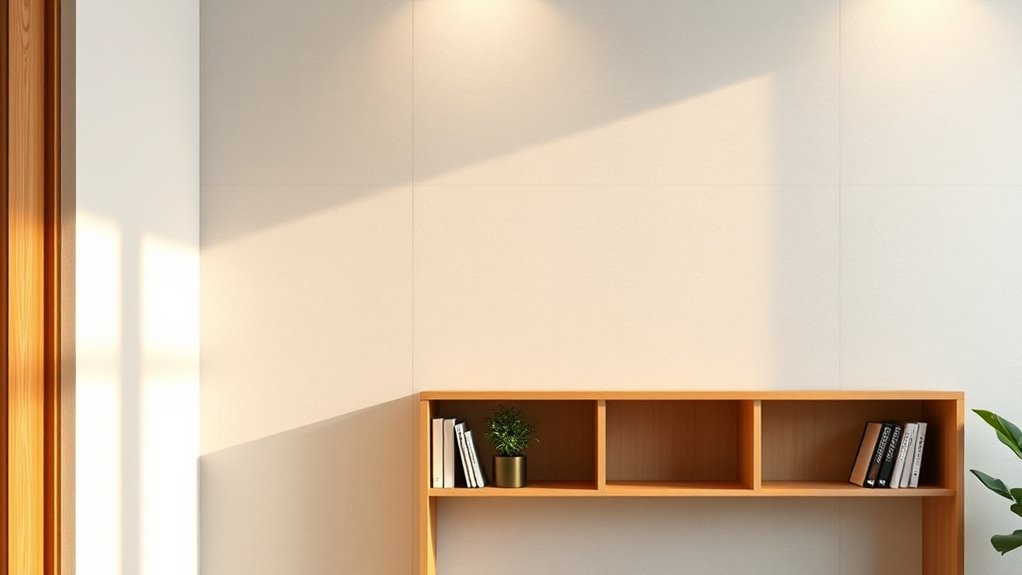
Since many of us are spending more time on video calls, creating a Zoom-friendly background has become essential. Your background is the first thing colleagues, clients, or classmates see, so it’s worth investing some thought into how it appears on camera. The right lighting setup can dramatically improve your overall look, making your face clear and vibrant without harsh shadows or glare. Natural light is ideal; position yourself near a window during the day, but avoid direct sunlight that causes overexposure. If natural light isn’t enough, invest in soft, diffused lighting like ring lights or softbox lamps. These give you even illumination, reducing shadows and highlighting your best features. Adjust the lights so they don’t cause glare on your glasses or reflect off shiny surfaces behind you, which can be distracting. Proper lighting techniques can make a significant difference in your video quality and professional appearance. Color coordination plays a vital role in making your background look professional and cohesive. Choose colors that complement your attire and don’t clash with your surroundings. Neutral tones like beige, gray, or soft pastels tend to look polished and unobtrusive. If you want a splash of personality, consider an accent wall or decorative items that add interest without overwhelming the scene. Avoid overly bright or neon colors that can distract viewers or distort color balance on camera. When selecting decor, keep it simple and intentional—cluttered backgrounds can look unprofessional and draw attention away from what you’re saying. Incorporate matching or harmonious hues in your decor, such as coordinated cushions, artwork, or plants, to create a unified look. This not only helps your background appear more organized but also shows attention to detail that enhances your overall presentation. Beyond lighting and color, think about the layout of your background. Position yourself so that your face is centered and the background isn’t too busy or distracting. Avoid placing yourself directly in front of a cluttered bookshelf or a messy desk—opt for a clean, orderly space that reflects professionalism. Adding a few well-chosen decorative elements, like a framed picture or a small plant, can also soften the scene and make it more inviting. Remember, the goal is to create a background that supports your message without overpowering it. With a thoughtful lighting setup and carefully coordinated colors, you can craft a Zoom environment that looks polished, professional, and true to your personal style.

Cyezcor Video Conference Lighting Kit, Ring Light for Monitor Clip On,for Remote Working, Distance Learning,Zoom Call, Self Broadcasting and Live Streaming, Computer Laptop Video Conferencing
【ADJUSTABLE TEMPERATURE AND BRIGHTNESS】Our video conference lights have 3 color temperatures (white light/warm light/natural light) which are 3200k-6800k,…
As an affiliate, we earn on qualifying purchases.
As an affiliate, we earn on qualifying purchases.
Frequently Asked Questions
How Can I Improve Lighting for My Zoom Background?
You can improve your Zoom lighting by adding soft, diffused lighting fixtures that eliminate harsh shadows. Position your light sources at eye level and use natural light whenever possible—set up near a window to brighten your background naturally. Avoid direct overhead lights, which can cast unflattering shadows. Combining natural light with well-placed lamps creates a balanced, professional look that enhances your background and keeps you well-lit during calls.
What Colors Work Best for a Professional Zoom Background?
Think of your background as a calm, steady river—choosing colors rooted in color psychology creates visual harmony and conveys professionalism. Opt for soft neutrals like beige, light gray, or pastel tones, which foster trust and focus. Avoid overly bright or chaotic colors that can distract. By selecting these calming hues, you craft an environment that supports clear communication and leaves a confident impression, much like a peaceful river guiding the eye effortlessly.
How Do I Minimize Distractions Behind Me?
You can minimize distractions behind you by keeping a neat desk and practicing clutter control. Clear away unnecessary items, leaving only a few essential or decorative pieces that look professional. Position yourself in front of a simple, clean background, and use soft lighting to highlight you rather than what’s behind you. Regularly tidy up your space before each call to ensure your background remains distraction-free and polished.
Can I Use Virtual Backgrounds Instead of Physical Decor?
Using virtual backgrounds is like painting a picture with digital tools—you can customize them to suit your style. You can choose from a variety of virtual background options or even customize digital backdrops to match your professional vibe. They’re a great alternative to physical decor, especially if space is tight or you want a quick change. Just make certain your lighting is good for the best results and avoid distracting animations.
What Are the Best Plants or Decor Items for a Professional Look?
You should choose plants like pothos or succulents for a professional look, placing them strategically in your background to avoid clutter. Opt for decor color schemes with neutral tones or subtle accents that complement your outfit and environment. Keep plant placement neat and balanced, ensuring they enhance rather than distract. This approach creates a polished, inviting setting that looks both professional and approachable on your Zoom calls.

Framed Neutral Abstract Wall Art, Large Modern Canvas Prints Paintings Artwork for Walls, Minimalist Earth Tone Abstract Pictures for Living Room Lounge Dining Bedroom Office Wall Decor 30×30 In
[Framed Wall Art]: This large 30×30 inch framed abstract wall art features layered earth tones including beige, tan,…
As an affiliate, we earn on qualifying purchases.
As an affiliate, we earn on qualifying purchases.
Conclusion
With the right decor, your Zoom background can transform into a professional masterpiece that captivates everyone you meet. When you choose sleek, clutter-free elements and add a touch of personality, you’ll create an environment so impressive, it could make even the most seasoned executives do a double take. Remember, your background isn’t just a setting — it’s your digital stage. Make it polished, inviting, and unforgettable, and watch your confidence soar to new heights!

Der Rose 16'' Fake Plants Artificial Potted Greenery Faux Plants for Office Desk Home Bathroom Decor
Package: 1 pack faux plant which has 12 beautiful taro Leaves, measures appr. 16" height in total ,…
As an affiliate, we earn on qualifying purchases.
As an affiliate, we earn on qualifying purchases.

Torjim Softbox Photography Lighting Kit, 16'' x 16'' Professional Softbox Lighting Kit with 85W 3000-7500K LED Bulbs, Studio Lights for Photography/Video Recording/Live Streaming/Portraits Shooting
【Illuminate Your Creativity】 Torjim softbox lighting kit is made of high-quality PET fabric and a foldable nylon cover,…
As an affiliate, we earn on qualifying purchases.
As an affiliate, we earn on qualifying purchases.