
To stop putting mesh Wi-Fi nodes in the wrong rooms, place your primary node centrally in your home and elevate it on shelves or high surfaces. Spread secondary nodes evenly, avoiding clutter, thick walls, or appliances that block signals. Keep nodes a good distance apart to prevent interference and make sure they’re within range of each other. Good placement boosts coverage and speed—learn more tips to optimize your setup for reliable Wi-Fi everywhere.

Get furniture and decor delivered free with Prime
- Fast, free delivery on millions of items
- Prime Video, Amazon Music and more included
- Member-only deals all year
Key Takeaways
- Place the primary node centrally in the home to maximize coverage and reduce dead zones.
- Avoid placing nodes in bedrooms or closets; instead, position them in open, high-traffic areas.
- Keep nodes away from thick walls, metal objects, and electronics to minimize interference.
- Elevate nodes on shelves or high surfaces for better signal distribution.
- Use signal strength tools to test and adjust node placement for optimal coverage throughout rooms.
mesh Wi-Fi signal strength tester
As an affiliate, we earn on qualifying purchases.
As an affiliate, we earn on qualifying purchases.
Where Should You Place Your Mesh Wi-Fi Nodes for the Best Coverage?

Have you ever wondered how to position your mesh Wi-Fi nodes for ideal coverage? The key is placing them in spots that minimize interference sources, like thick walls or large metal objects, which can weaken signals. Keep nodes central to your home while avoiding areas with high interference, such as near microwaves or cordless phones. Also, consider device compatibility; ensure your nodes are placed where all your devices can connect seamlessly without dropping service. Placing nodes too far apart can cause weak signals, so aim for distances that provide strong, consistent coverage. Additionally, understanding signal propagation helps you optimize node placement for maximum efficiency. Being aware of interference sources allows you to select optimal locations that enhance overall network performance. Proper network topology is essential for a robust mesh network, ensuring stability and speed across your entire home. By analyzing your home layout and existing obstacles, you can further refine node placement for better coverage and fewer dead zones. Remember, the right placement helps your network stay stable and fast, giving you the best experience without dead zones or frustrating slowdowns.
Common Mistakes When Setting Up Your Mesh Wi-Fi Network
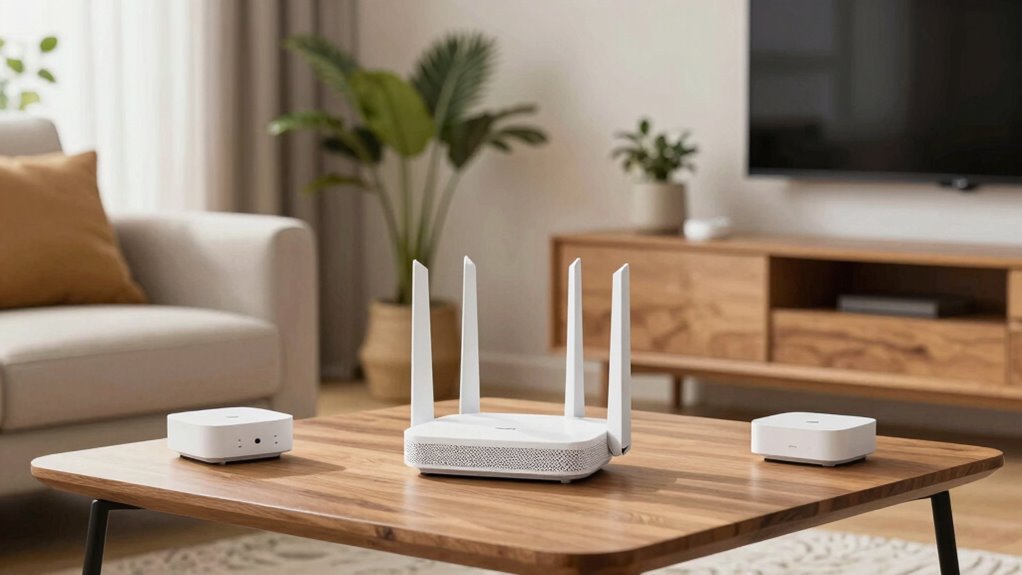
One common mistake when setting up your mesh Wi-Fi network is placing nodes too close together or too far apart. Poor router placement can cause dead zones or slow speeds. When nodes are too close, they may interfere with each other, reducing overall performance. Conversely, placing them too far apart weakens signal strength, forcing devices to connect to distant nodes or the main router. To optimize interference mitigation, position nodes at moderate distances, avoiding walls or large objects. Proper placement also involves considering signal propagation, ensuring that coverage remains strong throughout your space. Additionally, understanding mesh network topology can help you design an effective layout for your specific environment. Recognizing the importance of coverage optimization can make a significant difference in your network’s performance. Ensuring that nodes are positioned considering environmental factors such as furniture and building materials can further improve reliability. Here’s a quick reference:
| Placement Tip | Common Mistake | Effect |
|---|---|---|
| Keep nodes within range of each other | Too close, causing interference | Reduced network speed |
| Avoid placing nodes behind obstacles | Too far apart, weak coverage | Dead zones, slow speeds |
| Position nodes centrally in rooms | Poor router placement | Better coverage, less interference |
Proper placement guarantees seamless coverage and minimizes interference.
Top Tips for Positioning Your Mesh Nodes Effectively
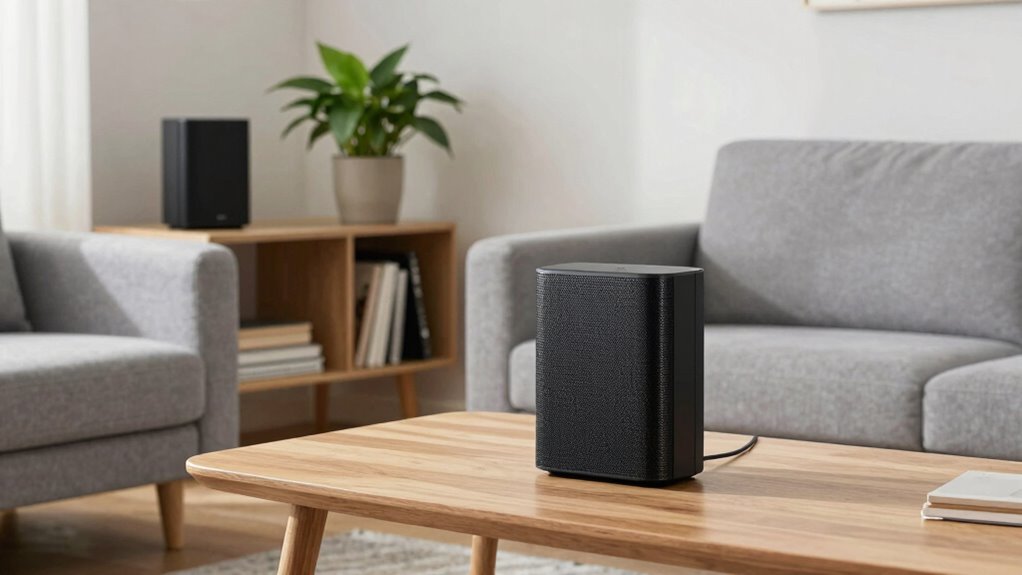
To get the best coverage, focus on placing your mesh nodes strategically around your home. Keep them away from thick walls and large metal objects that can block signals, and aim to position them centrally for even performance. Proper placement guarantees your network stays strong and reliable everywhere you need it. Additionally, understanding filter sizing/flow can help optimize your entire home’s connectivity by reducing potential interference and ensuring smooth operation of connected devices. Recognizing differences in nail biology can also be useful in maintaining healthy nails, which, like a well-functioning network, require proper care and precise positioning.
Optimal Node Placement Strategies
Positioning your mesh nodes strategically is essential for achieving ideal Wi-Fi coverage and performance. Effective mesh planning involves placing nodes where they can provide optimal coverage without overloading any single point. To ensure node balancing, position your primary node centrally and spread secondary nodes evenly throughout your space. Avoid clustering nodes together, which can cause interference and weak signals. Use the following table as a quick reference:
| Placement Tip | Explanation | Best Practice |
|---|---|---|
| Central Location | Maximize coverage and reduce dead zones | Place main node near the center |
| Elevate Nodes | Improve signal range and avoid obstructions | Use shelves or high surfaces |
| Avoid Obstructions | Minimize interference and signal loss | Keep away from thick walls |
| Even Spacing | Balance load for better performance | Space nodes at equal distances |
| Test & Adjust | Fine-tune placement for best results | Use signal strength tools |
Additionally, regularly monitor your network performance to identify and address any coverage gaps or interference issues.
Avoid Obstructive Barriers
Obstructive barriers like thick walls, large furniture, and appliances can considerably weaken your mesh Wi-Fi signals. These obstacles not only block signals but also introduce interference sources that disrupt connectivity. To maximize performance, position your nodes away from metal objects, microwaves, and other electronics that may cause interference. Keep in mind that device compatibility plays a role—some devices may struggle to maintain strong connections near certain barriers. Avoid placing nodes behind thick walls or inside cabinets, as these can create dead zones. Instead, find open spaces or areas with minimal obstructions. Proper placement ensures your mesh network remains resilient, providing consistent coverage and reducing signal degradation caused by physical barriers and interference sources. Additionally, understanding signal interference can help you identify and mitigate potential disruptions for a more reliable network. Being aware of environmental factors can further optimize your node positioning for peak performance.
Centralize for Coverage
Centering your mesh nodes in your home is key to achieving ideal coverage. When nodes are centrally located, they create a strong, consistent signal throughout your space. This setup not only enhances coverage but also improves mesh security by reducing dead zones where vulnerabilities could occur. Regular firmware updates keep your network secure and optimized, preventing potential breaches. To understand the importance of placement, consider this table:
| Placement Strategy | Benefits | Considerations |
|---|---|---|
| Centralized location | Better coverage, easier updates, security | Avoid obstructions, ensure ventilation |
| Near the main router | Improved backhaul performance | Prevent interference |
| Elevated position | Better signal distribution | Keep away from interference sources |
Use this approach to maximize coverage, security, and performance.
How Signal Strength Can Help You Find the Perfect Node Spots

By measuring signal strength, you can quickly spot weak spots in your Wi‑Fi coverage and understand where the signal drops. This helps you identify the best locations for your nodes, ensuring strong and consistent coverage. Strategically placing nodes based on signal insights maximizes your network’s performance and reliability. Additionally, understanding signal propagation can guide you in optimizing node placement for better overall coverage. Proper mesh network placement can significantly improve your Wi-Fi experience by reducing dead zones and buffering issues. Using a world clock tool to coordinate device placement timing can further optimize network performance in multi-room setups. Recognizing fundamentals of signal strength can help you anticipate how obstacles may affect your Wi-Fi and adapt your placement accordingly, which is crucial for outdoor survival gear to ensure reliable communication in remote environments.
Measuring Signal Strength Effectively
To find the best spots for your mesh Wi-Fi nodes, measuring signal strength accurately is essential. Signal testing helps you determine where your network performs best and where coverage drops off. Use apps or tools compatible with your devices to get reliable readings; device compatibility is key to consistent results. Walk around your space with your testing device, noting signal strength in different rooms and areas. Look for strong signals in the main zones and weaker ones near dead spots. Keep in mind that signal strength can fluctuate due to interference, so repeat tests for accuracy. Additionally, understanding your best vacuum models of 2024 can help you make informed decisions about your investments while optimizing your home network performance. Monitoring signal fluctuations over time can also reveal patterns that inform better node placement. Recognizing interference sources can further improve your testing accuracy and placement strategy. By consistently measuring and comparing signal levels, you’ll identify ideal node locations that maximize coverage and performance.
Identifying Weak Spots Quickly
Once you’ve measured signal strength in different areas, identifying weak spots becomes straightforward. Look for zones with consistently low readings, which may indicate wireless interference or device compatibility issues. These weak spots often signal where a node would be most effective. To help pinpoint the problem areas, consider the following:
| Signal Issue | Potential Cause |
|---|---|
| Weak signal in a room | Wireless interference or thick walls |
| Fluctuating signal | Device compatibility problems |
| Dead zones | Interference from other electronics |
| Slow speeds | Signal congestion |
| Unstable connection | Incompatible devices or interference |
Optimizing Node Placement Strategically
Using your signal strength measurements, you can strategically place nodes where they’re most needed, ensuring ideal coverage. To optimize placement, consider these key points:
- Prioritize high signal areas for nodes to boost mesh security and prevent dead zones.
- Avoid cluttered spaces that hinder aesthetics; sleek node designs blend seamlessly into your decor.
- Position nodes centrally in rooms to maximize coverage and reduce interference.
- Test signal levels after placement to fine-tune locations, ensuring consistent performance across your home.
Why Central Locations and Elevation Improve Mesh Wi-Fi Performance

Placing your Mesh Wi-Fi router in a central location guarantees that the signal evenly covers your entire space, reducing dead zones and weak spots. Elevating your router or nodes minimizes mesh interference caused by furniture, walls,, or appliances that can block signals. When your nodes are higher up, they communicate more effectively, improving overall performance. Proper placement ensures all nodes work together seamlessly, avoiding congestion and signal overlap that can degrade network quality. Additionally, choosing a location that balances aesthetics and function helps keep your nodes unobtrusive without sacrificing performance. Proper placement reduces the need for unnecessary repositioning later, saving you time and frustration. Overall, central locations and elevation optimize coverage, enhance stability, and keep your mesh network running smoothly.
Troubleshooting Dead Zones and Improving Your Mesh Setup
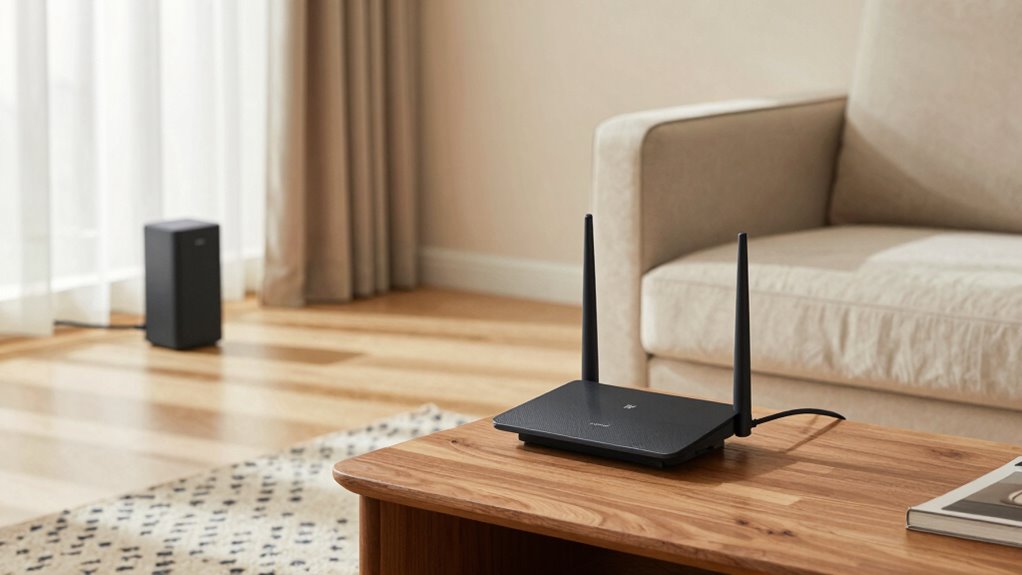
Dead zones can substantially weaken your mesh Wi-Fi’s effectiveness, but identifying and addressing them is key to optimizing your setup. First, check your mesh configuration to ensure nodes are correctly placed and interconnected. Second, perform firmware updates regularly—these can fix bugs and improve performance. Third, move nodes closer to areas with weak signals, avoiding obstructions. Fourth, run speed tests in problem zones to pinpoint issues. If dead zones persist, consider adding a dedicated node or repositioning existing ones for better coverage. Keep firmware current to benefit from improvements, and tweak your setup based on real-world testing. These steps help eliminate dead zones and enhance overall Wi-Fi reliability, ensuring smooth internet access throughout your space.
Why Thick Walls and Appliances Can Block Your Wi-Fi Signal

Thick walls and large appliances can substantially weaken your Wi-Fi signal because they act as barriers that absorb or reflect wireless waves. Building materials like concrete, brick, or metal are especially problematic, as they reduce signal strength and create dead zones. Appliances such as refrigerators, microwaves, or cordless phones can also serve as interference sources, disrupting your connection. These obstacles cause signal degradation by blocking or scattering the Wi-Fi signals, forcing your router’s coverage to weaken on the other side. When planning your mesh system, consider how these physical barriers impact placement. Avoid putting nodes behind thick walls or near large appliances, as these can diminish the overall network performance. Recognizing how building materials and interference sources affect your signal helps ensure better coverage and fewer dead spots.
Tools and Apps to Find the Best Places for Your Mesh Nodes

Using specialized tools and apps can make finding the most favorable spots for your mesh nodes much easier. These tools help identify areas with strong signal strength and minimal signal interference, ensuring your mesh network performs at its best.
Leveraging specialized tools ensures optimal placement of mesh nodes for maximum coverage and minimal interference.
Here are four ways to leverage these tools:
- Wi-Fi analyzers: Scan your home to detect dead zones and interference sources.
- Signal strength maps: Visualize coverage areas to pinpoint weak spots.
- Device testing apps: Measure real-time speeds and signal stability at potential node locations.
- Interference detectors: Identify competing signals that may disrupt your mesh network.
Using these tools, you can strategically place nodes in spots that maximize coverage, reduce signal interference, and enhance overall network reliability.
Frequently Asked Questions
How Often Should I Reposition My Mesh Wi-Fi Nodes?
You should reposition your mesh Wi-Fi nodes whenever you notice slow or inconsistent signals, typically every few months or if your home’s layout changes. Proper node placement is key to signal enhancement; place nodes in central, open areas away from obstructions and interference. Regular adjustments help maintain peak coverage, ensuring your network runs smoothly. Keep an eye on performance and don’t hesitate to tweak node placement for the best connectivity.
Can Different Mesh Systems Work Together Effectively?
Imagine a symphony where different instruments blend harmoniously. Some mesh systems can work together effectively if they’re device compatible, but others might struggle with signal interference. To guarantee smooth performance, check if your devices are compatible and avoid placing nodes too close, which can cause interference. When compatible, mixing systems can expand coverage, but mismatched setups may lead to frustration rather than harmony.
What Environmental Factors Affect Mesh Wi-Fi Performance?
Environmental factors like interference sources and signal attenuation can considerably impact your mesh Wi-Fi performance. Interference from devices such as microwaves or cordless phones disrupts the signal, causing slower speeds or drops. Signal attenuation, caused by walls, furniture, or floors, weakens the Wi-Fi signal as it travels. To improve coverage, position nodes away from interference sources and optimize placement to minimize obstacles, ensuring a stronger, more reliable connection throughout your space.
How Do I Know if My Mesh Network Is Overloaded?
Is your network struggling under the weight of too many devices? If your Wi-Fi slows down during peak times or streaming keeps buffering, your mesh network might be overloaded. Check for network congestion by monitoring device bandwidth usage—many routers have apps for this. If bandwidth is maxed out or multiple devices are competing, it’s time to upgrade or add more nodes to balance the load and restore smooth connectivity.
Are There Specific Room Types That Hinder Wi-Fi Signals More?
Certain rooms can hinder Wi-Fi signals more due to room-specific interference and building material challenges. Thick walls, especially those made of concrete or brick, weaken signals, while metal or mirrors reflect Wi-Fi waves, causing dead zones. Bathrooms with tile and moisture can also create interference. To improve coverage, place nodes away from these challenge areas and avoid placing them behind large metal objects or inside cabinets.
Conclusion
Think of your mesh Wi-Fi like a team of explorers charting a new world. Place your nodes wisely, aiming for central peaks and open spaces, and watch your signal soar like a kite catching the breeze. Avoid obstacles that act as Wi-Fi vampires draining your speed. With a little strategic positioning and the right tools, you’ll turn your home into a seamless digital highway—fast, reliable, and ready to conquer any online adventure.
Halloween Picks
halloween
As an affiliate, we earn on qualifying purchases.