
To guarantee your smart dimmer switch works well with LEDs and 3‑way wiring, you need to check compatibility with the specific bulbs and wiring setup. Look for dimmers that support LED bulbs, especially in 3‑way configurations, and verify they match your wiring type. Using compatible bulbs and correct wiring connections reduces flickering and buzzing. For best results, consider manufacturer guidance and troubleshooting tips—if you keep exploring, you’ll find how to install safely and get ideal performance.
Key Takeaways
- Ensure the smart dimmer explicitly supports LED bulbs and 3‑way wiring configurations before installation.
- Use dimmer switches designed for 3‑way circuits, often requiring auxiliary wiring or specific wiring configurations.
- Confirm that LED bulbs are dimmable and compatible with the smart dimmer to prevent flickering or buzzing issues.
- Verify proper wiring connections, including traveler wires in 3‑way setups, following manufacturer instructions for safe operation.
- Check that the smart dimmer’s wireless protocol and features match your home automation system for seamless integration.

Kasa Smart Dimmer Switch HS220, Single Pole, Needs Neutral Wire, 2.4GHz Wi-Fi Light Switch Works with Alexa and Google Home, UL Certified, No Hub Required, 1 Pack
App-Guided Install: The Kasa or Tapo app guides you through step-by-step setup. Requires neutral wiring and 2.4 GHz…
As an affiliate, we earn on qualifying purchases.
As an affiliate, we earn on qualifying purchases.
What Do You Need to Know About Smart Dimmer Compatibility?
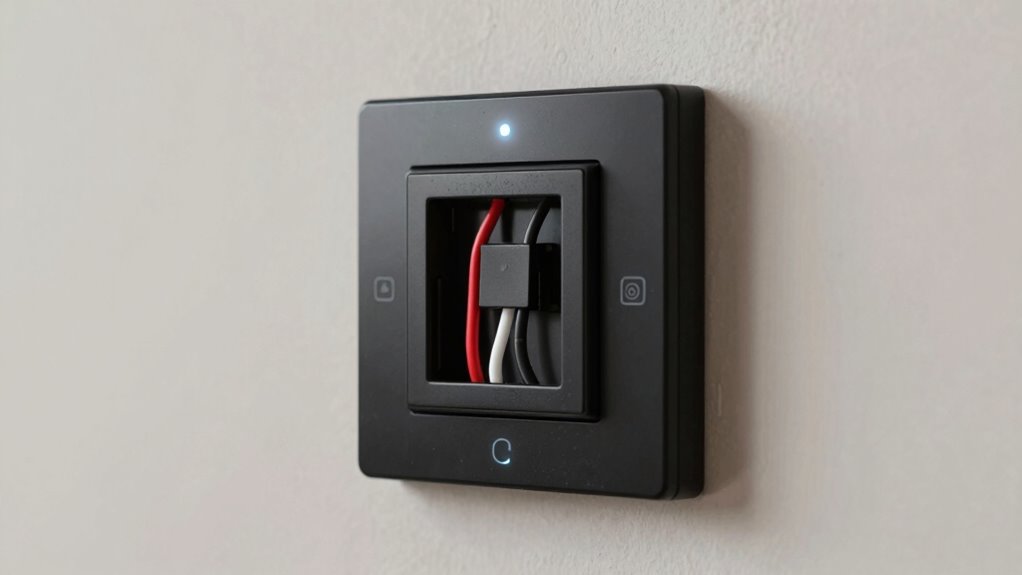
Before installing a smart dimmer switch, understanding its compatibility with your existing lighting setup is essential. First, consider the different dimmer switch types available, such as leading-edge and trailing-edge models, since not all work seamlessly with LEDs or CFLs. Compatibility depends on your bulbs and wiring, so check if your lights support dimming with smart switches. Additionally, consider how the switch will integrate into your smart home system. Some dimmers are designed specifically for smart home integration, allowing you to control lights via voice commands or apps. Ensuring your chosen dimmer switch type matches your lighting and smart home ecosystem will prevent issues like flickering or non-responsive controls, making your setup more reliable and efficient. Understanding dimmer types can help you select the best option for your specific needs, especially when considering compatibility with LED bulbs. An awareness of dimmer switch compatibility ensures a smooth and effective installation process.

Kasa Smart 3 Way Dimmer Switch KIT, Dimmable Light Switch Compatible with Alexa, Google Assistant and SmartThings, Neutral Wire Needed, 2.4GHz, ETL Certified, No Hub Required, White (KS230 KIT v2)
【3 WAY SMART DIMMER SWITCH】Replaces traditional 3-way switches found in living rooms, stairways, and hallways. Adjust lighting remotely…
As an affiliate, we earn on qualifying purchases.
As an affiliate, we earn on qualifying purchases.
Will Your LED Bulbs Work Smoothly With a Smart Dimmer?
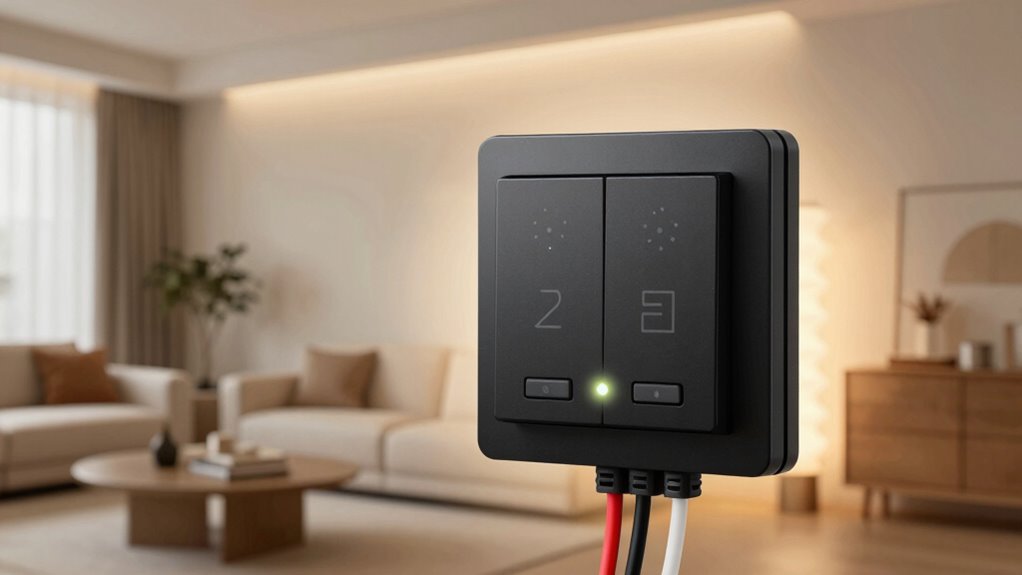
LED bulbs generally work well with smart dimmer switches, but compatibility isn’t guaranteed across all models. To guarantee smooth dimming and maximize LED bulb lifespan, choose compatible dimmer switch types designed for LEDs. Some dimmers may cause flickering or buzzing if they aren’t compatible, affecting performance and bulb longevity. Here’s a quick comparison:
| Dimmer Type | Compatibility with LEDs | Best for |
|---|---|---|
| Leading-edge | Limited, check specs | Incandescent-style bulbs |
| Trailing-edge | High, recommended for LEDs | Modern LED fixtures |
| Universal | Good for various bulbs | Versatile, multi-bulb setups |
Selecting the right dimmer switch type prevents issues and ensures your LEDs run smoothly, optimizing their lifespan. To help you make an informed choice, consider dimmer compatibility standards when selecting a switch. Understanding household electrical wiring can also help troubleshoot potential issues and ensure safe installation.

Leviton SureSlide Dimmer Switch for Dimmable LED, Halogen and Incandescent Bulbs, 6674-P0W, White
CONVENIENT – an easy way to create a big impact for a minimal cost and customize the light…
As an affiliate, we earn on qualifying purchases.
As an affiliate, we earn on qualifying purchases.
How Does 3‑Way Wiring Affect Smart Dimmer Performance?
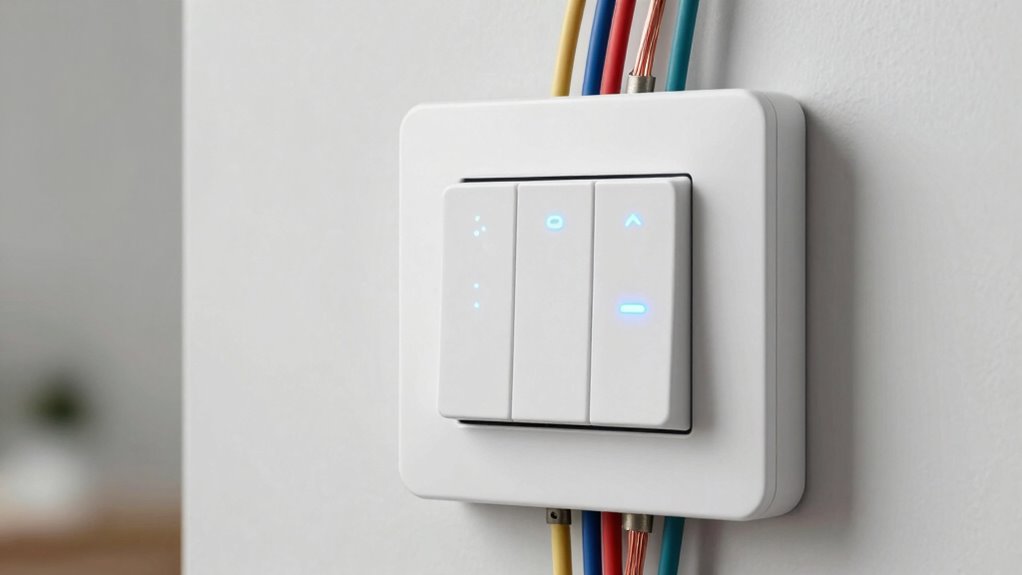
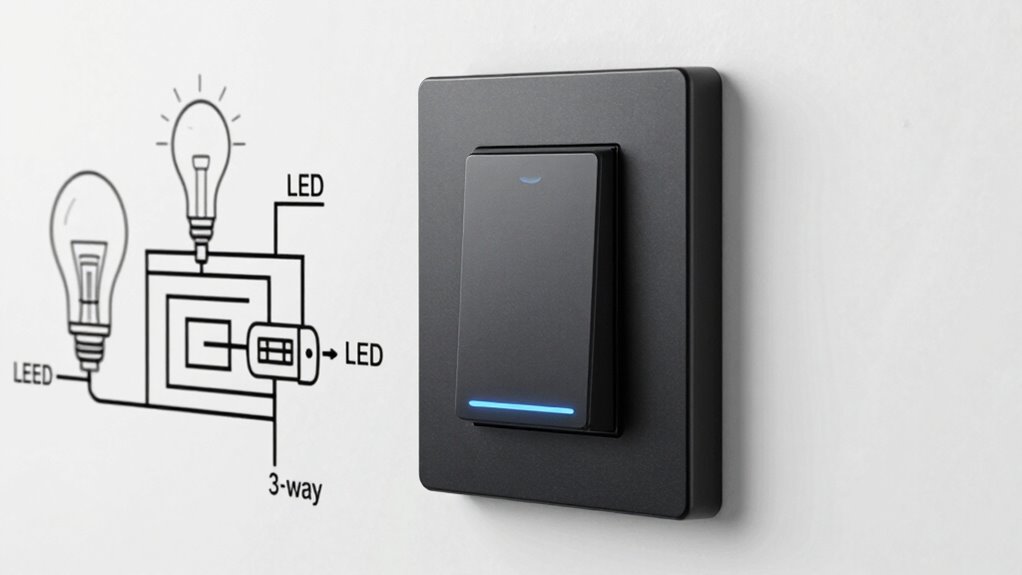
3‑way wiring adds complexity to installing smart dimmer switches, which can impact their performance. The 3 way wiring complexities often make smart dimmer integration more challenging, as you’ll need to verify that your smart dimmer is designed for 3‑way applications before installation. Proper understanding of your wiring can prevent issues and ensure reliable dimmer performance. The 3 way wiring complexities often make smart dimmer integration more challenging, as you’ll need to ensure compatibility with multiple switches controlling the same light. Traditional 3‑way setups use travelers and a different configuration than single-pole wiring, so not all smart dimmers support this wiring type out of the box. If your wiring isn’t compatible, the smart dimmer may not function correctly or may require extra accessories like a compatible switch or auxiliary wiring. Additionally, consulting resources about smart lock compatibility can provide insights into handling complex wiring scenarios effectively. Understanding the contrast ratio of your existing wiring setup can also help anticipate potential performance issues with smart dimmers. Being aware of wiring standards can further help you navigate compatibility issues with your smart dimmer. Recognizing these wiring configurations can significantly facilitate troubleshooting and proper installation.
Kasa Smart 3 Way Dimmer Switch KIT, Dimmable Light Switch Compatible with Alexa, Google Assistant and SmartThings, Neutral Wire Needed, 2.4GHz, ETL Certified, No Hub Required, White (KS230 KIT v2)
【3 WAY SMART DIMMER SWITCH】Replaces traditional 3-way switches found in living rooms, stairways, and hallways. Adjust lighting remotely…
As an affiliate, we earn on qualifying purchases.
As an affiliate, we earn on qualifying purchases.
How to Choose a Smart Dimmer That Fits Your Lighting and Wiring

Choosing a smart dimmer that suits your lighting setup and wiring requires careful consideration of compatibility and features. First, evaluate your lighting’s dimming technology—LED, incandescent, or halogen—as not all dimmers support every type. Check the wiring standards in your home, especially if you have older wiring or 3‑way circuits, to guarantee the dimmer is compatible. Look for models that specify support for your wiring configuration and light type. Some smart dimmers are designed for single-pole setups, while others handle multi-location controls. Confirm that the dimmer’s features match your needs, like scene settings or remote control. Making the right choice prevents flickering, buzzing, or installation issues, ensuring smooth operation and reliable dimming performance. Additionally, understanding environmental impact of tissue paper can inspire eco-friendly upgrades in your home, even in lighting choices.
Troubleshooting Common Compatibility Problems (Flickering, Buzzing, and More)
When your smart dimmer flickers or buzzes, it’s important to identify the root cause. You can often fix these issues by checking for incompatible bulbs or wiring problems. Ensuring your dimmer is properly matched to your setup can prevent future compatibility headaches. Additionally, selecting appropriate bedding can contribute to a more restful environment, complementing your overall comfort. Being aware of electrical wiring standards can help you troubleshoot and prevent wiring issues that cause flickering or buzzing. Understanding Free Floating concepts in electrical wiring can also assist in diagnosing and resolving common issues effectively. Moreover, being familiar with compatibility rules for LED bulbs and 3‑way wiring can help you avoid many common dimmer problems and improve overall performance. Understanding Mad Tasting techniques can also provide insights into achieving optimal performance from your dimmer switches.
Identifying Flickering Causes
Flickering lights are a common sign that your smart dimmer switch may be incompatible with your bulbs or wiring setup. To identify flickering causes, start by checking if your bulbs are compatible with the dimmer, as some LEDs or CFLs don’t work well with certain switches. Poor dimming performance often indicates a mismatch between the switch and bulb type. Review your wiring to ensure proper connections, especially in 3-way setups, since incorrect wiring can cause flickering. Consider installation tips like updating firmware or adjusting load settings on your dimmer. If flickering persists despite these steps, try swapping bulbs or testing the switch with different bulbs to isolate whether the issue stems from the switch, wiring, or bulbs themselves. Ensuring compatibility between smart dimmer switches and your lighting components is crucial for optimal performance. Additionally, understanding load types and how they interact with your dimmer can help prevent future issues. Being aware of compatibility rules can also help you select the right components and avoid troubleshooting headaches down the line. Recognizing specific compatibility issues early can save time and effort during installation and troubleshooting.
Furthermore, paying attention to manufacturer specifications can provide guidance on supported bulb types and wiring configurations, reducing the likelihood of problems.
Reducing Buzzing Noise
If flickering persists despite checking compatibility and wiring, buzzing noise can be be another sign of a mismatch between your smart dimmer switch and the bulbs or wiring setup. Buzzing often occurs when the dimmer’s dimming efficiency isn’t optimized for your bulbs, leading to vibrations in the components. To reduce buzzing noise, consider replacing incompatible bulbs with ones designed for dimming or switching to a dimmer with a higher load capacity. Improving compatibility can also enhance dimming efficiency, making your lighting smoother and more consistent. Additionally, reducing buzzing helps protect your bulb lifespan by minimizing electrical stress. Ensuring your wiring is secure and properly grounded can further decrease noise. Proper electrical safety measures are essential when making these adjustments to prevent potential hazards. Addressing these factors results in quieter operation and longer-lasting, better-performing lighting. Incorporating compatibility guidelines when selecting components is crucial for optimal dimmer performance and noise reduction.
Ensuring Compatibility Properly
Ensuring compatibility between your smart dimmer switch and your bulbs is essential for smooth operation and to prevent issues like flickering or buzzing. To achieve this, verify that your bulbs are dimmable and compatible with your switch. Proper dimmer switch installation is crucial, especially in a smart home setup. Use the following table to guide your choices:
| Bulb Type | Compatibility | Common Issue |
|---|---|---|
| Incandescent | Highly compatible | No flickering |
| LED | Check for dimmable label | Flickering or buzzing |
| CFL | Not always compatible | Flickering |
Always consult the manufacturer’s instructions and verify bulb compatibility to ensure seamless smart home integration and optimal performance.
Best Practices for Safe and Reliable Smart Dimmer Installation
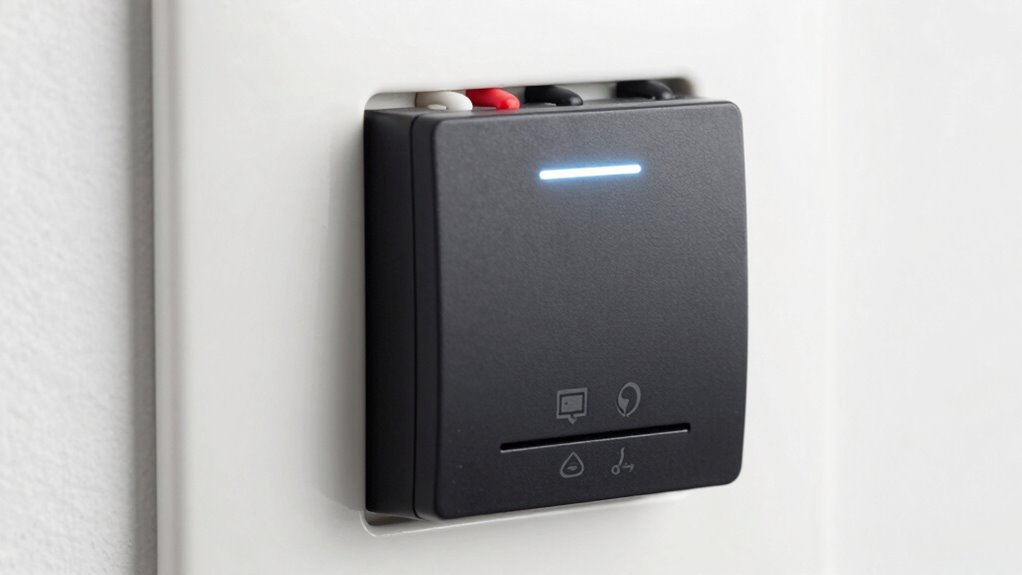
To guarantee your smart dimmer switch works safely and reliably, you need to follow proper wiring techniques and double-check compatibility with your existing fixtures. Using quality components is essential to prevent issues and extend the lifespan of your installation. Always prioritize these best practices to avoid potential hazards and ensure smooth operation.
Proper Wiring Techniques
Proper wiring is essential for the safe and reliable operation of your smart dimmer switch. Verify your wiring matches the manufacturer’s instructions, with correct connections for live, load, and neutral wires. Secure connections prevent flickering or failure, and proper grounding boosts safety. Good wiring also preserves your dimmer’s aesthetics, preventing unsightly visible wires or clutter. When selecting a dimmer, consider its wireless protocols to ensure seamless communication with your smart home system. Use high-quality tools and double-check connections before powering up. A tidy, well-executed setup enhances both safety and appearance. Remember, a smart dimmer installed correctly guarantees smooth operation and long-term durability.
| Safe Wiring | Reliable Performance | Elegant Look |
|---|---|---|
| Secure connections | Consistent dimming | Discreet wiring |
| Correct neutral | No flickering | Sleek aesthetics |
| Proper grounding | Long-lasting | Clean setup |
| Clear instructions | Seamless integration | Visually appealing |
Compatibility Checks Necessary
Before installing a smart dimmer switch, you need to verify that it’s compatible with your existing wiring and home network. Compatibility checks ensure the dimmer delivers maximum dimming performance and maintains bulb lifespan. Confirm that your bulbs are compatible with dimming functions, especially LEDs, which can flicker or have poor dimming if incompatible. Check that your wiring supports the dimmer’s requirements, including 3-way setups if applicable. Review the dimmer’s specifications for network compatibility with your smart home system. Failing these checks may lead to inconsistent dimming, flickering, or early bulb failure. Proper compatibility ensures safe operation, reliable performance, and preserves the longevity of your bulbs. Taking these steps now helps avoid costly troubleshooting and replacement later.
Use Quality Components
Using high-quality components is essential for guaranteeing your smart dimmer switch operates safely and reliably. When setting up your smart home lighting automation, invest in reputable switches and compatible wiring materials. Quality components minimize the risk of electrical issues, flickering, or dimmer failure over time. They also support seamless integration with your smart home system, providing consistent control and performance. Avoid cheap or generic parts that may not meet safety standards, as they can compromise your system’s reliability and safety. Properly rated switches and wiring ensure your lighting automation functions smoothly, reducing troubleshooting and maintenance. Prioritizing quality components helps you create a safer, more efficient smart home environment where your lighting works reliably and safely.
Frequently Asked Questions
Can Smart Dimmers Control Multiple Lighting Circuits Simultaneously?
Yes, smart dimmer switches can control multiple lighting circuits simultaneously through multi-zone control. They allow you to synchronize circuits, so you can adjust all connected lights at once for a uniform look or ambiance. To do this, you’ll need compatible smart dimmers designed for multi-zone control, and proper wiring setup. This feature simplifies managing multiple lighting areas, giving you centralized control and seamless circuit synchronization.
Are Smart Dimmers Compatible With Vintage or Non-Standard Wiring Setups?
Your vintage wiring is no match for some smart dimmers, but many models are compatible with non-standard setups. While older or non-standard wiring can pose challenges, select smart dimmers designed for retrofit or adaptable wiring. Always check the manufacturer’s specifications before installation, as some may require updates or additional components. With the right choice, you can effortlessly modernize your lighting without rewiring your entire home.
How Do Dimmer Settings Affect Energy Savings With LEDS?
Adjusting dimmer settings directly impacts energy efficiency. When you lower the dimming levels, you reduce the power consumed by LED bulbs, saving energy. The more you dim the lights, the less electricity they use, which lowers your energy bills and extends bulb lifespan. Keep in mind, ideal energy savings occur when you find a balance that maintains comfort while maximizing dimming levels, making your lighting more efficient overall.
Do Smart Dimmers Support Integration With Home Automation Systems?
Think of your smart dimmer as a friendly robot in your home. It supports integration with home automation systems, allowing you to control lights via voice control or custom programming. You can set scenes, automate schedules, and even sync with other devices. This makes managing your lighting effortless, giving you both convenience and a personalized experience, all with a simple voice command or a tap on your smartphone.
What Are the Limitations of Smart Dimmers in Outdoor or Damp Locations?
In outdoor or damp locations, smart dimmers face weatherproofing concerns and moisture resistance issues. You should choose dimmers specifically designed for outdoor use, as standard models may short-circuit or malfunction when exposed to moisture. Proper installation with weatherproof covers and sealed enclosures helps protect against humidity and rain. Without these precautions, your smart dimmer’s performance could be compromised, reducing its lifespan and reliability in outdoor environments.
Conclusion
Now that you understand the key compatibility rules, you’re ready to upgrade your lighting with confidence. But remember, even the best smart dimmer can surprise you with unexpected quirks. Are your bulbs truly compatible? Will those tricky 3-way setups perform flawlessly? Stay vigilant—testing and careful installation are your best tools. The perfect lighting experience awaits, but only if you’re prepared to navigate the subtle nuances lurking just beneath the surface. Are you ready to take that next step?