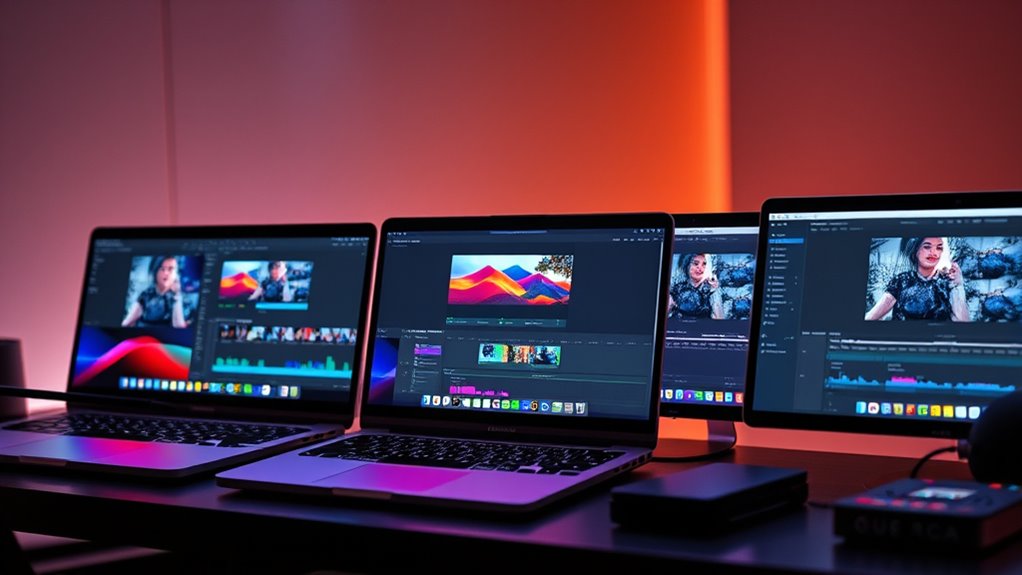

If you’re looking for the best MacBook Pro for video editing in 2025, I recommend models with the M4 Pro or M4 Max chips, high-resolution Liquid Retina XDR displays, and plenty of RAM—ideally 36GB or more. These machines deliver powerful processing, stunning visuals, and portability for on-the-go editing. Storage options vary, but 1TB SSDs are standard for handling large files. Stay with me, and I’ll show you the top picks tailored for your creative workflows.
Key Takeaways
- Models equipped with M4 Pro or M4 Max chips deliver powerful CPU and GPU performance for demanding video editing tasks.
- High-resolution Liquid Retina XDR displays with HDR support ensure vibrant visuals and accurate color grading.
- Battery life up to 24 hours and lightweight designs optimize portability for on-the-go editing workflows.
- Ample SSD storage options (512GB to 1TB+) and extensive connectivity ports support large files and external device integration.
- Premium build quality, ecosystem compatibility, and professional features cater specifically to creative video editors in 2025.
Apple 2024 MacBook Pro Laptop with M4 Pro
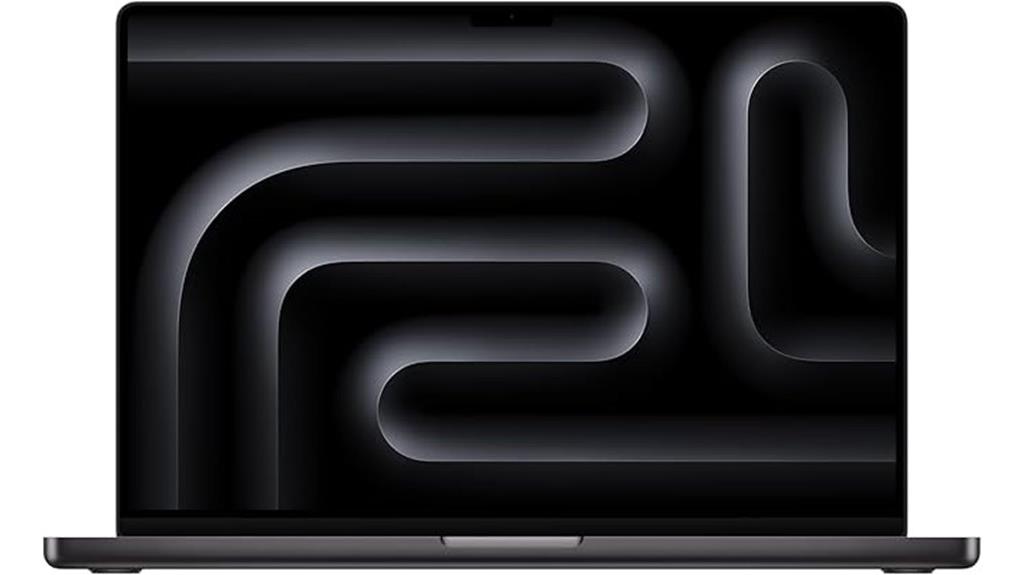
If you’re looking for a top-tier MacBook Pro that handles demanding video editing tasks with ease, the 2024 MacBook Pro with M4 Pro is an excellent choice. Its 16.2-inch Liquid Retina XDR display with 3456×2234 resolution and up to 1600 nits brightness delivers stunning visuals with true-to-life colors and HDR support. Powered by the M4 Pro chip, it offers a 14-core CPU, 20-core GPU, and a 16-core Neural Engine, making rendering and multitasking smooth. The device also features a comfortable Magic Keyboard, Touch ID, impressive battery life of up to 24 hours, and extensive connectivity options, making it perfect for professional video editing.
Best For: professionals and creatives who need a powerful, high-resolution laptop for demanding tasks like video editing, rendering, and multitasking.
Pros:
- Stunning 16.2-inch Liquid Retina XDR display with HDR support and up to 1600 nits brightness
- Powerful M4 Pro chip with a 14-core CPU and 20-core GPU for smooth performance
- Exceptional battery life of up to 24 hours, ideal for all-day work and media consumption
Cons:
- Hefty at 4.71 pounds, which may impact portability
- Premium price point may be a barrier for some users
- Limited upgradeability due to integrated design and high-end components
Apple 2024 MacBook Pro with M4 Max Laptop
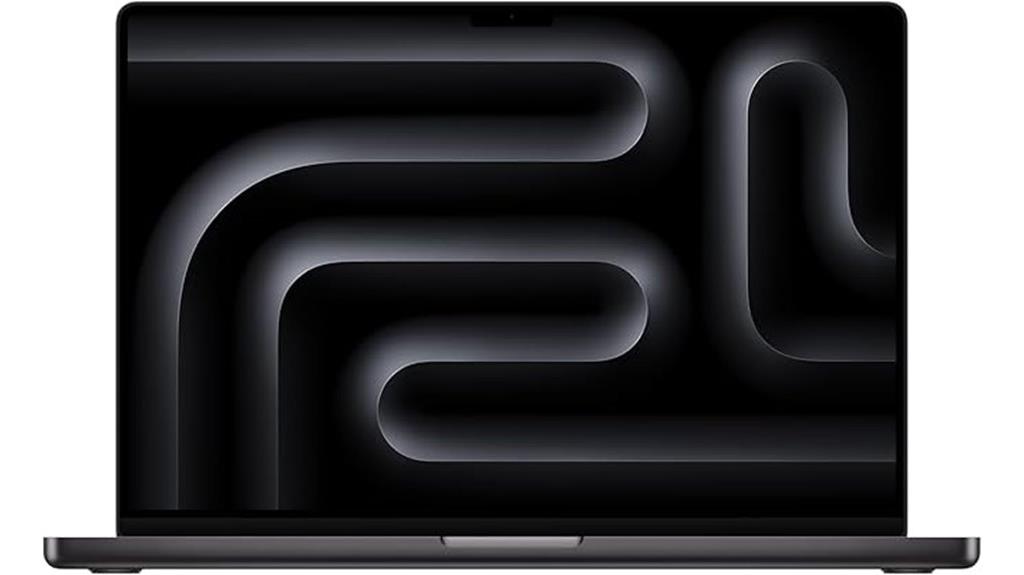
The Apple 2024 MacBook Pro with M4 Max is a powerhouse designed for professional video editors who demand top-tier performance. It features M4 Max chips with a 14-core CPU and 32-core GPU, tackling demanding workflows like 3D rendering and large code compilation effortlessly. The 16.2-inch Liquid Retina XDR display offers stunning visuals with up to 1600 nits peak brightness and a 1,000,000:1 contrast ratio, perfect for color grading and detailed editing. With 36GB of unified memory and 1TB SSD storage, it handles multitasking and large files smoothly. Seamlessly integrated into the Apple ecosystem, it combines power, visuals, and portability for demanding creative professionals.
Best For: professional video editors and creative professionals who require high-performance computing, stunning visuals, and seamless integration within the Apple ecosystem.
Pros:
- Exceptional processing power with M4 Max chip, ideal for demanding workflows like 3D rendering and large code compilation
- Stunning 16.2-inch Liquid Retina XDR display with high peak brightness and contrast, perfect for color grading and detailed editing
- Ample 36GB of unified memory and 1TB SSD support multitasking and large file handling efficiently
Cons:
- Premium price point may be prohibitive for some users
- Limited port selection could require additional adapters for peripherals
- Heavy and large design might reduce portability for on-the-go professionals
Apple MacBook Pro 14-inch Laptop with M4 Pro (512GB)
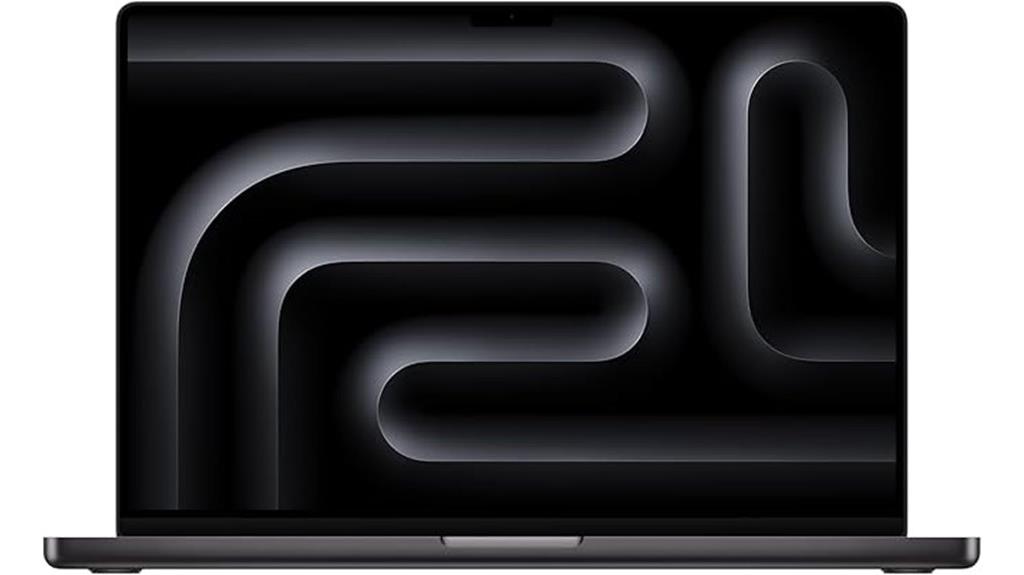
For those seeking a portable yet powerful option, the Apple MacBook Pro 14-inch Laptop with M4 Pro (512GB) stands out. It features a 14-core CPU, 20-core GPU, and 48GB of unified memory, making it ideal for demanding video editing tasks. The 512GB SSD offers fast storage, and the Liquid Retina XDR display provides vibrant visuals with peak brightness at 1600 nits and exceptional contrast. Despite its relatively compact size, it delivers impressive performance, stays cool during intensive workloads, and offers all-day battery life. Seamlessly integrating with the Apple ecosystem, this model balances portability with power, making it perfect for on-the-go professionals.
Best For: professionals and creatives who need a portable yet powerful laptop for demanding tasks like video editing, coding, and design on the go.
Pros:
- Compact 14-inch size offers excellent portability without sacrificing performance
- Equipped with high-performance M4 Pro chip, 48GB RAM, and fast 512GB SSD for demanding workflows
- Vibrant Liquid Retina XDR display with peak brightness of 1600 nits provides stunning visuals
Cons:
- Limited 512GB storage may fill up quickly with large files, requiring external drives
- Slightly less screen real estate compared to larger models, which may impact multitasking for some users
- Higher price point, making it a significant investment for users on a budget
Apple 2024 MacBook Pro Laptop with M4 Max
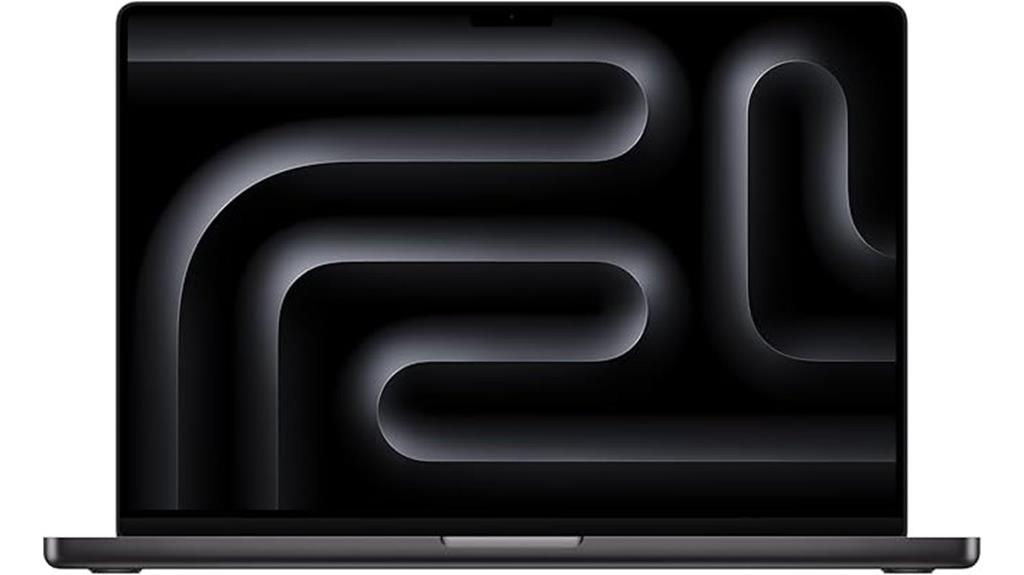
Powerful and versatile, the 2024 MacBook Pro with M4 Max is tailor-made for professional video editors who demand top-tier performance. It features the robust M4 Max chip with a 16-core CPU and 40-core GPU, handling complex workflows like rendering 3D scenes and processing large video files with ease. The 16.2-inch Liquid Retina XDR display delivers stunning visuals with up to 1600 nits peak brightness and a 1,000,000:1 contrast ratio, perfect for detailed editing. With 48GB of unified memory, 1TB SSD storage, and all-day battery life, this MacBook Pro combines power, clarity, and portability for demanding creative work.
Best For: professional video editors and creative professionals demanding high performance, stunning visuals, and seamless multitasking capabilities.
Pros:
- Exceptional performance with M4 Max chip, ideal for rendering complex 3D content and processing large video files
- Bright, vibrant 16.2-inch Liquid Retina XDR display with high contrast and peak brightness for detailed editing
- Large 48GB unified memory and 1TB SSD support multitasking and large file handling effortlessly
Cons:
- Premium price point may be costly for some users
- Limited port options could require additional adapters for peripherals
- The sleek design and powerful hardware may impact portability slightly due to weight
Apple 2024 MacBook Pro Laptop with M4 Max (14.2-inch Liquid Retina XDR, 36GB RAM, 1TB SSD, Space Black)
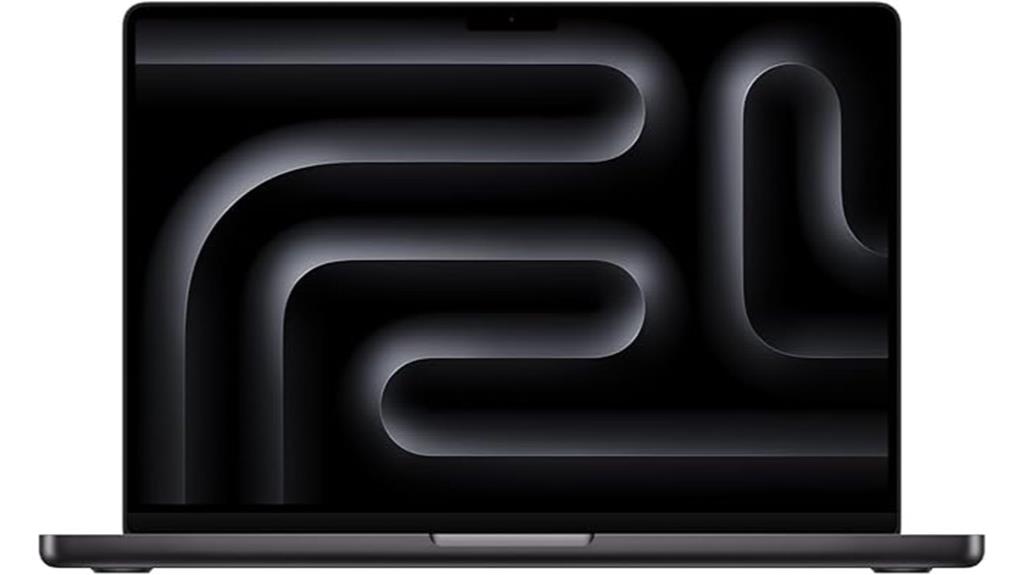
If you’re serious about professional video editing, the 2024 MacBook Pro with M4 Max stands out thanks to its stunning 14.2-inch Liquid Retina XDR display and 36GB of RAM, ensuring smooth performance even with demanding workflows. Its vibrant, high-brightness screen supports true colors and HDR content, making editing precise and immersive. Powered by the M4 Max chip, it offers a 14-core CPU, a 32-core GPU, and advanced media engines for efficient rendering and encoding. The 1TB SSD provides fast storage, while the Space Black aluminum chassis includes essential ports like HDMI, SDXC, and MagSafe, balancing power, portability, and connectivity.
Best For: creative professionals and video editors who require a powerful, portable, and high-resolution device for demanding workflows.
Pros:
- Stunning 14.2-inch Liquid Retina XDR display with true color and HDR support for precise editing
- Powerful M4 Max chip with a 14-core CPU, 32-core GPU, and advanced media engines for efficient rendering
- Long-lasting battery life of up to 18 hours and extensive connectivity options including HDMI, SDXC, and Thunderbolt ports
Cons:
- Premium price point may be prohibitive for some users
- Slightly heavy at 3.56 pounds, which may affect portability during extended use
- Limited to 36GB of RAM in this configuration, which might be insufficient for extremely intensive tasks requiring more memory
Apple 2024 MacBook Pro Laptop with M4 Chip
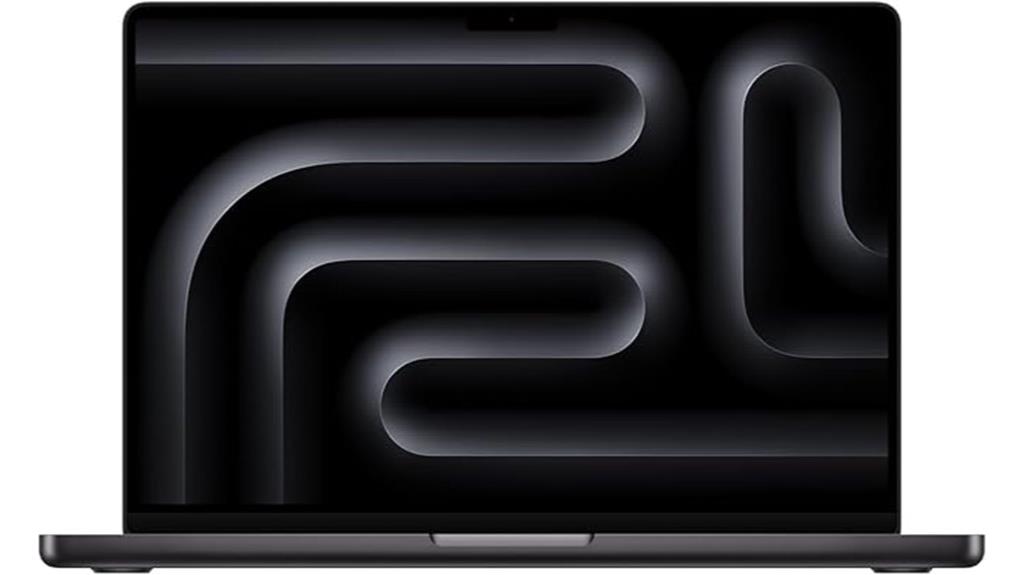
The Apple 2024 MacBook Pro with M4 chip stands out as an ideal choice for video editors who demand top-tier performance in a portable package. Its 10-core CPU, 10-core GPU with ray tracing, and 16-core Neural Engine deliver blazing speeds, handling multitasking, heavy workflows, and app launches effortlessly. Hardware-accelerated media engines support H.264, ProRes, and RAW, ensuring smooth video encoding and decoding. The 14.2-inch Liquid Retina XDR display offers stunning visuals with vibrant colors and deep contrast, while the lightweight design (3.41 pounds) and all-day battery life make it perfect for editing on the go.
Best For: creative professionals and video editors seeking a powerful, portable MacBook Pro with top-tier performance and stunning display quality.
Pros:
- Exceptional processing power with 10-core CPU and GPU, ideal for heavy workflows and multitasking
- Vibrant 14.2-inch Liquid Retina XDR display with high contrast and color accuracy, perfect for creative work
- Long-lasting battery life up to 24 hours and lightweight design for portability on the go
Cons:
- Space Black finish may show fingerprints and smudges easily
- Premium price point may be a barrier for casual users or those on a budget
- Limited to macOS, which might not suit users needing Windows-specific software
Apple 2024 MacBook Pro Laptop with M4 Pro
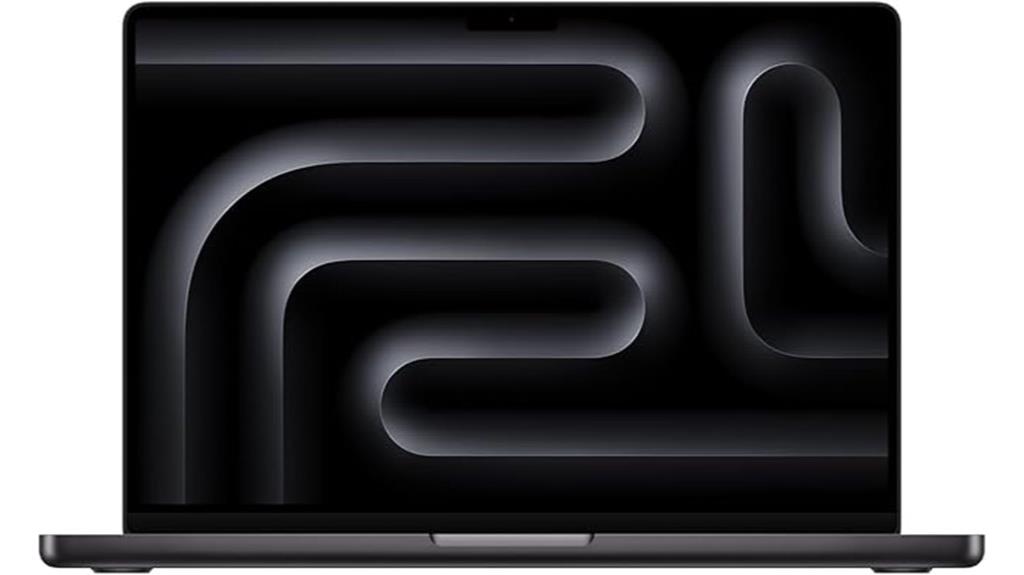
For creative professionals who need a portable yet high-performance machine, the Apple 2024 MacBook Pro with M4 Pro is an excellent choice. It features a stunning 14.2-inch Liquid Retina XDR display with up to 1600 nits peak brightness and a high contrast ratio, ensuring vivid visuals. Powered by the M4 Pro chip with a 12-core CPU and 16-core GPU, it handles demanding tasks like coding and video editing with ease. Weighing just 3.52 pounds and offering all-day battery life, it seamlessly integrates into the Apple ecosystem, making it perfect for on-the-go creators who demand power, performance, and portability.
Best For: creative professionals and on-the-go users who need a powerful, portable MacBook with a stunning display and seamless Apple ecosystem integration.
Pros:
- Exceptional 14.2-inch Liquid Retina XDR display with high brightness and contrast for vivid visuals
- Powerful M4 Pro chip with a 12-core CPU and 16-core GPU capable of handling demanding creative tasks
- Lightweight design at 3.52 pounds with all-day battery life for portability and extended use
Cons:
- Limited storage options starting at 512GB may not suffice for large media files
- Premium price point typical of high-end Apple laptops
- Limited ports; reliance on Thunderbolt and USB-C connections may require adapters for some peripherals
Apple 2024 MacBook Pro 14-inch with M4 Max Processor

Powerful enough to handle the most demanding video editing projects, the Apple 2024 MacBook Pro 14-inch with M4 Max processor stands out as a top choice for professionals seeking top-tier performance. It features a 14-core CPU, 32-core GPU, and up to 36GB of unified memory, making multitasking and rendering seamless. The 14.2-inch Liquid Retina XDR display with ProMotion supports HDR content, offering vivid colors and high contrast. Its battery lasts up to 18 hours, and it offers a versatile array of ports, including Thunderbolt 5, HDMI, and SDXC. This sleek, lightweight device combines power, efficiency, and portability for advanced video editing workflows.
Best For: creative professionals, video editors, and developers seeking powerful, portable performance with professional-grade display and connectivity.
Pros:
- Exceptional performance with M4 Max chip, ideal for demanding tasks like video editing and 3D rendering
- Stunning 14.2-inch Liquid Retina XDR display with ProMotion for smooth, vivid visuals
- Long battery life of up to 18 hours and versatile port selection including Thunderbolt 5 and HDMI
Cons:
- Premium price point may be cost-prohibitive for some users
- Black (Space Black) finish shows fingerprints easily, requiring frequent cleaning
- Slightly limited upgradeability due to integrated components and fixed storage options
Apple 2023 MacBook Pro with M3 Max (16-Inch, 36GB RAM, 1TB SSD, Space Black, Renewed)
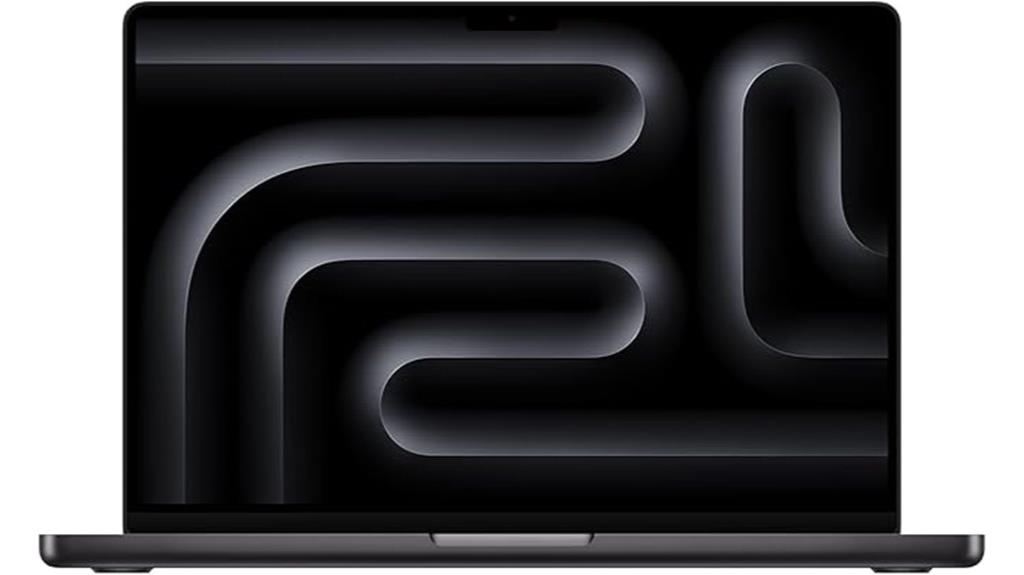
If you’re serious about video editing and need a machine that can handle demanding workflows, the Apple 2023 MacBook Pro with M3 Max is an excellent choice. It features a 16-inch display, a powerful 4.05 GHz processor with 14 cores, and integrated 30-core GPU graphics, ensuring smooth rendering and multitasking. With 36GB of RAM and 1TB SSD storage, it offers ample speed and capacity for large files. Although pre-owned and renewed, it’s been professionally inspected, with a battery exceeding 80% capacity. Its sleek Space Black design, combined with Mac OS, makes it a reliable, portable powerhouse for professional video editing.
Best For: video editors and creative professionals who need a powerful, portable machine capable of handling demanding workflows and large files with ease.
Pros:
- High-performance M3 Max chip with 14 cores and 30-core GPU for smooth rendering
- Ample 36GB RAM and 1TB SSD for multitasking and storage of large media files
- Professionally inspected and tested, with a battery capacity exceeding 80%
Cons:
- Pre-owned and not Apple-certified, which may affect resale value
- Comes in a generic box with non-original accessories
- Heavier at 7.1 pounds, which may impact portability for some users
Apple 2024 MacBook Pro with M4 Max Chip, 16-inch, 36GB RAM, 1TB SSD, Silver (Renewed)
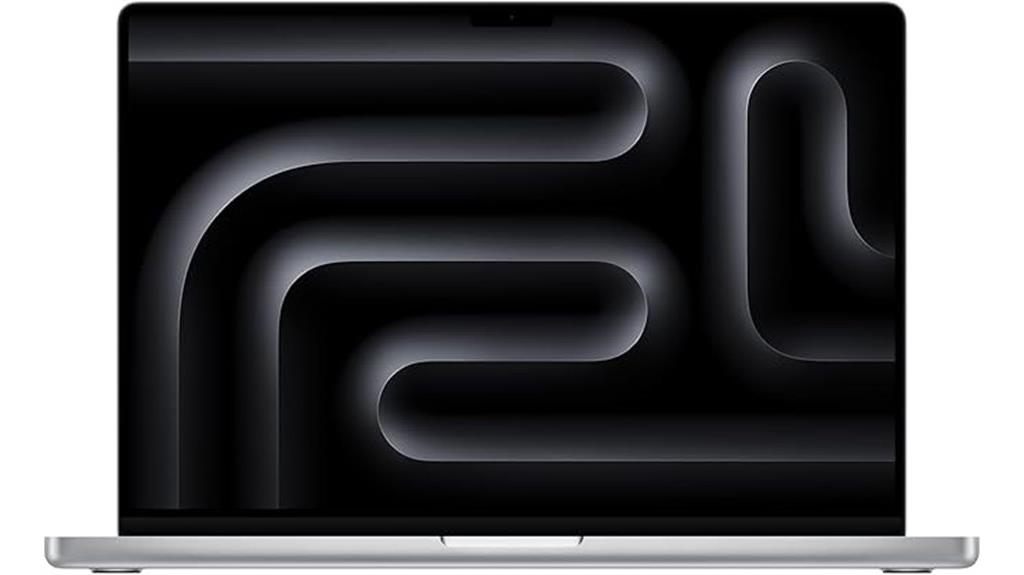
The Apple 2024 MacBook Pro with the M4 Max chip stands out as an ideal choice for video editors who demand top-tier performance and extensive multitasking capabilities. Its 16-inch Liquid Retina XDR display delivers stunning visuals with up to 1600 nits peak brightness and a 1,000,000:1 contrast ratio, perfect for color grading and detailed editing. Equipped with 36GB of RAM and a 1TB SSD, it handles complex workflows smoothly, whether rendering 3D projects or multitasking across apps. Its sleek, renewed silver design weighs just 4.73 pounds, offering portability without sacrificing power. Seamless integration with other Apple devices and robust privacy features make it a versatile, reliable tool for professional video editing.
Best For: creative professionals and power users seeking a portable, high-performance laptop for demanding tasks like video editing, 3D rendering, and multitasking.
Pros:
- Exceptional 16-inch Liquid Retina XDR display with high brightness and contrast for vivid visuals
- Powerful M4 Max chip with 36GB RAM and 1TB SSD ensures smooth multitasking and complex workflows
- Seamless integration with Apple ecosystem and robust privacy features for enhanced user experience
Cons:
- Premium price point, even in renewed condition, may be costly for some users
- Heavier than smaller laptops, which might affect portability for some users
- Limited upgradeability due to its sleek, integrated design
Factors to Consider When Choosing a Macbook Pro for Video Editing
When choosing a MacBook Pro for video editing, I focus on several key factors that impact performance and workflow. The display quality and size affect how accurately I can edit, while processing power and GPU determine how smoothly the software runs. Additionally, RAM, storage, battery life, and ports all play essential roles in ensuring the laptop meets my editing needs efficiently.
Display Quality and Size
Choosing the right display size and quality is vital for effective video editing on a MacBook Pro. A larger screen, like 14.2 or 16.2 inches, offers more space for detailed timelines and precise adjustments. High-resolution Liquid Retina XDR displays with at least 3024×1964 pixels deliver sharp, clear visuals, making it easier to spot subtle editing nuances. Support for a billion colors and the wide P3 color gamut ensures accurate color grading and vibrant visuals, essential for professional work. Features like ProMotion with 120Hz refresh rates provide smooth playback, especially with high frame rate footage. Additionally, peak brightness up to 1600 nits and high contrast ratios enhance HDR editing, delivering vivid highlights and deep blacks that bring your projects to life.
Processing Power and GPU
A powerful CPU with multiple cores is vital for smooth video editing, especially when working with complex timelines and effects. I recommend at least a 14-core processor to handle demanding tasks efficiently. A dedicated or high-performance integrated GPU, such as a 20-core or 40-core model, can dramatically speed up rendering and effects processing. Hardware-accelerated media engines are also essential, as they support decoding and encoding popular formats like ProRes, HEVC, and H.264, which cuts down export times considerably. Adequate RAM—ideally 32GB or more—ensures smooth multitasking and high-resolution media handling. When combined, a robust GPU and CPU with ample memory bandwidth allow for real-time playback and editing of 4K or higher footage without lag, making your workflow seamless and efficient.
RAM and Storage Capacity
Building on processing power and GPU considerations, RAM and storage capacity play a vital role in optimizing your video editing workflow. I recommend at least 16GB of RAM to guarantee smooth multitasking and handle large video files without lag. For more demanding projects, 32GB or more can considerably improve real-time playback and timeline responsiveness, especially with 4K or higher resolution footage. Storage-wise, opting for 512GB or larger SSDs provides ample space for raw footage, project files, and high-resolution media, reducing the need for external drives. Fast SSD storage also speeds up load times and rendering processes, making your workflow more efficient. Balancing RAM and storage based on your project complexity is essential to avoid bottlenecks and maintain seamless editing performance.
Battery Life Durability
Long battery life is vital for video editing on a MacBook Pro because it allows me to work for extended periods without constantly seeking out power sources. High-capacity batteries, typically 72Wh or more, can support up to 18-24 hours of video playback, making all-day editing feasible. Efficient power management in macOS helps maximize battery longevity, even during demanding tasks. However, the battery’s durability can decline over time, so choosing models with high initial battery health is essential for sustained performance. Fast-charging capabilities are also beneficial, as they enable quick recharges and minimize downtime during intensive projects. Overall, a MacBook Pro with durable, high-capacity batteries ensures reliable, long-lasting performance, keeping me productive throughout extended editing sessions without interruption.
Port Selection and Connectivity
When selecting a MacBook Pro for video editing, prioritizing port selection and connectivity guarantees a smooth workflow. I look for models with multiple Thunderbolt 4 or Thunderbolt 5 ports to ensure fast data transfer and support for several external displays. An HDMI port supporting 8K resolution is vital for connecting professional monitors and previewing high-quality footage. I also verify the presence of an SDXC card slot, which allows direct importing from cameras without adapters, saving time. A high-impedance headphone jack is essential for accurate audio monitoring during editing. Lastly, I consider the overall port variety and placement to make connecting external drives, displays, and audio equipment effortless, minimizing the need for adapters and maximizing efficiency during intensive editing sessions.
Software Compatibility and Ecosystem
Choosing a MacBook Pro for video editing isn’t just about ports and hardware; software compatibility and the Apple ecosystem play a crucial role in ensuring a smooth workflow. macOS supports key editing software like Final Cut Pro, Adobe Premiere Pro, and DaVinci Resolve, all optimized for Apple Silicon. Compatibility with industry-standard codecs such as ProRes, HEVC, and AV1 is vital for seamless editing, thanks to hardware-accelerated media engines. The ecosystem’s integration with iCloud, AirDrop, and Continuity makes transferring media files and project data effortless across iPhone, iPad, and Mac devices. Additionally, support for external displays via Thunderbolt and HDMI ports allows multi-monitor setups for better workflow and high-res output. Compatibility with external GPUs, calibrated monitors, and professional audio gear further enhances the editing experience within the Apple ecosystem.
Portability and Design
Portability and design are essential factors when selecting a MacBook Pro for video editing, especially if you frequently work on the go. A slimmer, lighter model makes carrying your setup easier, which is crucial for traveling professionals. The size and weight directly affect how comfortably you can transport your laptop without sacrificing performance. A compact design with a sturdy yet lightweight chassis ensures durability while maintaining portability. The placement and size of ports—like USB-C, HDMI, and SDXC card slots—are also critical, as they determine how seamlessly you connect external devices remotely. Plus, a well-balanced design that offers a large, high-resolution display in a portable form allows for immersive editing without the bulk of traditional desktops. Overall, the right design enhances both convenience and efficiency.
Frequently Asked Questions
How Does Battery Life Impact Long Editing Sessions?
Battery life is essential during long editing sessions because it determines how long I can work without needing to plug in. A longer-lasting battery means I can focus on my project without interruptions, especially when working remotely or on the go. It also helps prevent workflow disruptions and reduces the need to carry extra chargers. Overall, good battery life boosts my efficiency and keeps my creativity flowing smoothly.
Are Older Macbook Pro Models Still Viable for 2025 Video Editing?
Are older MacBook Pro models still viable for 2025 video editing? I’d say yes, but with caution. They can handle lighter projects and less complex editing, but as software demands grow, their performance may lag behind newer models. If you’re on a budget or have basic needs, an older Mac can still serve well. Otherwise, investing in a recent model guarantees smoother workflows and future-proofing.
What External Accessories Enhance Macbook Pro Editing Performance?
If you want to boost your MacBook Pro’s editing performance, I recommend adding an external SSD for faster storage, a high-quality external monitor for accurate color grading, and a USB-C hub to connect multiple devices seamlessly. I also use a good pair of headphones for audio editing and consider a portable GPU if you’re working on intensive projects. These accessories make editing smoother and more efficient.
How Does Display Calibration Affect Color Grading Accuracy?
Display calibration is vital for color grading accuracy because it ensures the colors you see on screen match real-world colors. When I calibrate my MacBook Pro, it helps me make precise adjustments, avoiding color shifts or inaccuracies. This process guarantees that my final video looks consistent across different devices and platforms. Without proper calibration, I risk misrepresenting colors, which can compromise the quality of my work and client satisfaction.
Is Upgradability a Concern in Macbook Pro Models for Video Editing?
Upgradability isn’t really a concern with MacBook Pro models for me, and probably for you too. Apple designs these laptops with a focus on sleekness and performance, which means most components are soldered in. While this limits upgrades, it ensures better reliability and longevity. Honestly, I prefer investing in a powerful machine upfront, knowing I won’t need to tinker with hardware later—saving time and hassle.
Conclusion
Choosing the right MacBook Pro for video editing is like selecting a paintbrush—precision matters. Whether you opt for the sleek portability of a 14-inch or the powerhouse of a 16-inch model, it’s about balance. Imagine a compact tool slipping into your bag versus a robust machine ready to tackle complex projects. In the end, it’s about visualizing your workflow and matching it with a device that offers both power and portability seamlessly.